Garment accuracy
Preserve silhouette, color, fabric, closure, print, length, sleeves, neckline, seams, and included accessories.
Use Rewarx to turn real garment photos into premium try-on-style model images for Shopify galleries, collection pages, and ads without losing the product details shoppers need to trust.
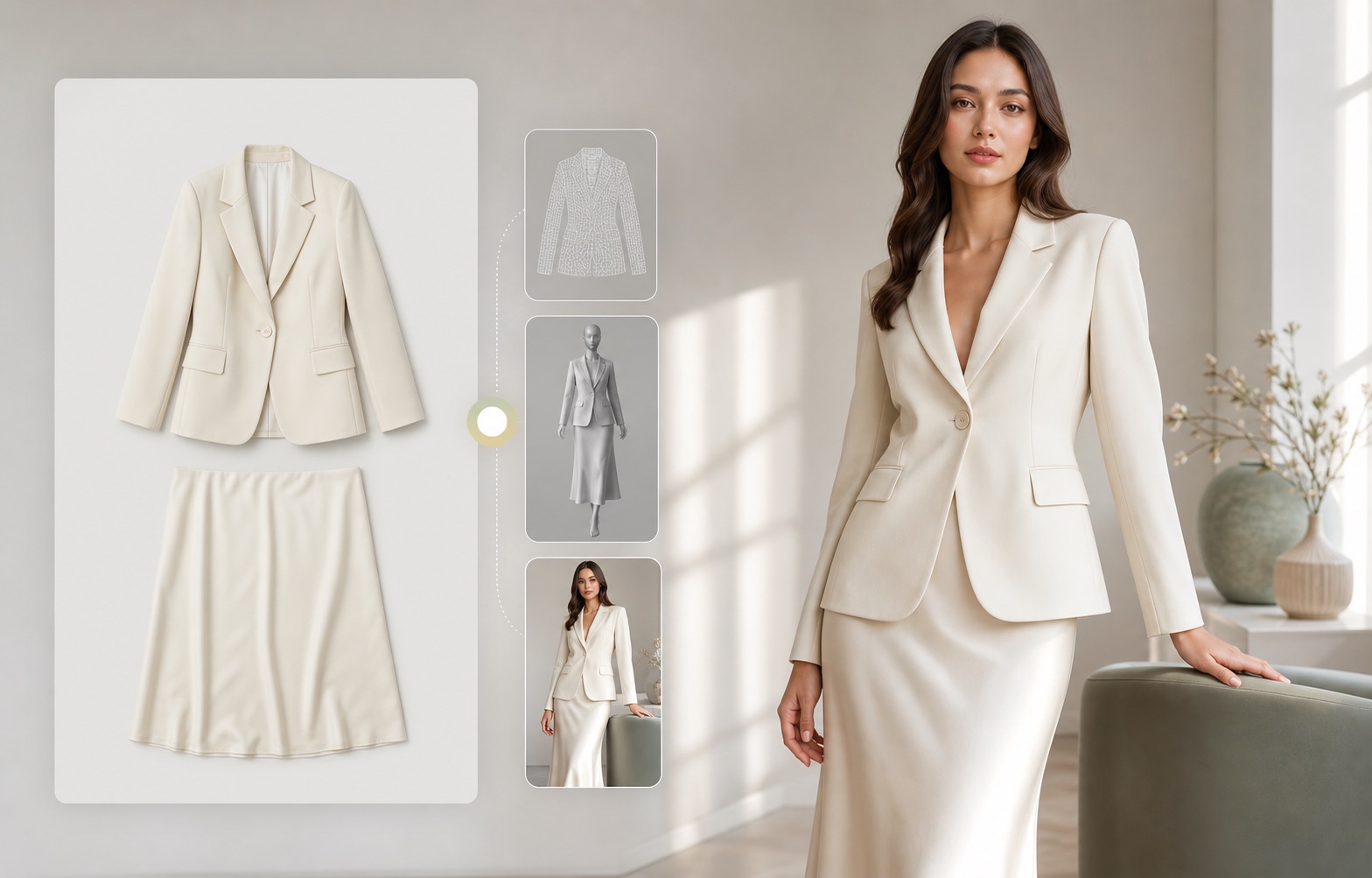
What is Shopify virtual model try-on for product images?
For Rewarx, Shopify virtual model try-on means creating model-led, try-on-style product photos from a real garment reference. It is a seller-side image workflow for product presentation, not a promise that every shopper can measure exact fit from a generated picture.
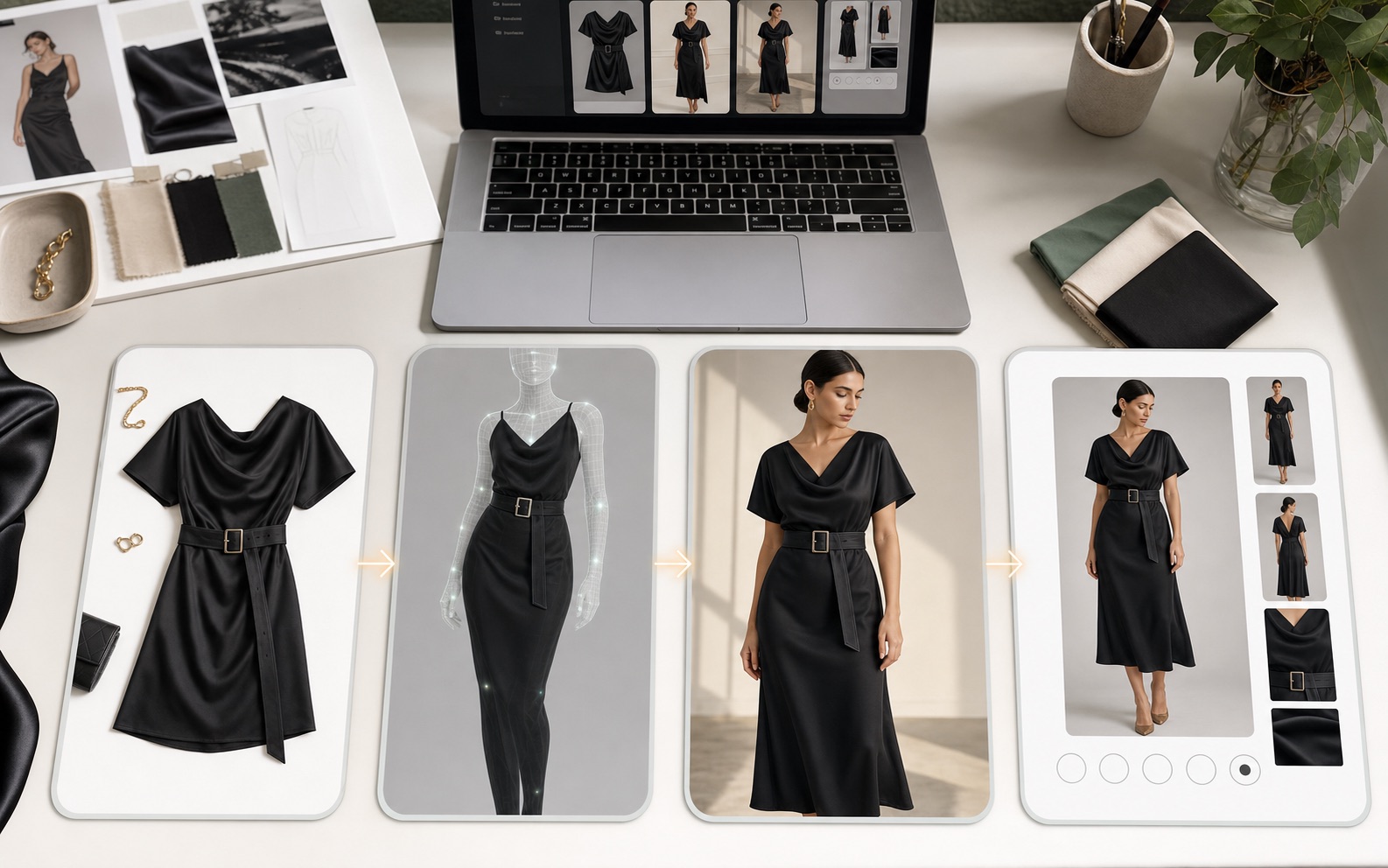
Fashion shoppers need to imagine the garment, not just see it flat
Flat lays and ghost mannequin images can show construction, but they often do not explain drape, styling, scale, or how the product feels in a real outfit. Generic AI model images can solve the mood problem while creating a new accuracy problem if they alter the garment.
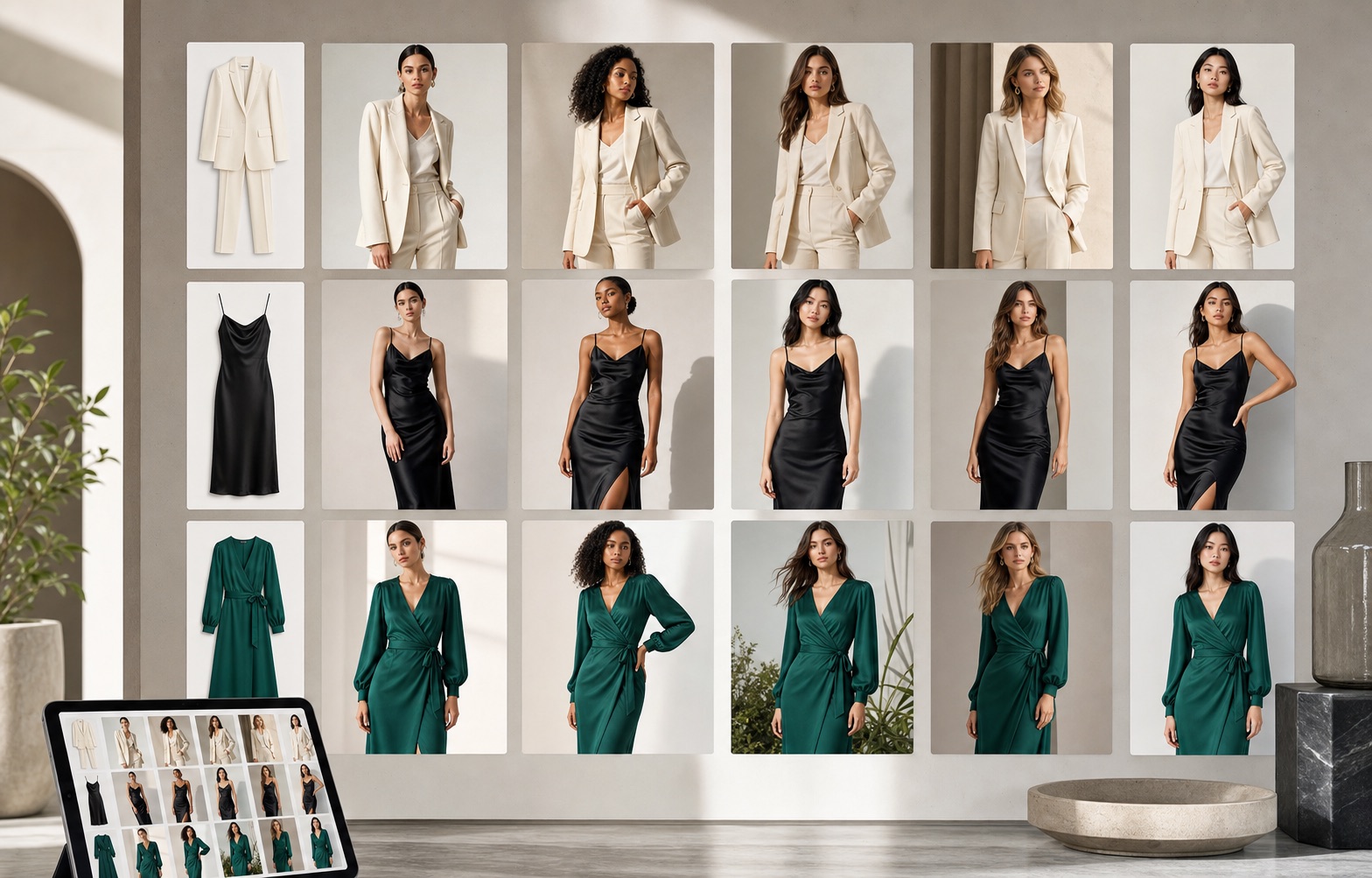
Rewarx treats the garment as the source of truth
Start with the real product, generate try-on-style model visuals, and review every output for color, cut, neckline, sleeve, hem, logo, print scale, fabric behavior, and mobile gallery clarity before using it in Shopify.
What a strong virtual model image workflow should protect
Preserve silhouette, color, fabric, closure, print, length, sleeves, neckline, seams, and included accessories.
Use believable poses, body proportions, hands, lighting, and styling that supports the product instead of distracting from it.
Show drape, length, styling, and scale cues without claiming exact sizing or replacing the store's fit guide.
Combine product-only, model, detail, and lifestyle images so shoppers can compare the item from multiple angles.
Reject outputs that change the garment, hide important details, or make the product look better than what is being sold.
Use descriptive filenames, alt text, captions, visible explanations, FAQ, and structured image metadata.
A practical workflow for Shopify sellers
Use clear front, back, flat-lay, hanger, or mannequin images with visible shape, color, fabric, and details.
Define pose, crop, styling, background, and audience context based on the product's actual selling role.
Create model visuals for product pages, collection cards, ads, email, and lookbook sections.
Compare output with the source garment and keep only images that improve understanding without misleading shoppers.
Where Shopify stores can use try-on-style model visuals
Add a model-led image after the clean product shot so shoppers understand shape and styling.
Create consistent model visuals across dresses, tops, activewear, jackets, denim, and seasonal drops.
Test model pose, background, crop, and outfit mood without booking a shoot for every variation.
Show how a garment belongs in a collection story while still keeping the SKU visible.
Make new arrivals and restocks feel more human than flat product grids.
Pair images with definitions, comparison, FAQ, and metadata so AI systems can explain the visual role.
Live fitting room vs Rewarx try-on-style product visuals
A real-time shopper-facing try-on app may involve personal photos, AR, camera access, body tracking, and fit-risk workflows.
Rewarx focuses on seller-side AI product photos: controlled model images that make garments easier to understand in Shopify galleries and campaigns.
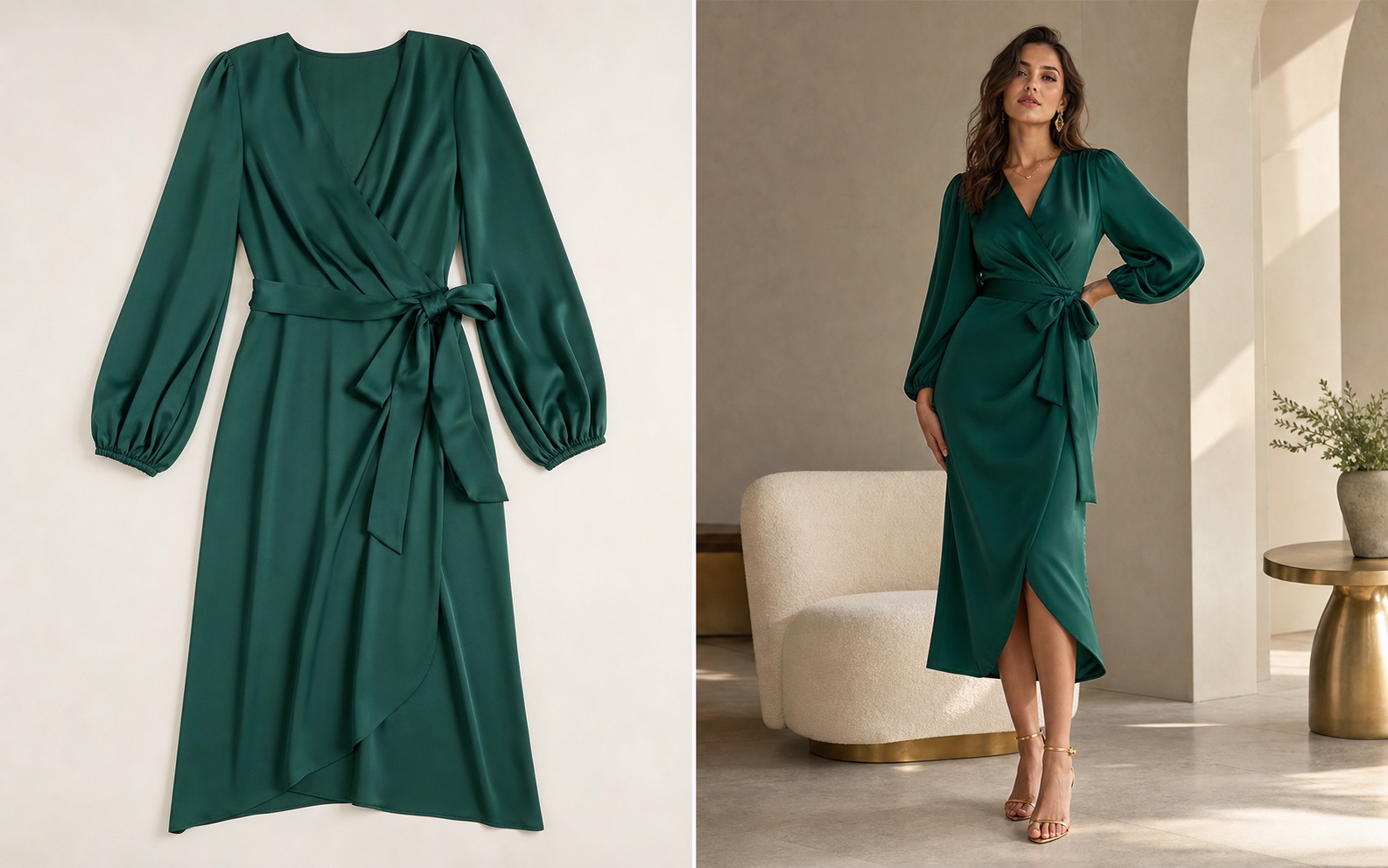
Best practices before publishing AI model try-on images
Shopify virtual model try-on FAQ
No. Rewarx is used here to create try-on-style product visuals for Shopify merchandising. It is not positioned as a live shopper body-measurement or AR fitting room.
It can improve visual confidence by showing the garment on a model-style image, but conversion still depends on product accuracy, price, trust, size guidance, and the rest of the page.
Check color, silhouette, length, neckline, sleeves, fabric texture, print scale, closure, logo, crop, and whether the output still represents the real SKU.
No. Technical products, close-detail items, or products where fit claims are sensitive may need clean pack shots, detail crops, and measurements before model visuals.
Yes, if the image accurately represents the product and fits the ad channel's policy, crop, and disclosure expectations.
Generic AI images often start from a prompt. Rewarx workflows should start from the real product so the generated model visual stays tied to the SKU.
Give shoppers more visual confidence while keeping product accuracy at the center of your fashion image workflow.
Related pages