Garment identity
Preserve color, cut, neckline, sleeve, hem, closure, pattern, fabric texture, and included accessories.
Turn flat-lay, hanger, mannequin, or product-only garment images into premium on-model Shopify visuals while preserving color, cut, fabric, and product accuracy.
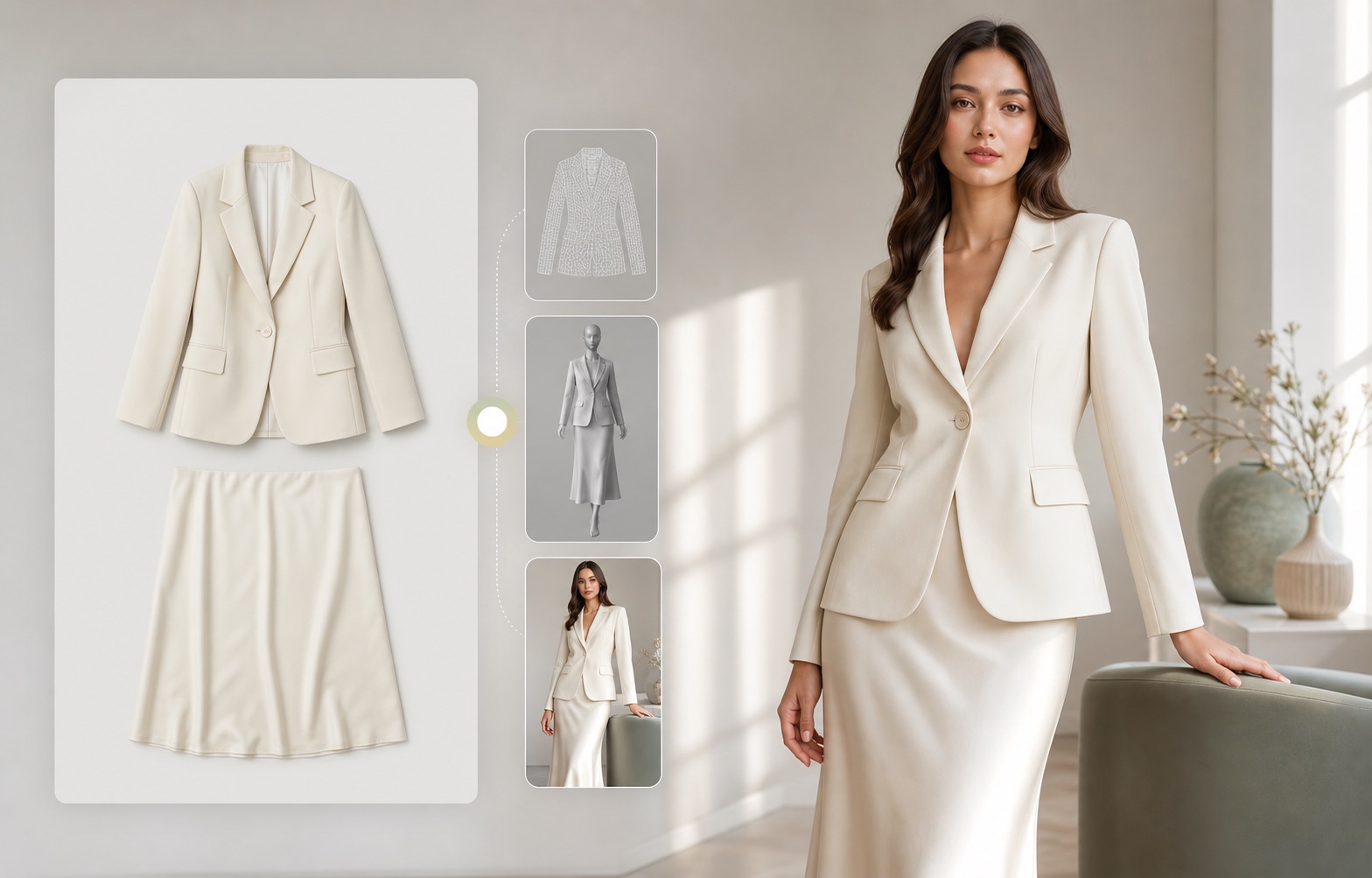
What is an Shopify AI Model Photos?
An Shopify AI model photos workflow creates model-worn apparel images from a real garment reference. For ecommerce, the goal is not a fantasy model image. The goal is a credible product visual where cut, color, fabric, neckline, sleeve, hem, pattern, buttons, and fit cues remain faithful enough for a shopper to trust the product.
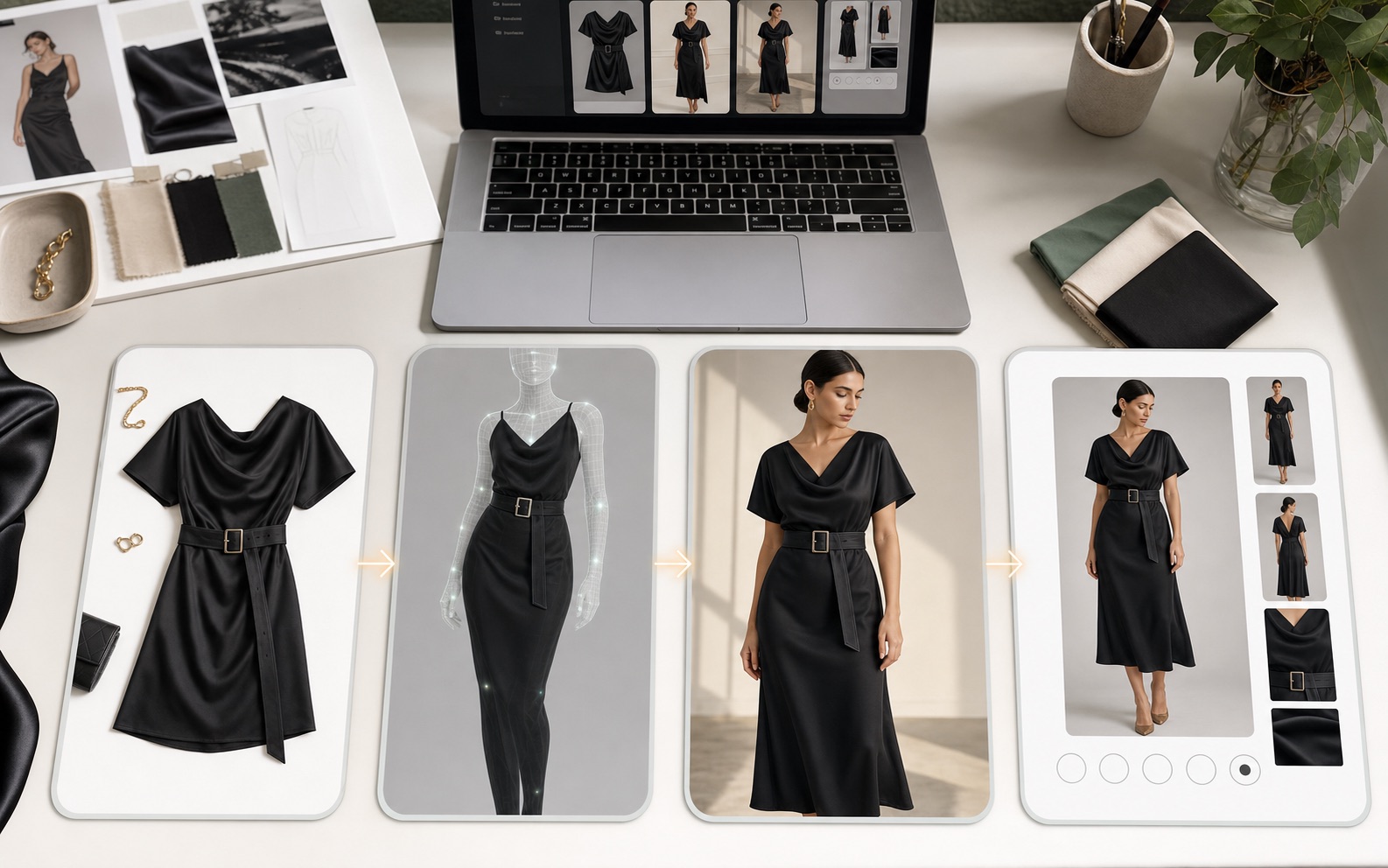
Why Shopify apparel teams need more than generic AI images
Fashion shoppers buy from visual confidence. A generic AI image may look polished, but if it changes a waist tie, sleeve shape, fabric weight, print scale, or length, it can damage trust and increase returns. The image has to be attractive and commercially honest.
What a fashion model image system must protect
Preserve color, cut, neckline, sleeve, hem, closure, pattern, fabric texture, and included accessories.
Use believable body proportions, natural pose, realistic hands, and styling that supports the product instead of overpowering it.
Create first image, full-body model view, detail crops, lifestyle context, and social-ready variants from one visual system.
Make the product readable in Shopify cards, collection grids, TikTok-style crops, and ad previews.
Check whether generated images still match the reference before publishing or testing.
Use descriptive filenames, alt text, captions, and page context so search engines and AI systems can understand the image role.
Reference-first workflow
Rewarx starts with a product reference, generates controlled model visuals, and keeps review criteria close to ecommerce use: garment identity, model pose, crop, mobile clarity, gallery role, marketplace fit, and whether the image helps a buyer understand the item.
Use clean flat-lay, hanger, mannequin, or product-only images with visible garment shape and detail.
Select realistic pose, body framing, lighting, and market-appropriate styling for the product category.
Create on-model images for product pages, galleries, collection grids, ads, and creative testing.
Compare output with the reference and keep only images that improve presentation without changing the product.
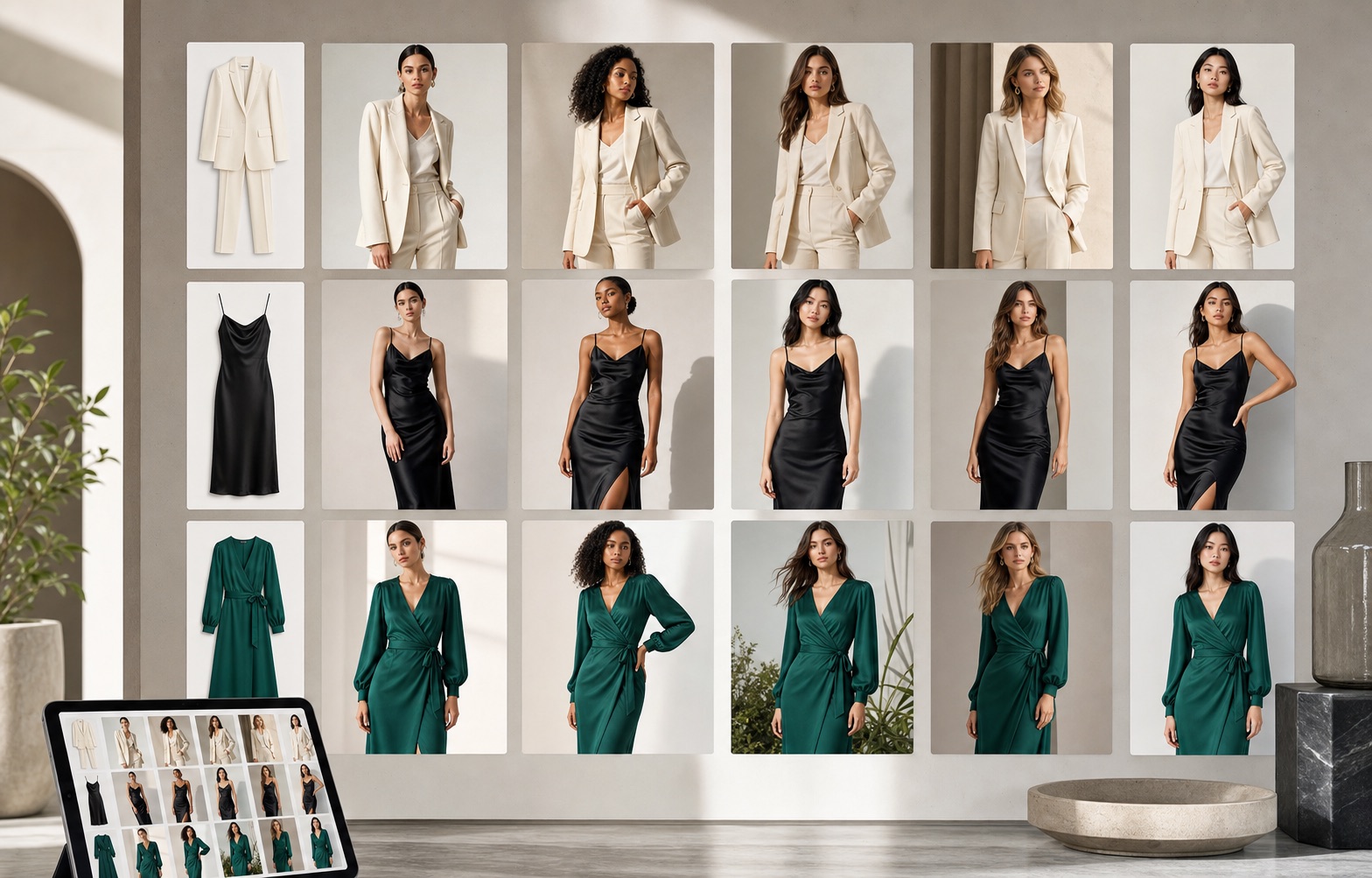
Where Shopify teams use AI model images
Replace one-dimensional product-only images with a believable model view that explains fit and length.
Build a consistent visual rhythm for seasonal drops, capsule collections, and category pages.
Test model pose, crop, color background, and visual hook without scheduling a new shoot for every concept.
Create secondary images that help shoppers understand use, scale, and fabric behavior.
Use model images to make product storytelling feel more human and less catalog-only.
Pair visible explanations with optimized image metadata so assistants can describe the asset accurately.
Generic model generation vs Rewarx fashion workflow
Generic AI model generators often prioritize a pretty scene. They can quietly change garment length, neckline, waist detail, print scale, fabric, or fit.
A Rewarx workflow treats the garment as the source of truth, then improves styling, gallery usefulness, and creative range while keeping product review in the loop.
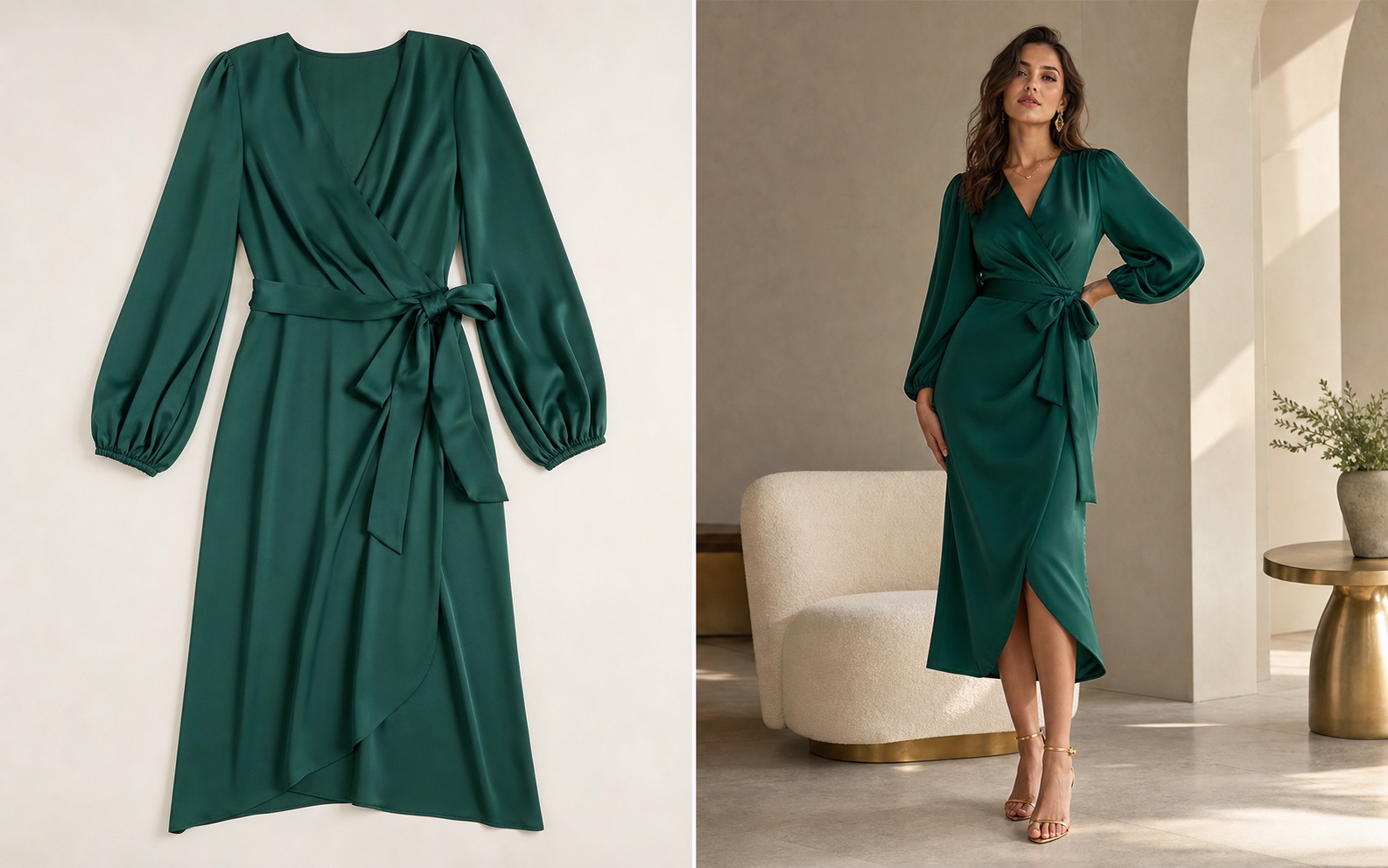
Best-fit use cases and limits
FAQ
Yes. The practical ecommerce use case is to start with a real garment reference and create believable on-model visuals that keep the item recognizable.
Virtual try-on usually focuses on showing a garment on a specific person. An ecommerce Shopify model photo workflow focuses on creating commercial model images for product pages, galleries, and ads.
Check garment color, cut, neckline, sleeves, hem, closure, pattern scale, fabric behavior, model pose, crop, mobile clarity, and whether the image could mislead shoppers.
Yes. Shopify stores can use model images to explain fit, improve product galleries, refresh collection pages, and test ad creatives.
No. Some products need technical pack shots, size guides, or detail images more than model context. The best gallery usually combines product-only, model, detail, and lifestyle views.
No. This page focuses on creating and reviewing ecommerce-ready visuals. Do not assume catalog sync, inventory management, or one-click export unless those features are explicitly available.
Clean front-facing garment images, flat-lays, mannequin shots, hanger shots, and product photos with visible structure usually work better than cropped or cluttered references.
The page provides definitions, workflow, comparison, best practices, FAQ, descriptive filenames, alt text, captions, and structured data so AI systems can understand and cite the topic.
Use Rewarx to generate model images that look premium, support ecommerce workflows, and stay grounded in the real garment.
Related fashion and ecommerce pages