Topaz Gigapixel or Topaz web upscaler
Best fit: high-control enlargement, detail recovery, and batch or professional output review.
Check labels, logos, small texture, and invented micro-detail against the real product reference.
Use this Rewarx Studio AI guide to choose an upscaling workflow for product photos, Shopify galleries, marketplace listings, ads, and AI Search without inventing details or changing the real SKU.
Why this matters
Most upscalers make images larger and sharper, but ecommerce needs a stricter test. A tool can hallucinate label text, alter a logo, smooth away material texture, shift color, create edge halos, or generate a heavy file that slows mobile shoppers.
Current tool landscape
The search result deserves more than a generic top-ten list. Choose by job: product-detail recovery, RAW/photo workflow, catalog speed, channel requirements, and final product-accuracy review.
Best fit: high-control enlargement, detail recovery, and batch or professional output review.
Check labels, logos, small texture, and invented micro-detail against the real product reference.
Best fit: teams already inside Photoshop, Lightroom, Camera Raw, or Adobe creative review.
Start with the richest source file, then tune sharpening, noise, texture, and export weight.
Best fit: ecommerce product photos that need clearer listings, balanced lighting, and marketplace-ready polish.
Use it with a human pass for color, material, packaging text, and catalog consistency.
Best fit: quick browser-based upscaling, social assets, lightweight edits, and one-off seller workflows.
Do not treat a fast output as automatically product-accurate; review before publishing.
Best fit: reference-led product-image creation and review for Shopify, PDP galleries, ads, and AI-search context.
Use Rewarx as the ecommerce QA layer: keep the product truthful, readable, cropped, compressed, and explainable.
What a publish-ready image system needs
Review logo, label, color, material, edge clarity, and texture separately.
Create separate crops for product pages, collection grids, marketplaces, and ads.
Use descriptive filenames, alt text, captions, and stable image URLs.
Use a repeatable visual system so a catalog looks premium instead of stitched together from unrelated one-off images.
Preserve filenames, alt text, titles, captions, and AI-image metadata signals where channels need them.
Check whether each image helps discovery, comparison, trust, and action before it reaches shoppers.
Workflow
Rewarx treats upscaling as product-image QA: start with the real reference, improve clarity, review label and logo details, protect color and material, prepare channel crops, compress responsibly, and publish only outputs that still represent the product.
Start with the cleanest original product reference available.
Review logo, label, color, material, edge clarity, and texture separately.
Do not trust sharpness alone; measure usable output rate.
Create separate crops for product pages, collection grids, marketplaces, and ads.
Where teams use it
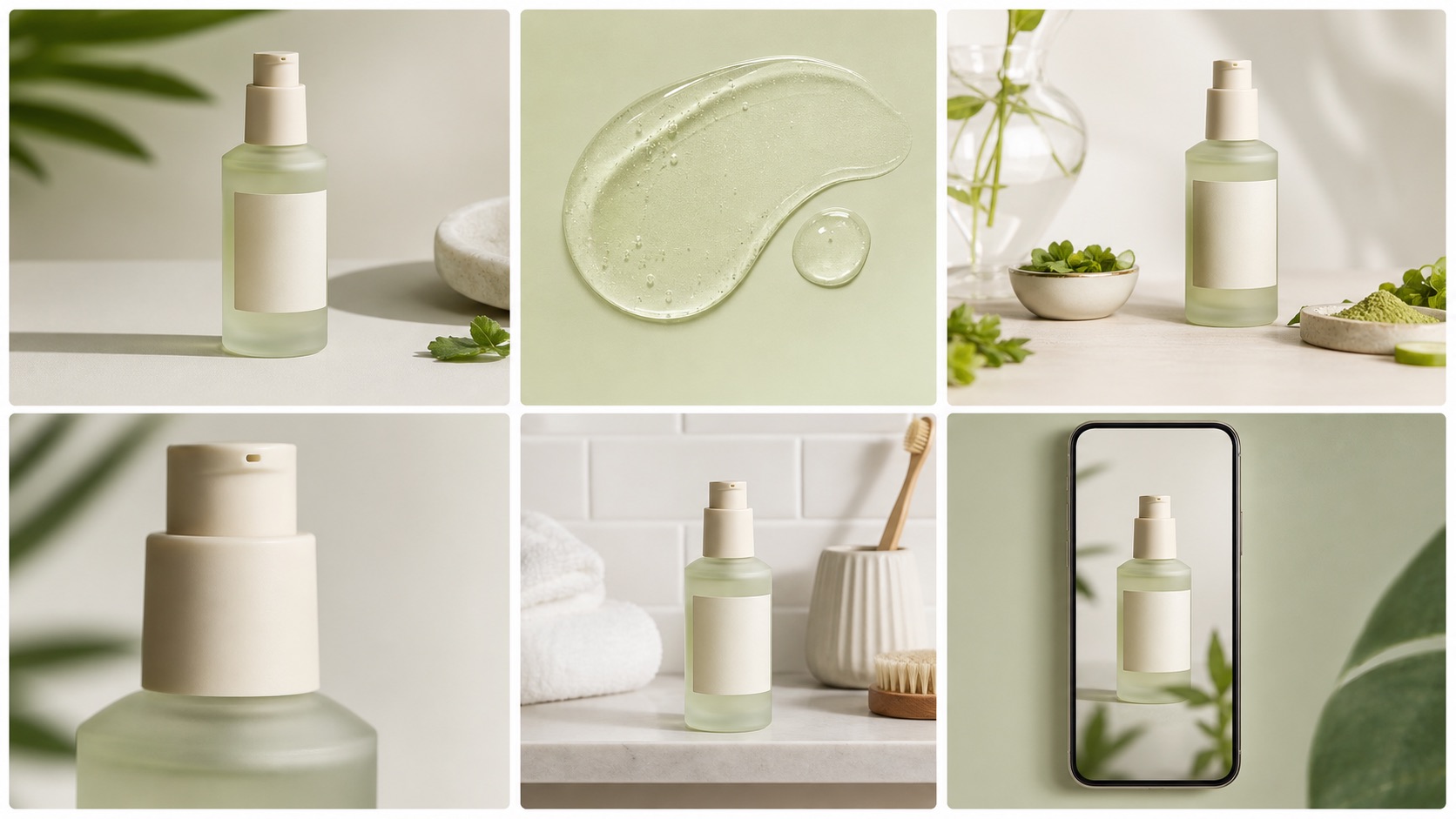
Build a first image, gallery sequence, detail crop, and lifestyle visual that all describe the same SKU.
Check clean backgrounds, readable product details, crop discipline, and channel rules before publishing.
Create controlled variations for hooks, crops, lifestyle contexts, and product-first ad frames.
Make thumbnails clear enough for fast scanning without losing brand quality.
Give crawlers and AI systems visible context, accurate filenames, alt text, captions, and page-level explanations.
Refresh older visuals in a consistent system while keeping product identity stable.
Before vs after
Generic upscaling can look impressive at a glance while changing small product details, packaging text, jewelry edges, fabric texture, or bottle labels.
An ecommerce-reviewed upscaling workflow balances clarity with product truth, file performance, SEO metadata, mobile thumbnails, and human review.
They are tools that increase image resolution or perceived sharpness with AI. For ecommerce, the best tools must also preserve the real product.
It should protect logos, labels, text, color, material texture, edges, scale, crop quality, file size, and mobile clarity.
Yes. AI can invent text, smooth materials, alter colors, sharpen artifacts, or change tiny details unless the output is reviewed against the original reference.
Rewarx helps ecommerce teams create and review sharper product visuals as part of a product-accuracy workflow, not as a generic pixel enlargement tool.
Shopify stores, DTC brands, marketplace sellers, beauty brands, jewelry sellers, fashion teams, supplement brands, and catalog teams with old or supplier-provided product images.
It can help when sharper images are paired with filenames, alt text, captions, visible page context, stable URLs, compression, and product-accuracy explanations.
Best fit: reference-led product-image creation and review for Shopify, PDP galleries, ads, and AI-search context. Use Rewarx as the ecommerce QA layer: keep the product truthful, readable, cropped, compressed, and explainable.