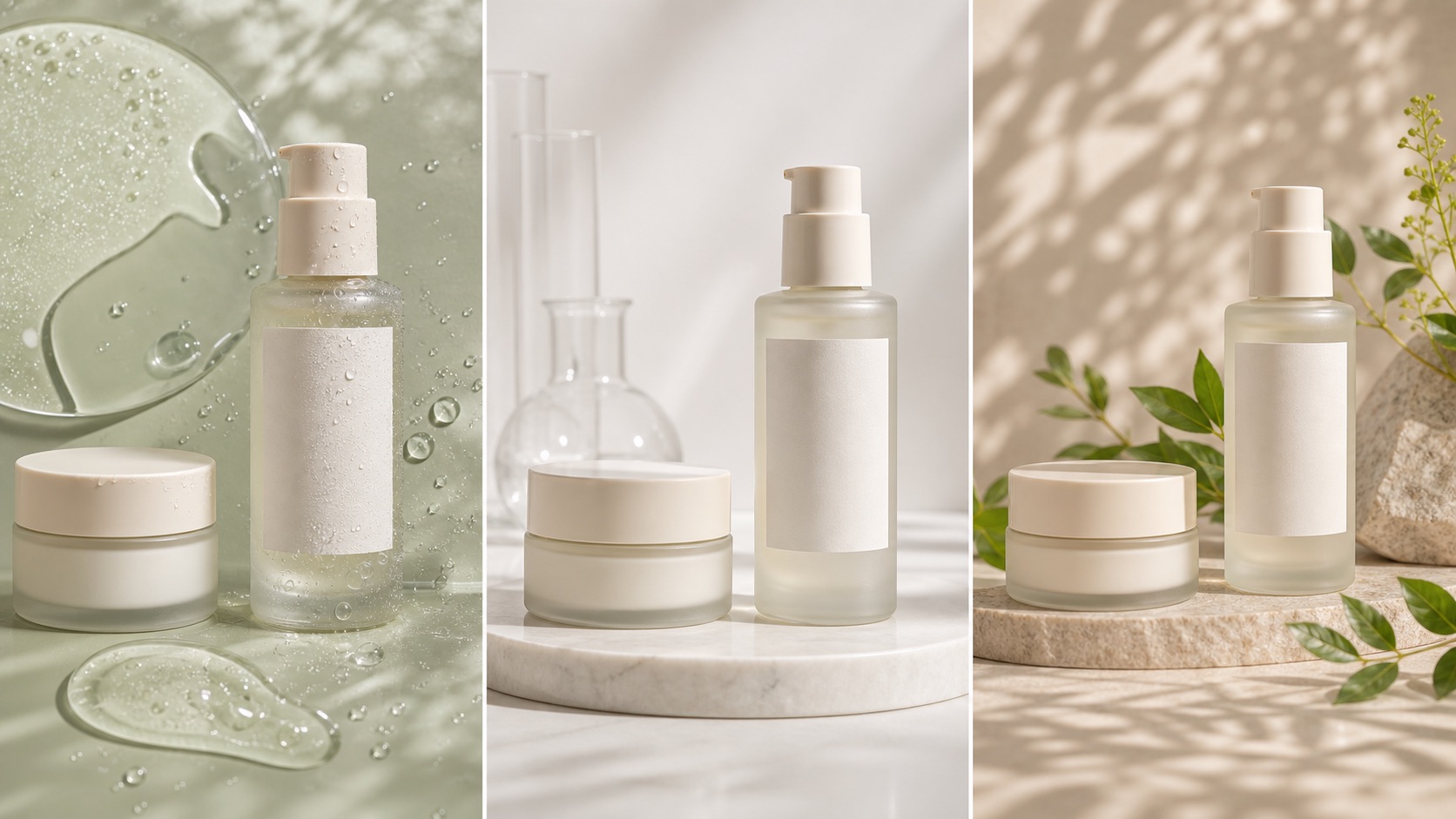
Buyer trust
The image must make the product easier to understand, not create doubt about color, shape, material, logo, label, or scale.
Improve low-resolution product photos for Shopify pages, collection cards, marketplace listings, ads, and AI Search without inventing details or changing the real SKU.

Why this matters
Upscaling is not just making a file larger. Poor AI upscalers can hallucinate label text, over-sharpen edges, change color, smooth material texture, enlarge compression noise, or create a heavy image that slows mobile pages.
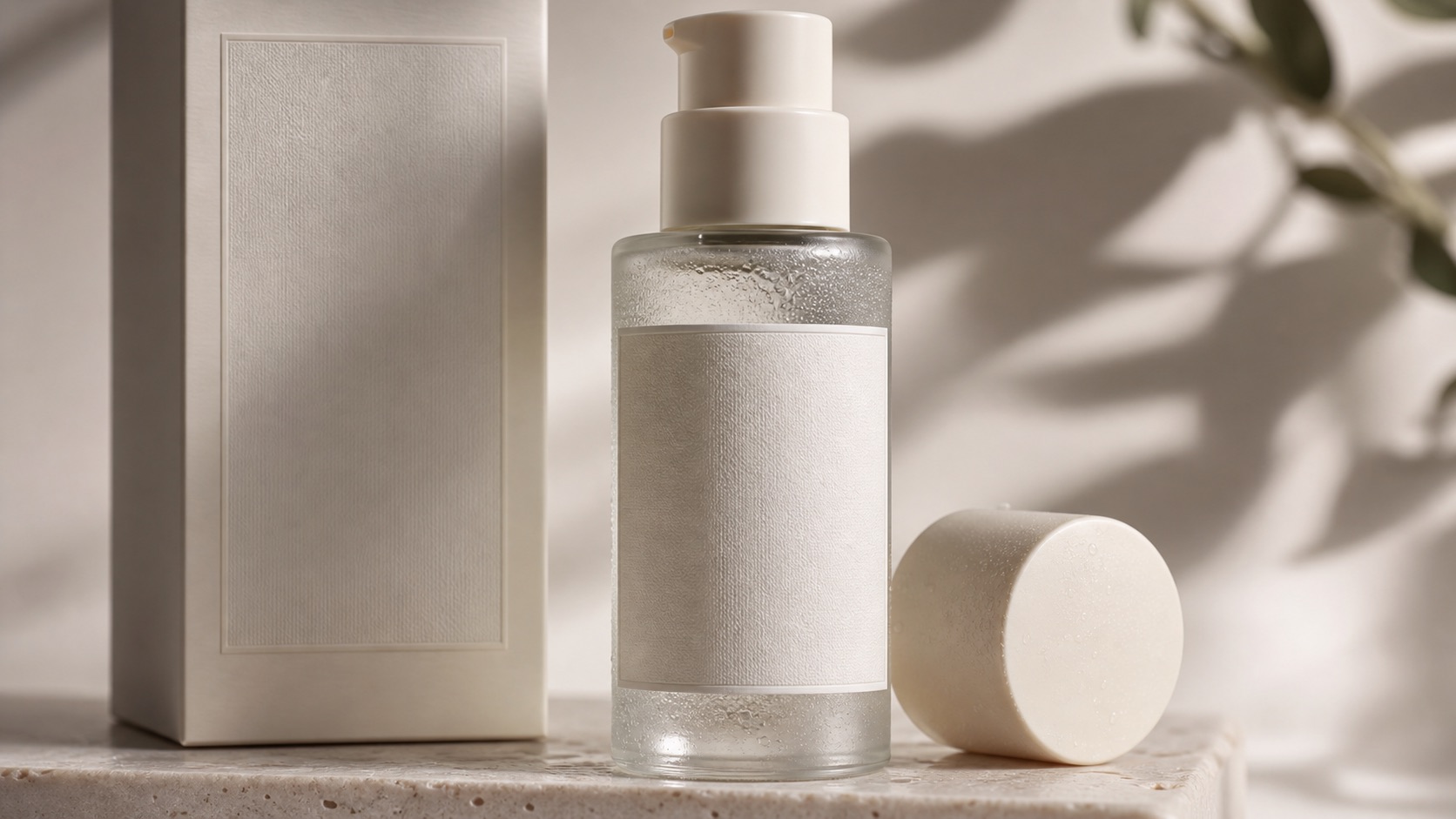
Decision context
For AI Product Image Upscaler for Ecommerce, the real challenge is not making one impressive image. Ecommerce teams need a repeatable way to create visuals that match the product, fit the channel, and help a buyer decide.
The image must make the product easier to understand, not create doubt about color, shape, material, logo, label, or scale.
Stores need more image variations for launches, collections, ads, marketplaces, and seasonal campaigns without turning every update into a full shoot.
A hero image, product gallery, social ad, marketplace crop, and mobile collection tile each need a different visual job.
Nauwkeurigheidsworkflow
A strong Rewarx Studio AI workflow starts from the product reference, builds useful commercial contexts around it, and keeps accuracy review close to publication.
Use the reference as the source of truth for shape, proportions, visible branding, packaging, material, and important label areas.
Generate backgrounds, model scenes, detail views, and campaign visuals that explain use, quality, size, and buying intent.
Choose the best image only after checking product fidelity, crop, contrast, mobile readability, and whether the image helps the page convert.
Keep winning styles, prompts, crops, filenames, alt text, and review notes so future SKUs can be produced with less guesswork.
Where it fits
Use the visual set where it answers a buyer question, reduces production delay, or gives the team a stronger creative test without sacrificing product accuracy.
Show the item clearly, then add lifestyle and detail images that make quality, texture, size, and use easier to judge.
Create controlled variations for creative testing while keeping the SKU recognizable across every campaign.
Prepare cleaner crops, consistent backgrounds, and scannable images for small screens and external channels.
Before vs after
Generic AI outputs may look polished but can change product shape, color, label detail, scale, or marketplace fit.
A controlled Rewarx workflow produces a cleaner gallery, stronger first impression, clearer mobile scan, and fewer risky AI artifacts.
FAQ
It is an AI workflow that increases product image resolution and perceived clarity while preserving the actual product shape, logo, label, color, material, edge detail, and channel usability.
A generic upscaler may optimize sharpness. An ecommerce upscaler must also protect product accuracy, buyer trust, marketplace readiness, file size, mobile performance, alt text, and SEO/GEO context.
Yes. Labels, logos, fine jewelry details, fabric texture, bottle edges, and packaging text can drift if the output is not reviewed against the original product reference.
Use it when older catalog photos, supplier images, thumbnails, or ad assets are too small for modern PDPs, collection cards, marketplace listings, and high-density mobile screens.
Check label readability, logo shape, color accuracy, material texture, edge halos, crop, file size, compression, alt text, and whether the image still represents the real SKU.
It can help indirectly when sharper images are paired with descriptive filenames, alt text, captions, visible page explanations, stable URLs, and fast-loading compressed assets.
Rewarx treats image upscaling as an ecommerce quality workflow: start from the real product, enhance clarity, review logo and label details, check color and material texture, prepare channel-specific crops, compress responsibly, and publish only usable assets.