Buyer trust
The image must make the product easier to understand, not create doubt about color, shape, material, logo, label, or scale.
Rewarx Studio AI helps Shopify teams turn one real product reference into premium hero images, product page galleries, collection tiles, mobile-ready visuals, and campaign-ready product photos.
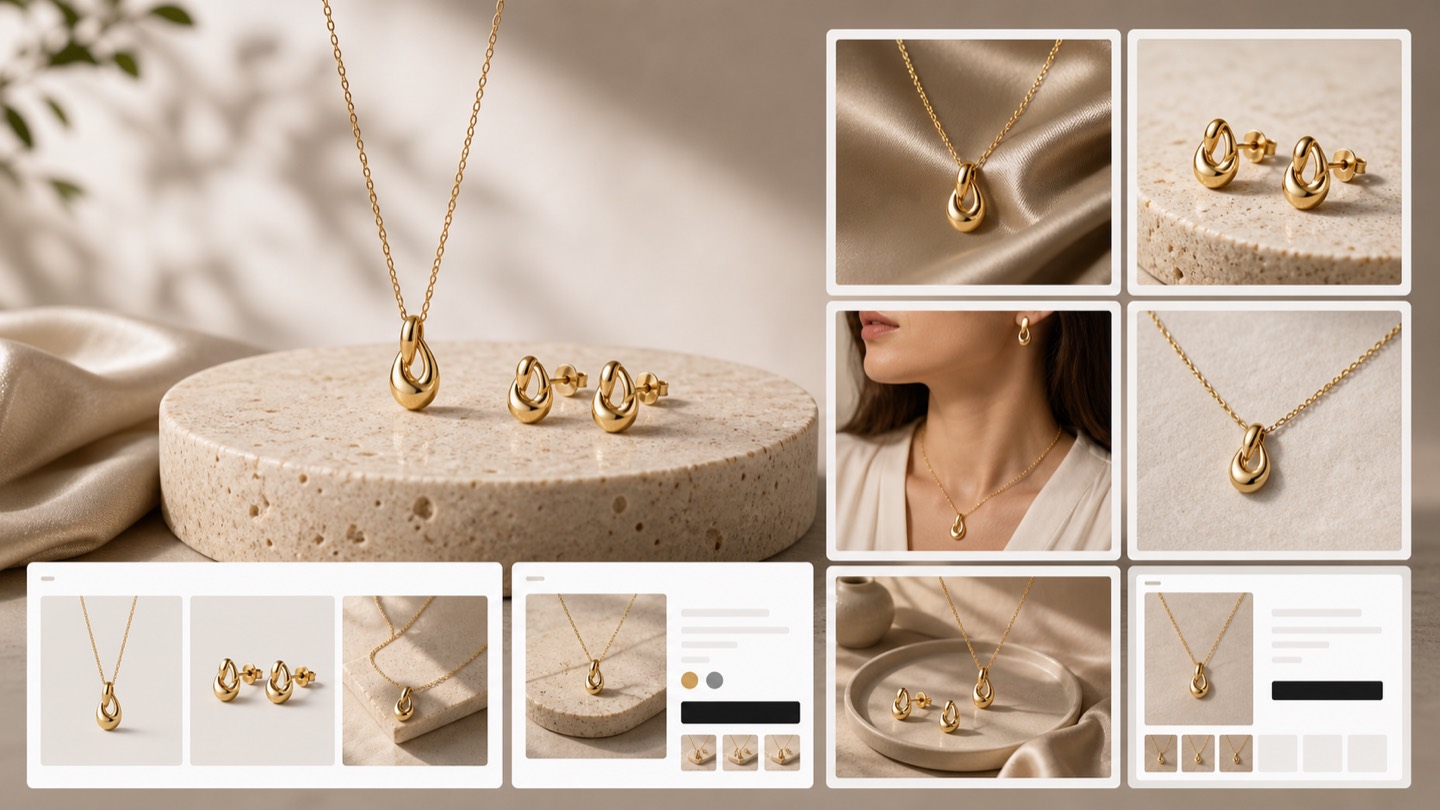
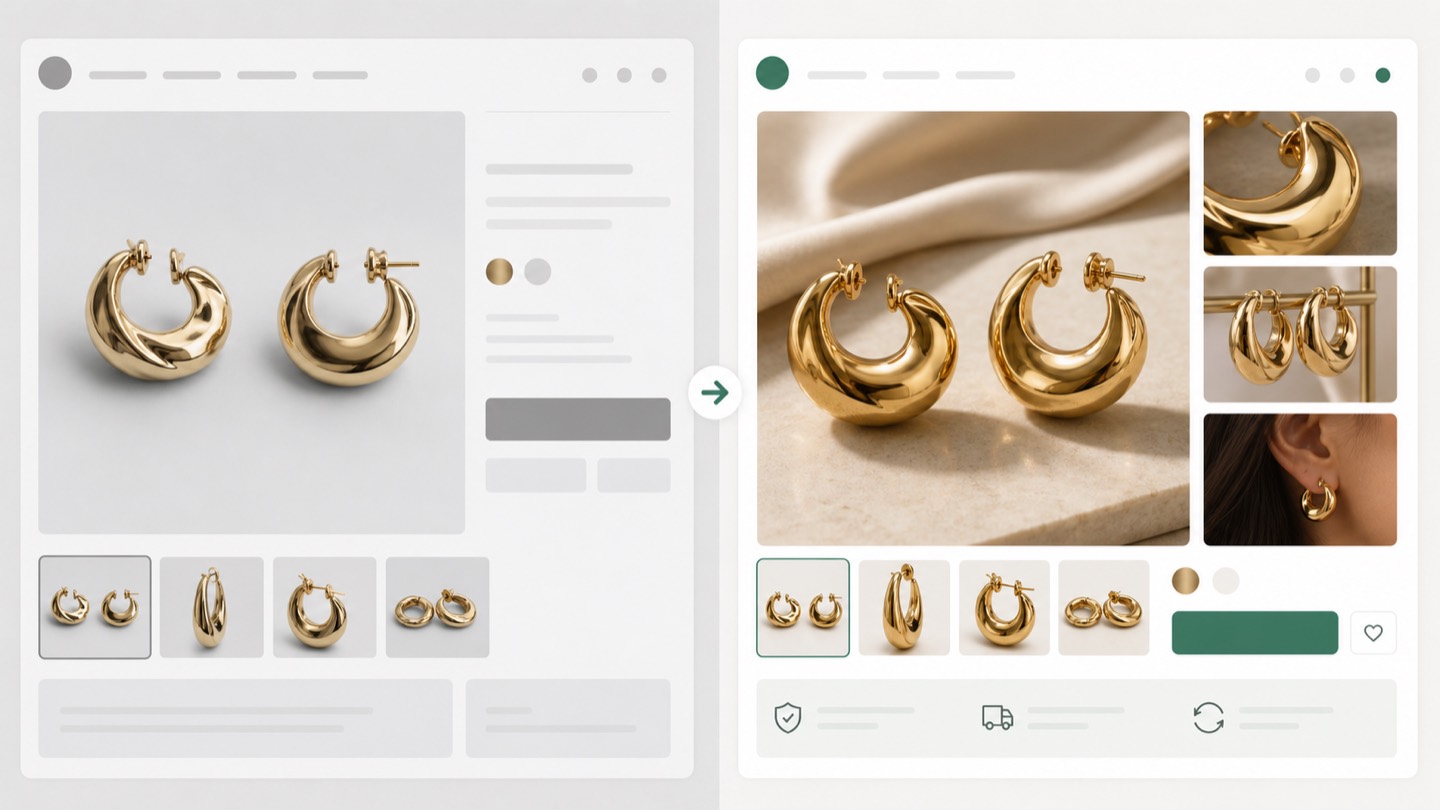
One SKU needs more than one Shopify image
Shopify product photography is the planning, creation, editing, and QA of product images used across a Shopify store. It covers white-background images, lifestyle scenes, detail crops, homepage visuals, collection tiles, variant thumbnails, campaign assets, and mobile-first formats.
A Shopify store does not convert from a single pretty photo. It needs a visual system that explains the product in the hero area, collection grid, product gallery, mobile page, email campaign, and paid ad.
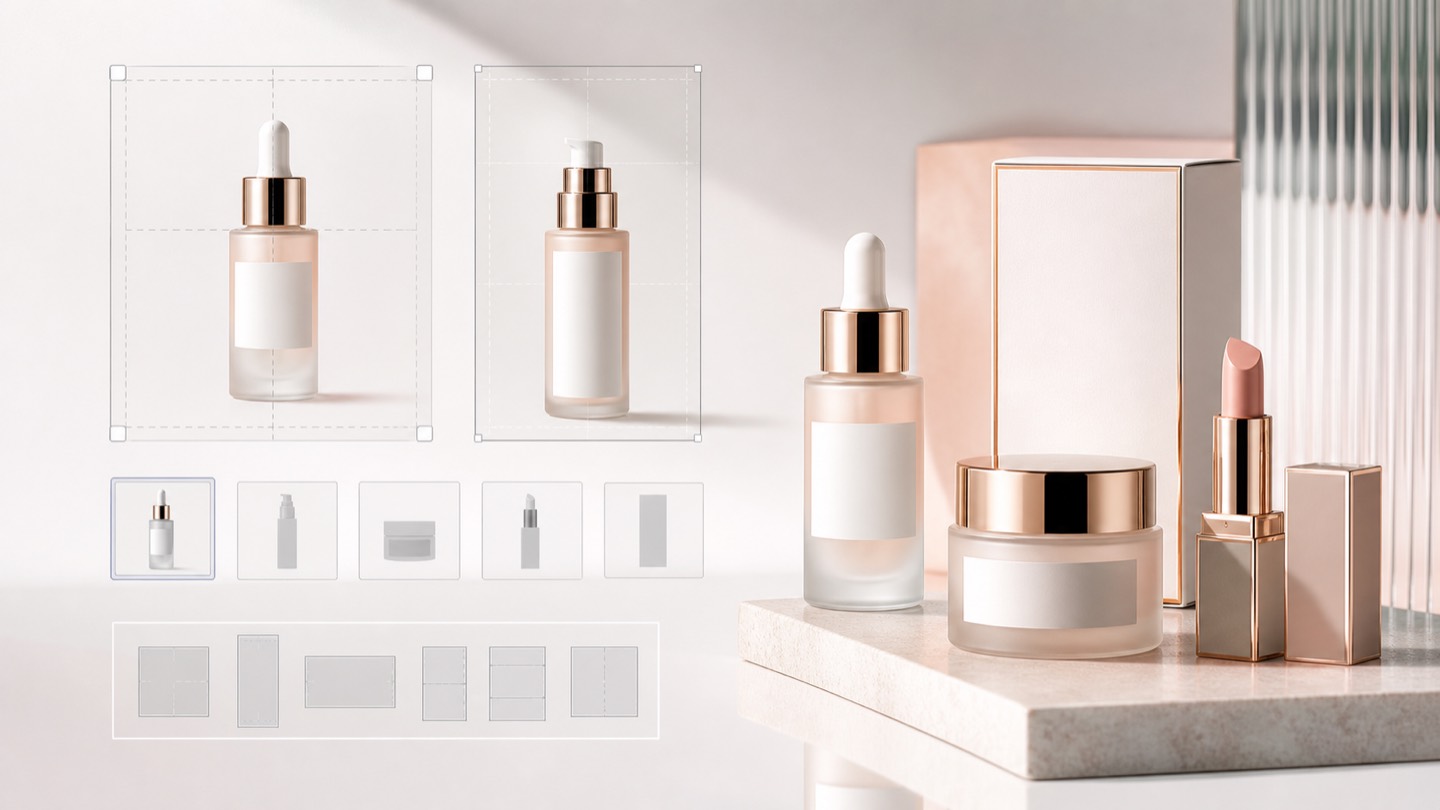
Decision context
For Shopify Product Photography for Stores That Convert, the real challenge is not making one impressive image. Ecommerce teams need a repeatable way to create visuals that match the product, fit the channel, and help a buyer decide.
The image must make the product easier to understand, not create doubt about color, shape, material, logo, label, or scale.
Stores need more image variations for launches, collections, ads, marketplaces, and seasonal campaigns without turning every update into a full shoot.
A hero image, product gallery, social ad, marketplace crop, and mobile collection tile each need a different visual job.
Nauwkeurigheidsworkflow
A strong Rewarx Studio AI workflow starts from the product reference, builds useful commercial contexts around it, and keeps accuracy review close to publication.
Use the reference as the source of truth for shape, proportions, visible branding, packaging, material, and important label areas.
Generate backgrounds, model scenes, detail views, and campaign visuals that explain use, quality, size, and buying intent.
Choose the best image only after checking product fidelity, crop, contrast, mobile readability, and whether the image helps the page convert.
Keep winning styles, prompts, crops, filenames, alt text, and review notes so future SKUs can be produced with less guesswork.
Where it fits
Use the visual set where it answers a buyer question, reduces production delay, or gives the team a stronger creative test without sacrificing product accuracy.
Show the item clearly, then add lifestyle and detail images that make quality, texture, size, and use easier to judge.
Create controlled variations for creative testing while keeping the SKU recognizable across every campaign.
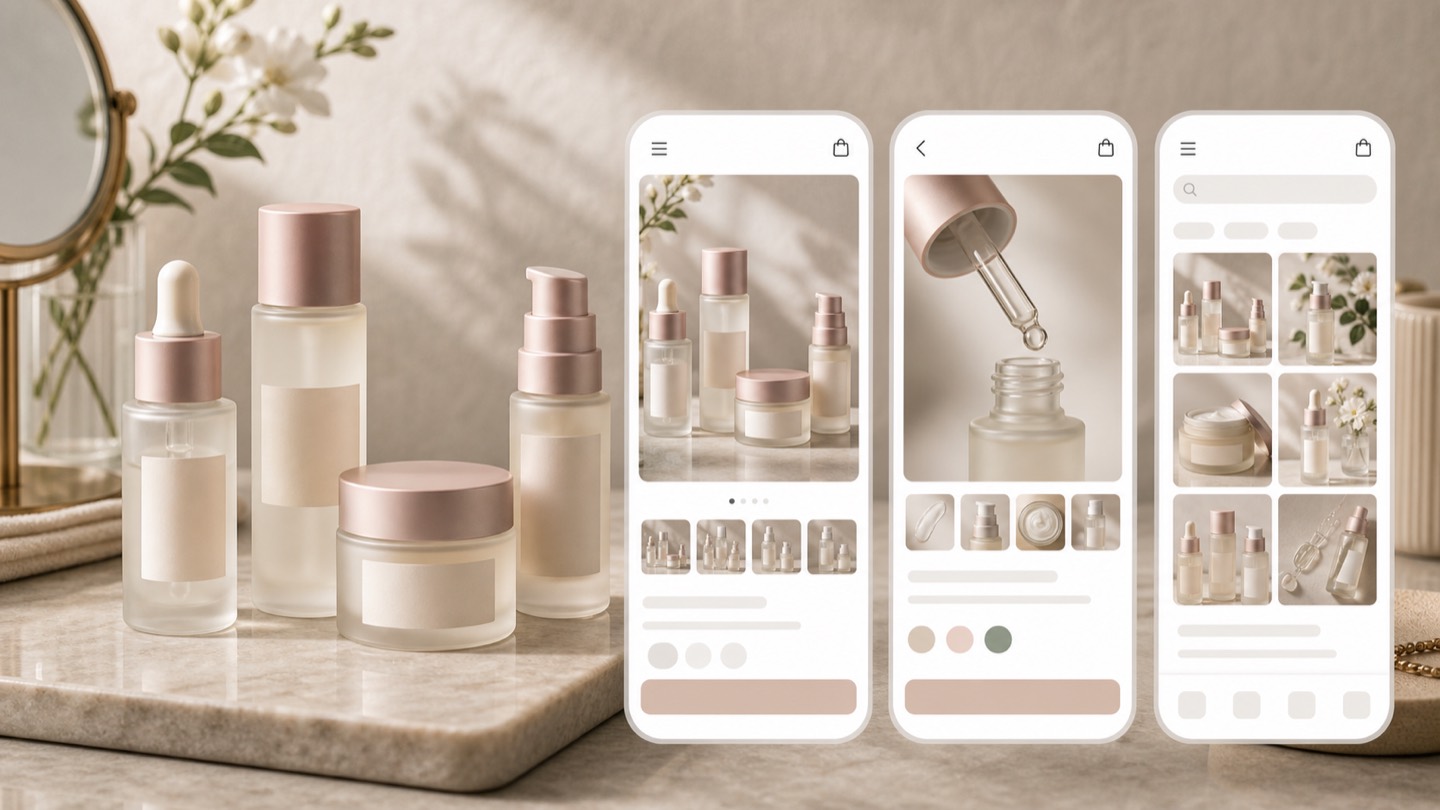
Prepare cleaner crops, consistent backgrounds, and scannable images for small screens and external channels.
Start from the product, decide the store placement, generate images for that placement, then review product accuracy before publishing.
Identify where images feel crowded, inconsistent, too small, or not helpful enough for buyers.
Choose whether the next asset is for homepage, product page, collection, mobile, ad, or email.
Create realistic visuals that keep the product consistent while improving the scene, crop, and mood.
Approve only images that improve clarity, trust, and conversion, then compress and upload to R2.
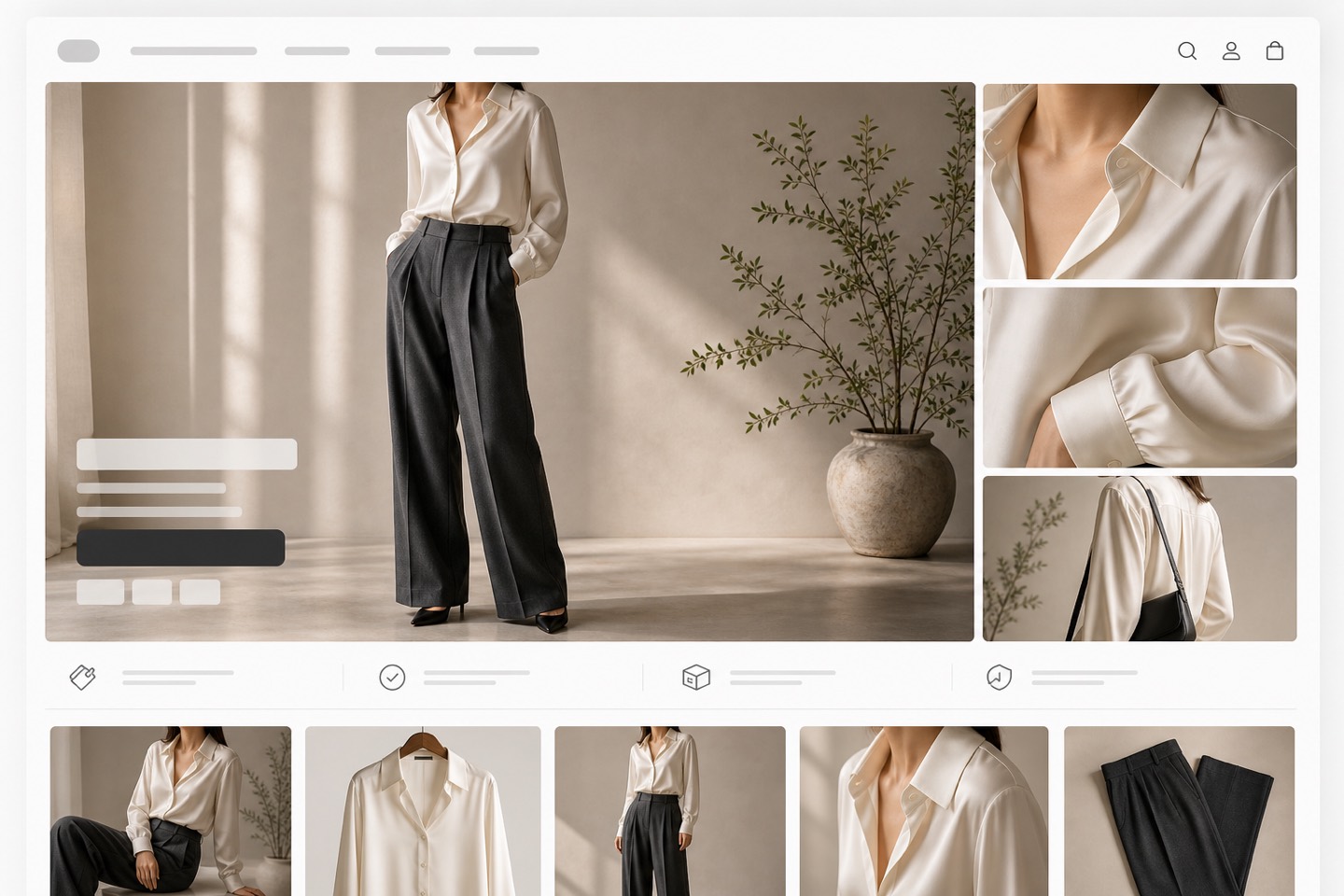
Each image should earn its place. The best Shopify stores use different product visuals for discovery, comparison, confidence, and checkout momentum.
| Traditional studio shoot | Best for maximum control and physical production, but slower and expensive when every SKU needs many section-specific images. |
|---|---|
| Generic AI image tool | Fast for visual ideas, but risky when product shape, material, label zones, or SKU consistency must remain accurate. |
| Rewarx Studio AI workflow | Designed for ecommerce use: reference-driven generation, placement-specific images, review before upload, and metadata-ready assets. |
Use a clean reference image before asking AI to create store visuals.
Generate for one Shopify section at a time instead of asking for a generic product photo.
Keep collection thumbnails simpler than hero or lifestyle images.
Review mobile crops before desktop polish.
Do not publish a prettier image if it changes the product.
Compress files and write descriptive metadata before upload.
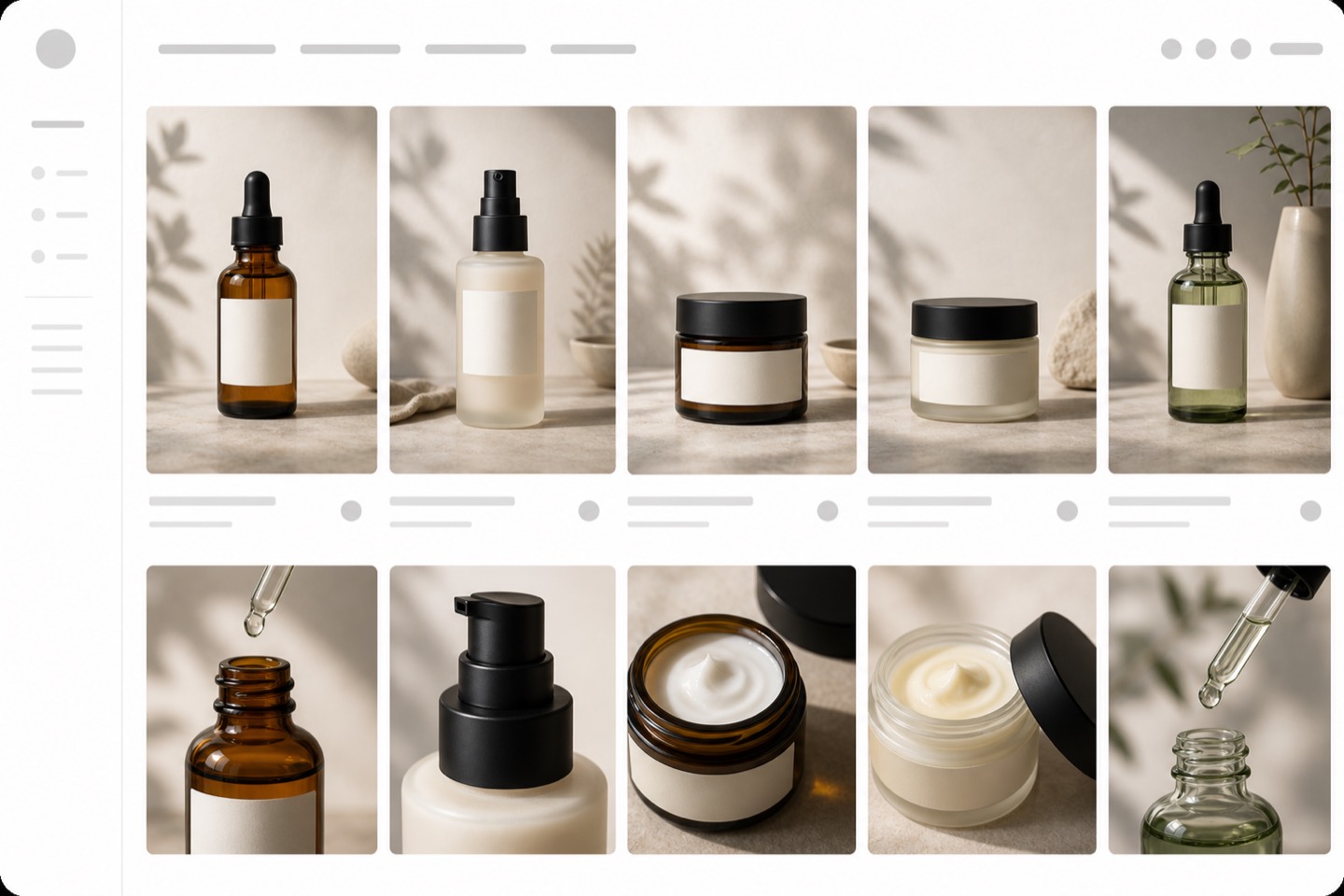
It is the set of product images created for Shopify store sections, including homepage, product page, collection, mobile, and campaign placements.
Most product pages benefit from a clean main image, multiple angles, detail crops, scale or lifestyle context, variant images, and images that answer buyer objections.
A good homepage image creates immediate desire, shows the product clearly, leaves space for layout, and matches the store's brand tone.
Collection images should stay readable at small size, use consistent crops, avoid clutter, and make differences between products easy to scan.
Yes, but the workflow should be reference-driven and reviewed for product accuracy before the images are published.
Ordinary AI generation may produce attractive scenes but can change the product. Shopify product photography needs accuracy, repeatability, and placement fit.
They can help when they are useful, compressed, properly named, described with alt text, and connected to crawlable page content.
Check shape, color, material, packaging, label zones, crop, file size, alt text, title, and whether the image helps the user move deeper into the store.
Use Rewarx Studio AI to create product photos for Shopify homepages, product pages, collections, mobile layouts, ads, and conversion-focused campaigns.
Start creating with Rewarx