Start from approved references
Use real case photos, colorways, artwork, material notes, camera cutout references, and brand direction.
Rewarx helps Shopify phone accessory sellers turn approved case references into premium product mockups, collection flat lays, material detail crops, color variants, lifestyle scenes, and campaign visuals while reviewing camera cutouts, raised lips, side buttons, artwork placement, and color before publishing.
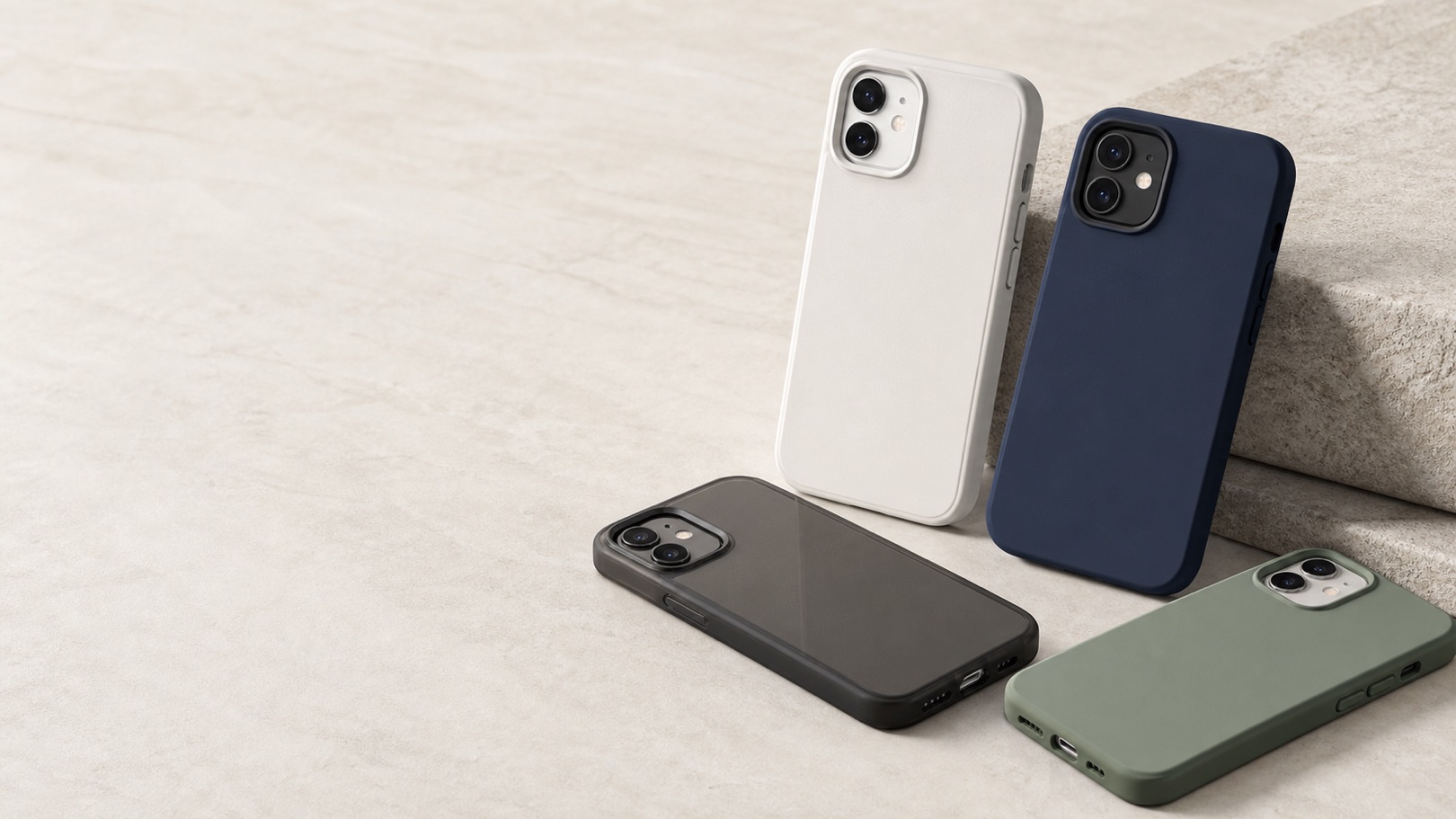
Shopify phone case mockup generator
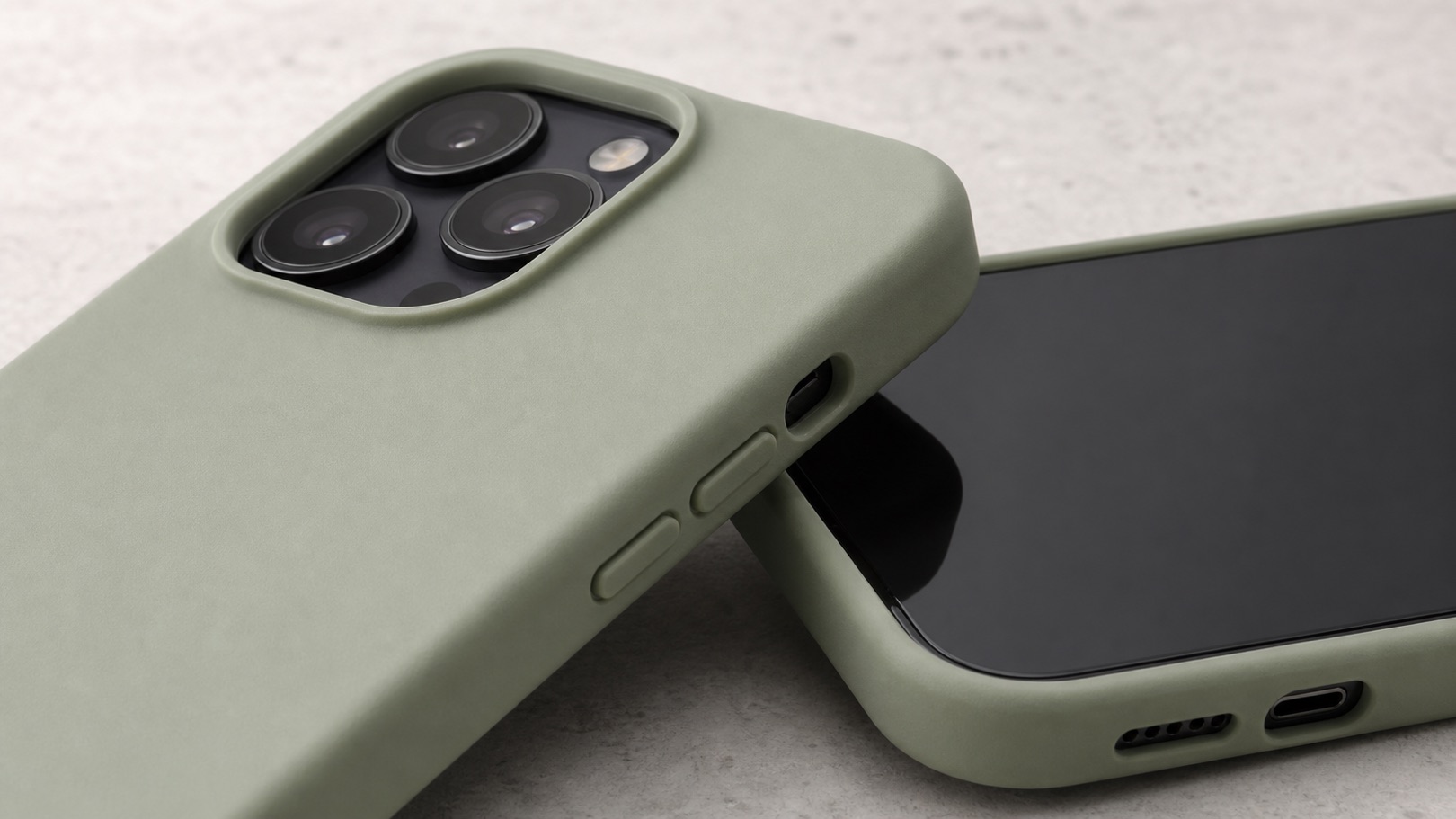
Shopify shoppers need to judge the case shape, camera cutout, raised edge, button openings, material finish, artwork placement, and mobile crop. If those details are unclear, the product page feels less trustworthy.
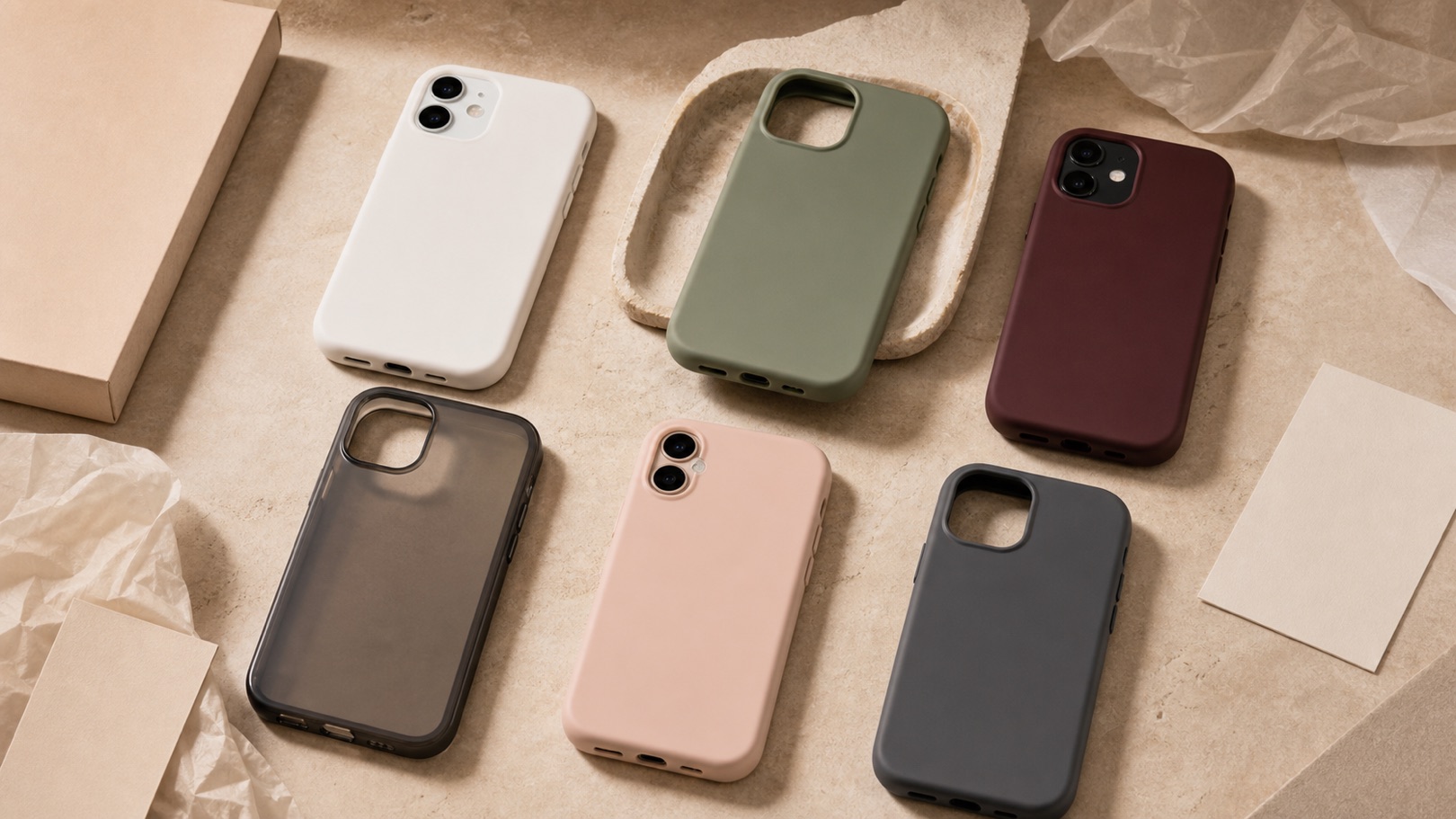
Use Rewarx to create consistent phone case mockup sets for product pages, collection cards, homepage modules, email, and ads, then review every output against the real SKU before it goes live.
Use real case photos, colorways, artwork, material notes, camera cutout references, and brand direction.
Create hero, gallery, flat lay, lifestyle, detail crop, color variant, and campaign images for Shopify channels.
Check camera cutouts, raised lips, button openings, bottom ports, print placement, material texture, color, shadows, and crop.
Review the mockup workflow
Start from approved references: Use real case photos, colorways, artwork, material notes, camera cutout references, and brand direction.
Plan the selling set: Create hero, gallery, flat lay, lifestyle, detail crop, color variant, and campaign images for Shopify channels.
Review product accuracy: Check camera cutouts, raised lips, button openings, bottom ports, print placement, material texture, color, shadows, and crop.
Use consistent images across PDP galleries, collection cards, homepage sections, email blocks, and paid social tests.
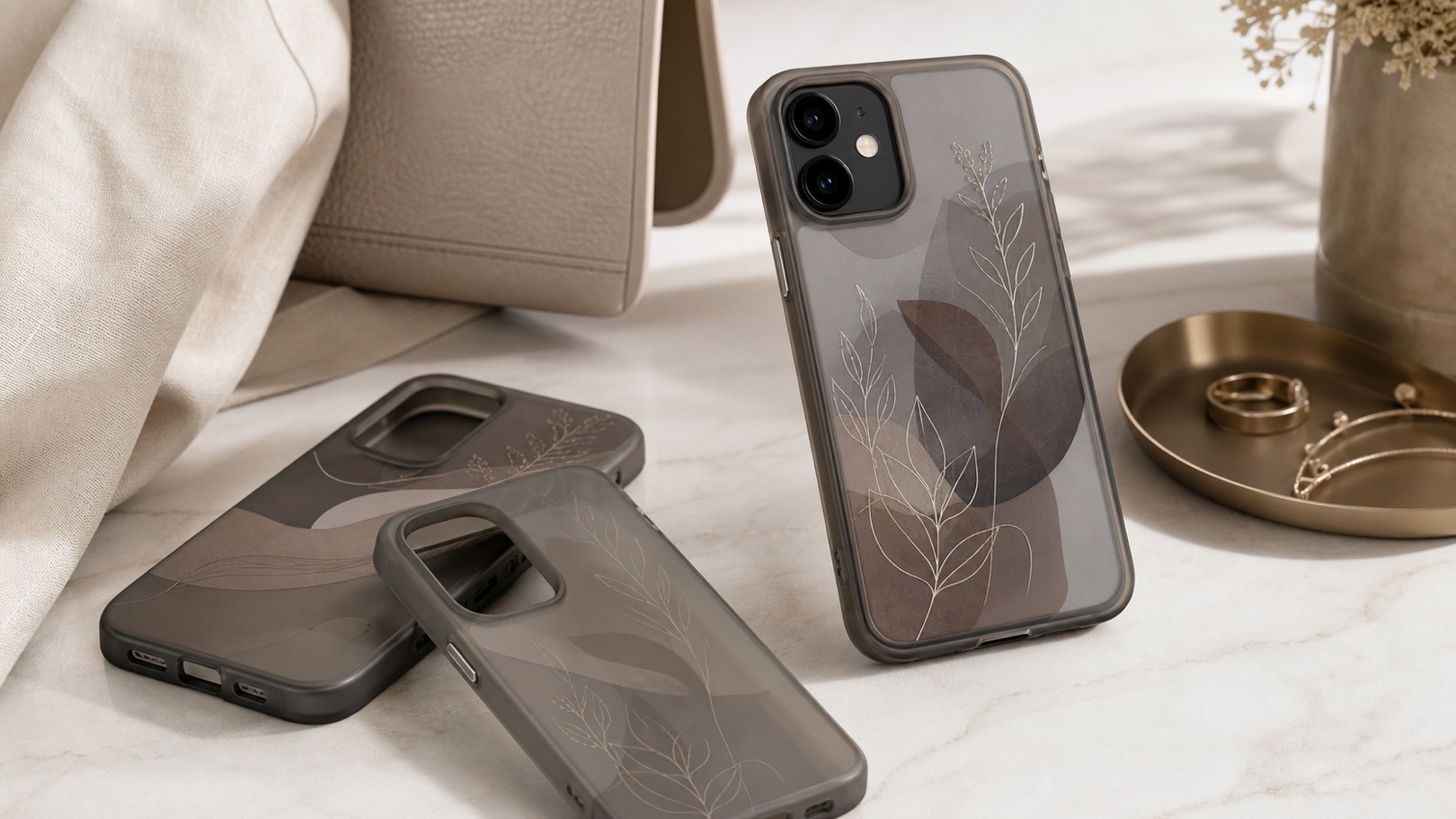
May show an attractive case but can blur cutouts, edge thickness, button alignment, material finish, or the real SKU relationship.
Useful for control, but slower when sellers need many colorways, artwork tests, and campaign crops.
Keeps the real case reference central, expands useful ecommerce views, and adds review checkpoints before publishing.
It is a workflow for creating phone case visuals for Shopify stores, including product heroes, collection images, lifestyle scenes, detail crops, color variants, and ad-ready assets.
Review camera cutouts, raised edges, side buttons, bottom ports, material finish, artwork placement, color, crop, and whether the output still represents the real SKU.
No. Rewarx focuses on product imagery and mockup creation. Printing, fulfillment, inventory, and order operations stay outside Rewarx.
Rewarx can help create consistent visuals for approved artwork and color variants, but sellers should review each output against real product references.
Consistent mockups make product galleries, color variant cards, launch pages, email blocks, and ads easier to scan and compare.
It provides a definition, workflow, comparison, FAQ, and structured image metadata so AI systems can understand and cite the phone case mockup use case.
Create premium phone case mockups for your Shopify store: Rewarx helps Shopify phone accessory sellers turn approved case references into premium product mockups, collection flat lays, material detail crops, color variants, lifestyle scenes, and campaign visuals while reviewing camera cutouts, raised lips, side buttons, artwork placement, and color before publishing.