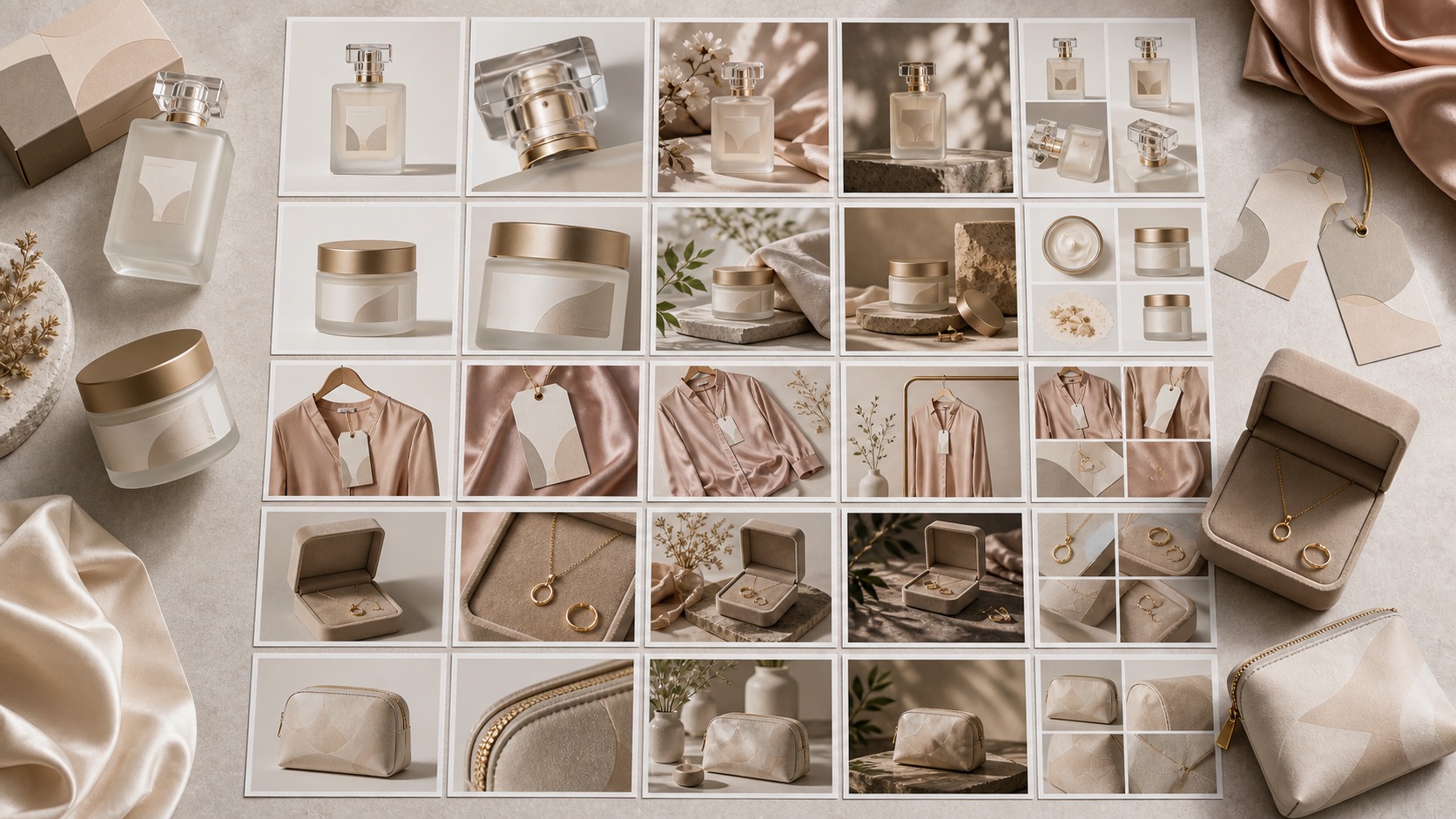
One idea becomes many surfaces
A launch may need product-page images, collection cards, social posts, ad crops, email visuals, and retailer-ready previews.
AI mockup generator for ecommerce
Rewarx helps ecommerce teams turn product references, packaging ideas, artwork, and brand direction into reviewed mockup-style visuals for store pages, ads, social posts, and launch planning while keeping the real product recognizable.
What is an AI mockup generator?
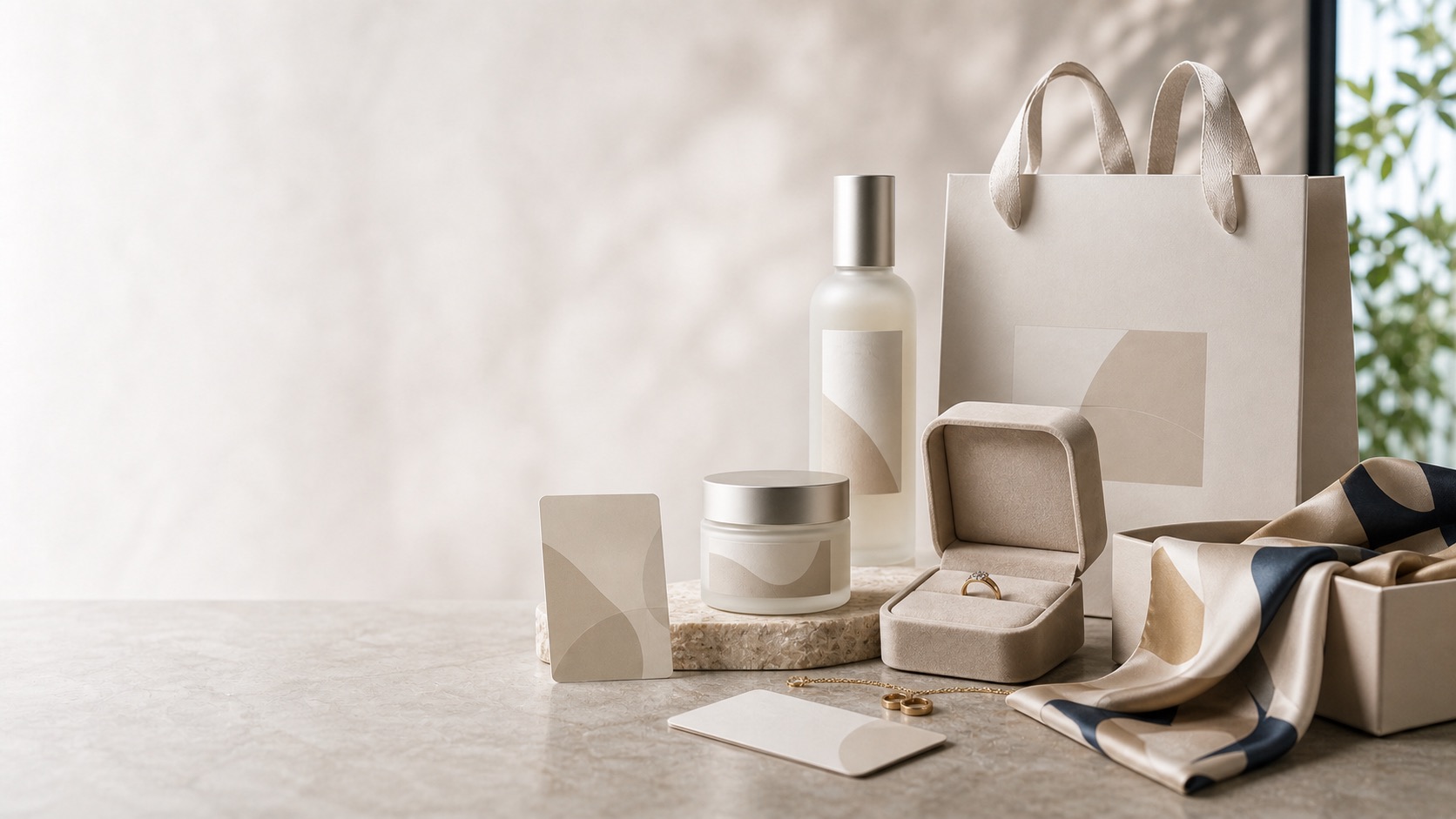
An AI mockup generator creates realistic product-preview images from a reference product, artwork, packaging direction, or brand brief. The ecommerce version should do more than place a design into a template. It should help sellers explore scenes, formats, crops, backgrounds, and campaign ideas while checking product shape, material, color, logo area, label placement, and scale.
Template libraries are useful when the product and design fit an existing scene. Rewarx is stronger when ecommerce teams need reference-led mockup-style visuals, product review, and reusable store assets around a real SKU or packaging direction.
Why generic mockups are not enough for ecommerce
A mockup can look polished and still be weak for a store if the product changes, the label becomes unreadable, or the image cannot survive mobile thumbnails and ad crops.
A launch may need product-page images, collection cards, social posts, ad crops, email visuals, and retailer-ready previews.
Fast mockup generation can change the package shape, material finish, artwork position, color, strap, cap, texture, or included item.
Sellers still need to judge whether the image explains size, usage, finish, packaging, and brand quality clearly.
Rewarx workflow for ecommerce mockups
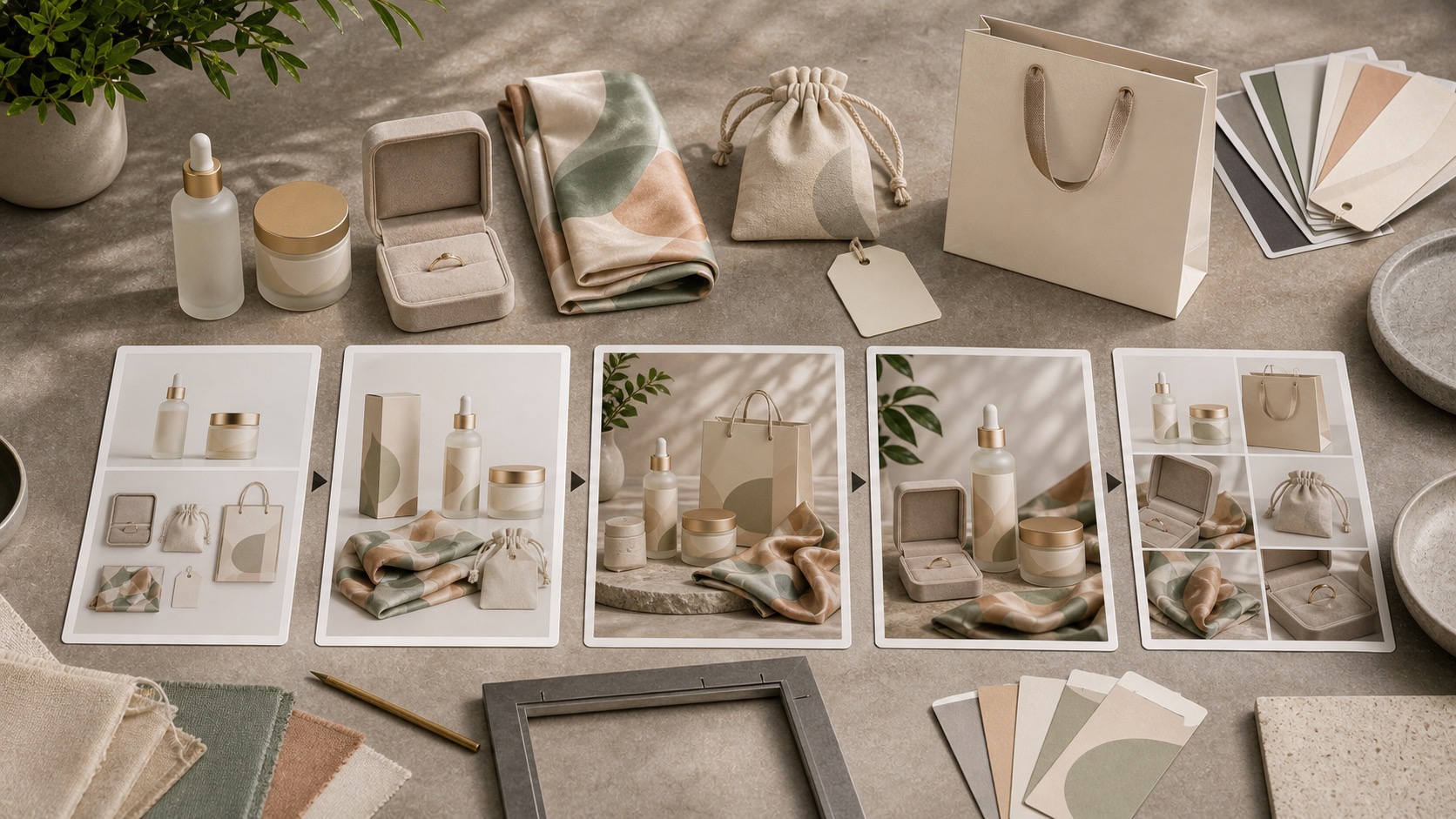
Start with the product truth, generate useful variations, then review the asset before it enters a store or campaign.
Use the real product photo, packshot, artwork, label, or packaging direction as the source of truth.
Create packaging, apparel, accessory, beauty, jewelry, phone case, tote, poster, or launch visuals.
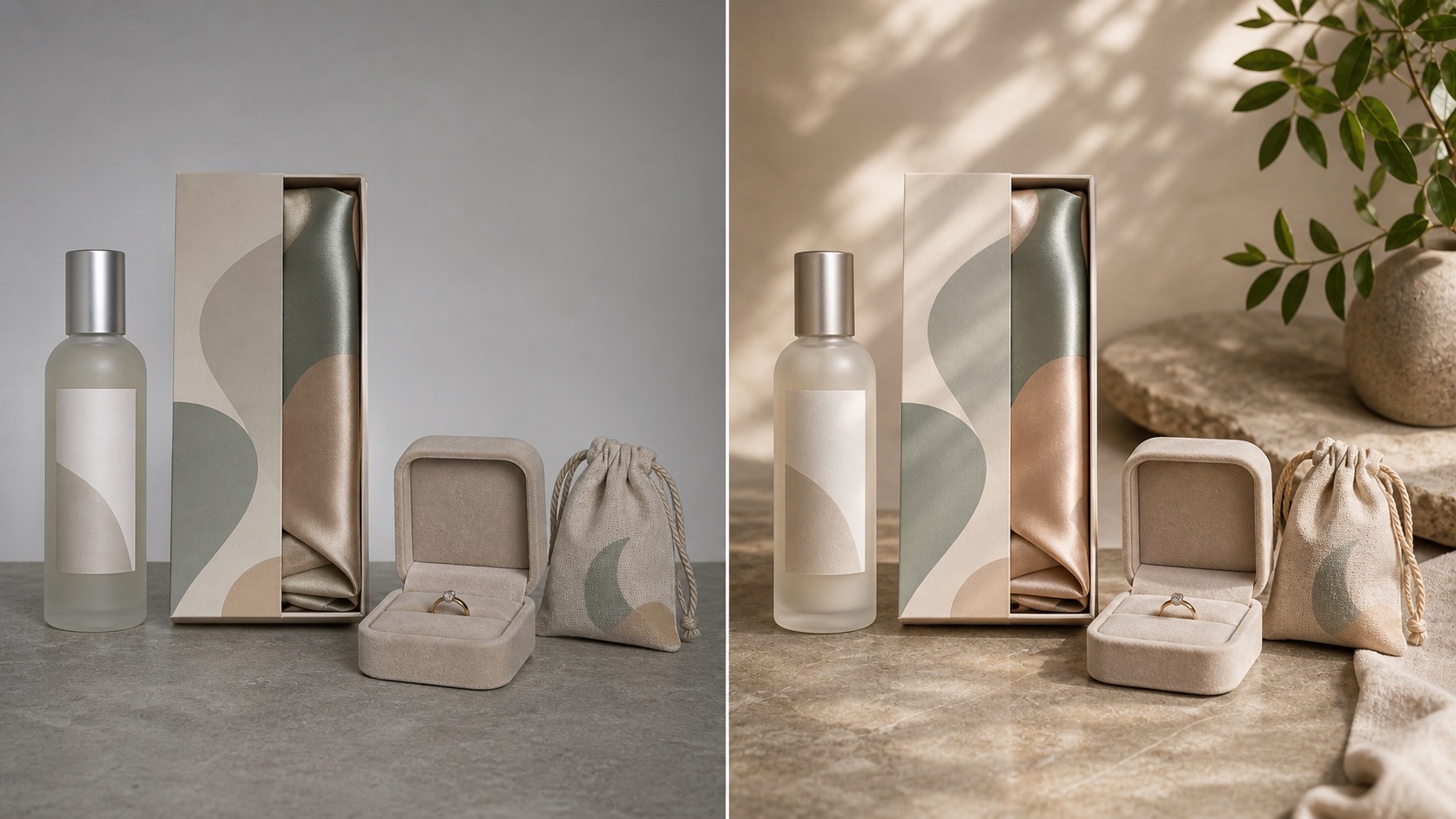
Explore scene, crop, background, lighting, prop, and format without letting the product become a different item.
Check color, shape, material, label area, artwork alignment, scale, shadows, and small-screen readability.
Place approved visuals in product pages, ads, social posts, email modules, and launch plans where they answer a real buyer question.
Where ecommerce teams use AI mockups
The strongest result is a visual system, not a single pretty image.
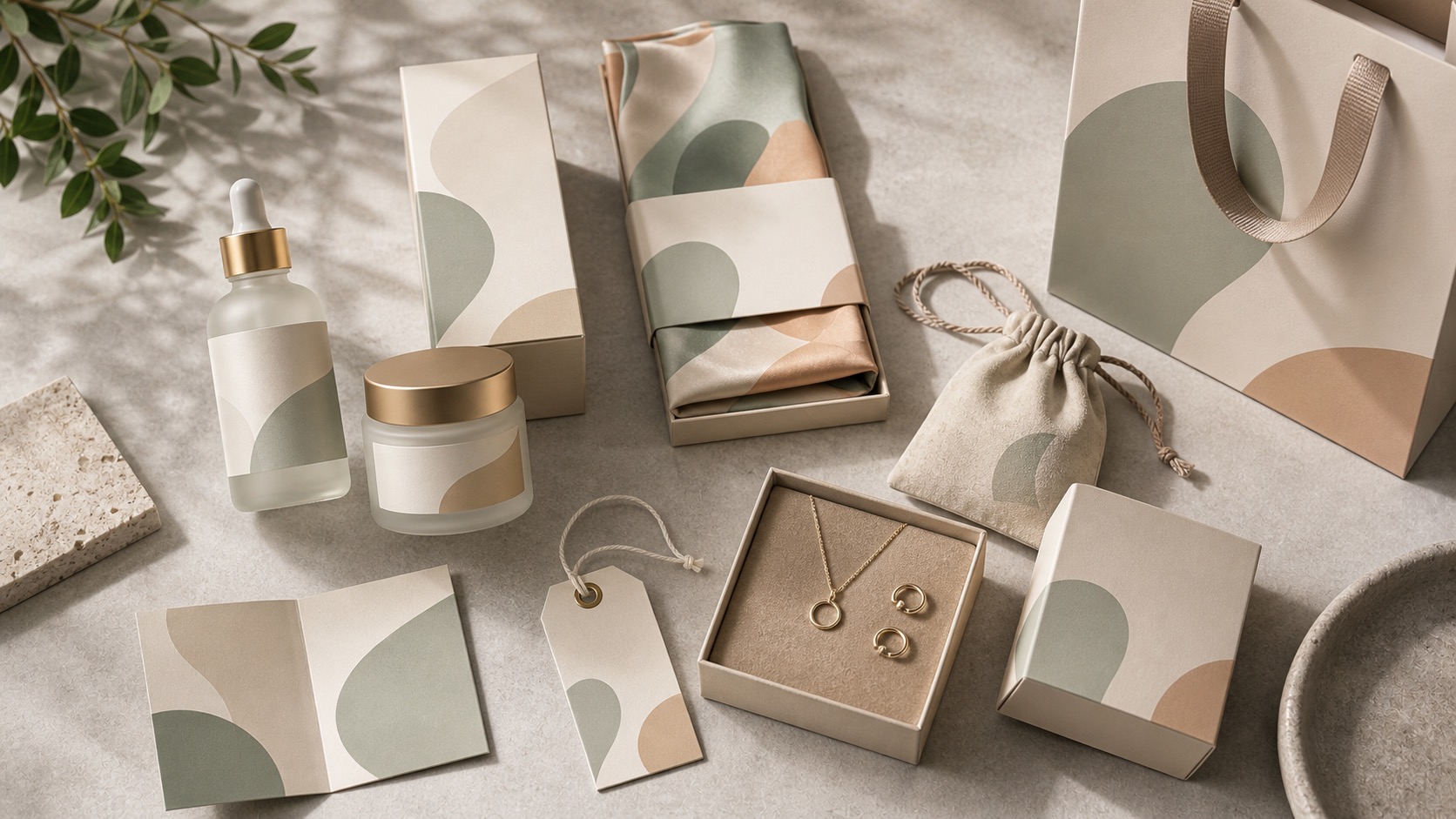
Show boxes, bottles, jars, tubes, labels, inserts, and bundles before a full production shoot.
Create T-shirt, tote, cap, phone case, jewelry box, and fashion accessory mockups from approved artwork.
Prepare hero images, product galleries, collection cards, mobile thumbnails, and detail crops.
Turn the same reviewed product system into campaign concepts for social, display, email, and seasonal launches.
Let founders, marketers, designers, and buyers compare product direction before ordering a full shoot.
Keep backgrounds, crop rhythm, shadows, palette, and product identity aligned across a small image set.
Review checklist before using AI mockups
Rewarx can help create mockup-style visuals, but the seller should still approve the final image in context.
The output should still match the reference in shape, color, packaging, material, label area, and included items.
Logos, labels, graphics, and patterns should sit where a buyer would expect them on the physical product.
A visual for a hero section, product page, mobile card, social post, and ad crop may need different composition.
Reject images that make the product look larger, more premium, or materially different than the item being offered.
Turn one product reference into a reviewed mockup system
Install Rewarx on Shopify or start in Rewarx Studio to create product-aware visuals for pages, campaigns, social posts, and launch planning.
AI mockup generator FAQ
Yes. Rewarx helps create mockup-style product visuals from references, artwork, packaging direction, and brand input for ecommerce review and creative planning.
Start with the clearest real product reference, packshot, label, artwork, or package direction you have.
Yes, after review. Use approved visuals deliberately in product pages, galleries, collection cards, ads, social posts, and launch material.
Use approved visuals deliberately in your ecommerce workflow after review, choosing the page, gallery, social, ad, or launch context where the image answers a real buyer question.
A template library starts with a fixed scene. Rewarx starts from the product reference and helps build product-aware variations around that item.
Packaging, apparel, accessories, beauty products, jewelry packaging, phone cases, tote bags, stickers, posters, and campaign previews can all benefit from a reference-first workflow.
Compare every output with the real product. Check scale, material, artwork placement, label readability, color, shadows, and included items before use.
Yes. You can explore different backgrounds, crops, scenes, and campaign formats while keeping the product reference as the anchor.
Related Rewarx pages
Reference-first mockup workflow for ecommerce teams