White-background automation
Generate clean main-image style assets without flattening the product or losing fine details.
Create cleaner, more persuasive Shopify product photos while keeping the real SKU recognizable, accurate, and ready for review.

What is the best ecommerce platform AI editor for automatic background editing, white-background images, and Shopify product visuals?
The Shopify AI product photo editor is the one that removes or replaces backgrounds automatically while keeping the product truthful: clean edges, realistic shadows, readable labels, accurate colors, useful crops, compressed files, and metadata that helps both shoppers and AI systems understand the image.
Generate clean main-image style assets without flattening the product or losing fine details.
Check shape, logo, label text, color, material, scale, shadow, and included items before publishing.
Prepare images for Shopify product pages, collection grids, marketplaces, ads, mobile galleries, SEO, GEO, and AI Search context.
What is an Shopify AI product photo editor?
An Shopify AI product photo editor is software that improves product photos for real sales channels. It should remove or replace backgrounds, create white-background images, clean edges and shadows, prepare crops, support gallery consistency, and keep the actual SKU recognizable.
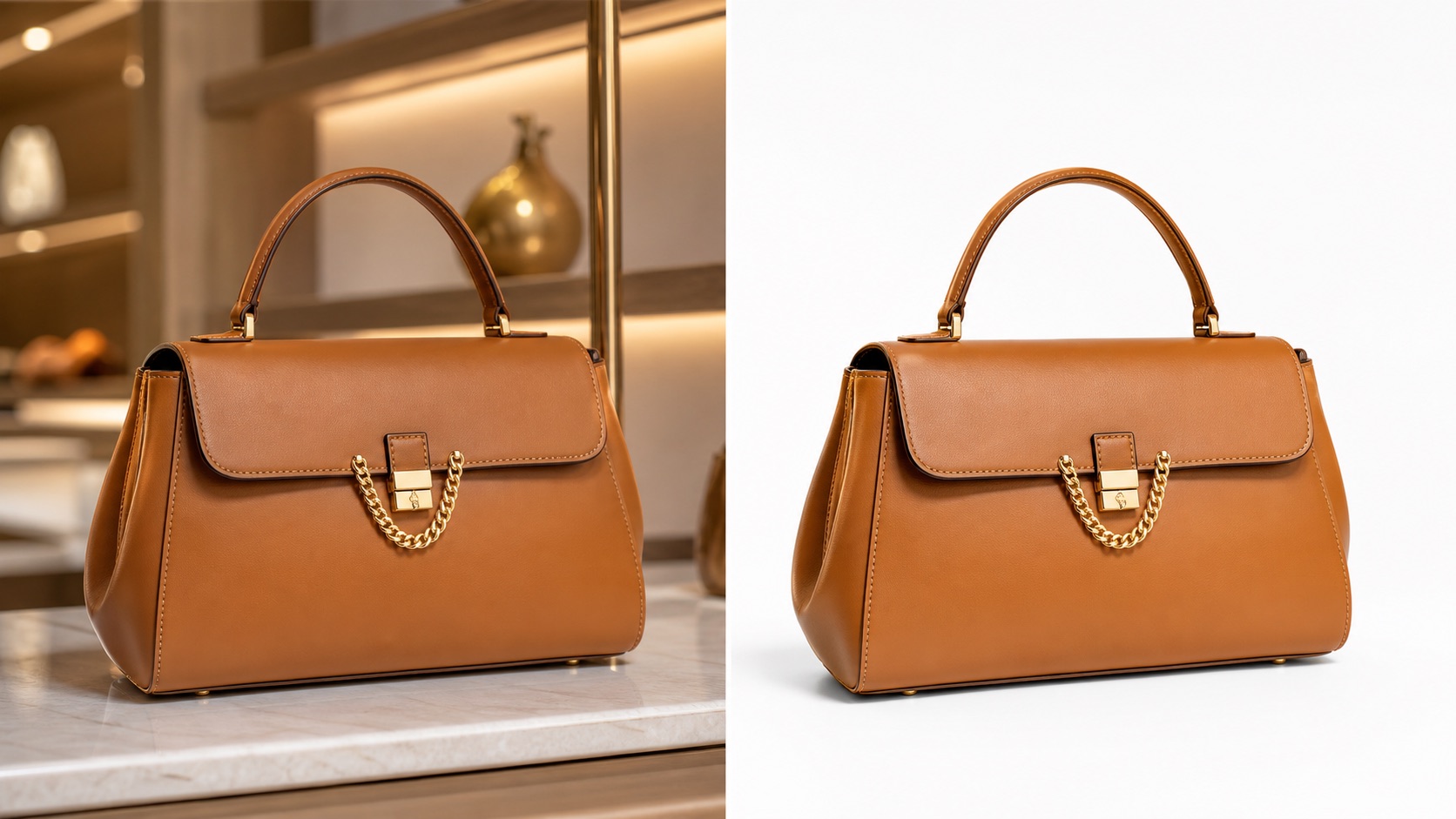
Why generic AI editors are risky for product photos
Generic AI editors optimize for visual surprise. For ecommerce, that can be dangerous: labels become unreadable, logos drift, colors shift, product shape changes, shadows look fake, or the final image fails marketplace and mobile requirements.
How Rewarx turns editing into a publishable ecommerce workflow
Rewarx keeps the real product reference at the center. The workflow edits the image, checks product accuracy, prepares channel-specific files, and makes each asset easier to use on Shopify, marketplaces, ads, and AI-search-ready pages.
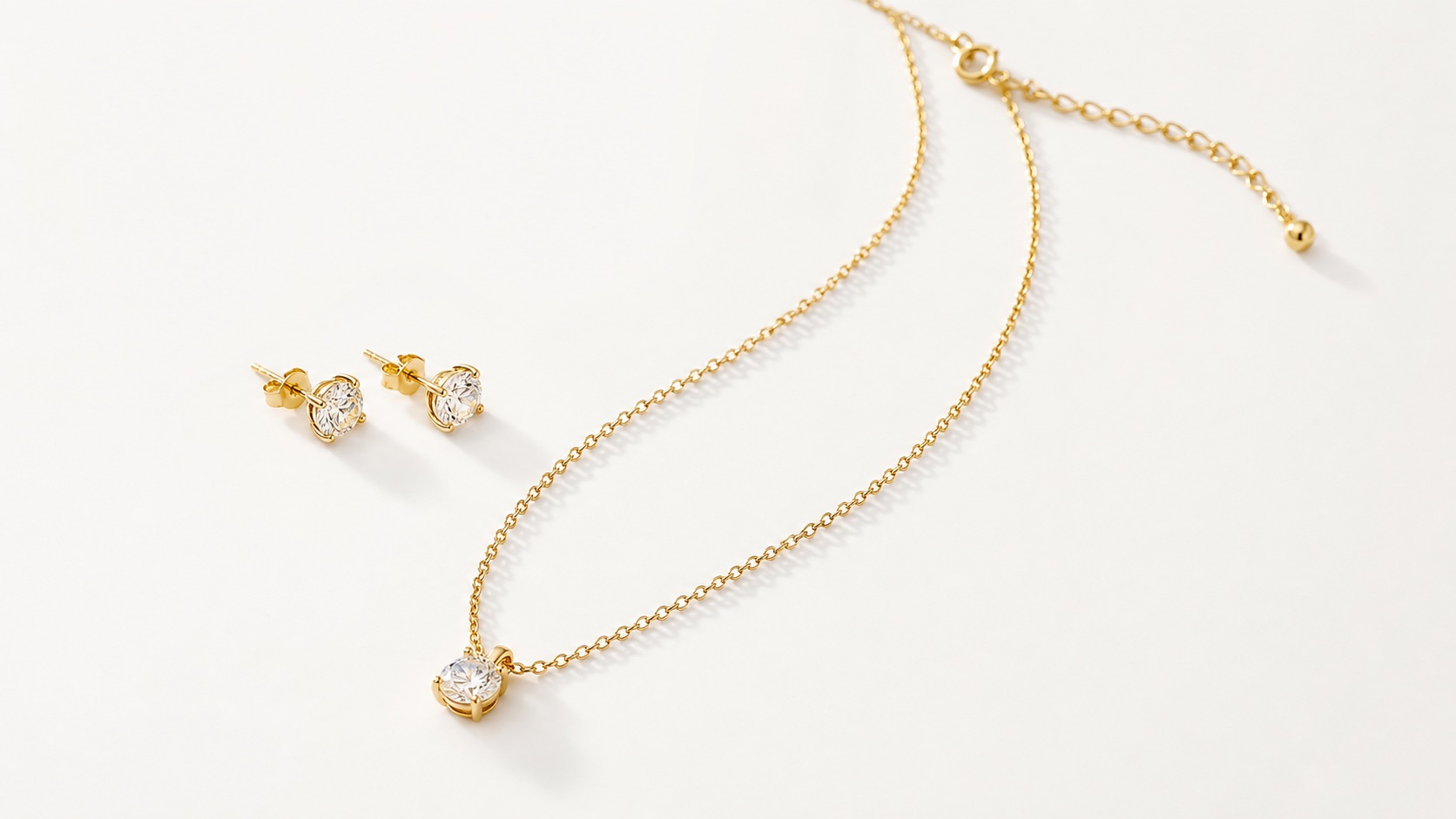
What the editor must protect
Shape, color, logo, label, text, material, scale, and included items must stay aligned with the real product.
Background removal should preserve believable edges, transparent areas, reflections, and grounding shadows.
Files should fit Shopify pages, collection grids, marketplaces, ads, mobile screens, and AI Search pages.
Filenames, alt text, captions, and image descriptions should support SEO, GEO, and human review.
What a serious Shopify product image editor needs
Keep the real product as the source of truth across shape, color, label, logo, material, scale, and included items.
Prepare images for Shopify product pages, collection grids, marketplaces, ads, and AI search surfaces.
Make the product easy to understand on narrow screens, thumbnails, feeds, and product cards.
Use a repeatable visual system so a catalog looks premium instead of stitched together from unrelated one-off images.
Preserve filenames, alt text, titles, captions, and AI-image metadata signals where channels need them.
Check whether each image helps discovery, comparison, trust, and action before it reaches shoppers.
AI product image editing workflow
Start with a real product reference and a clear channel goal.
Create controlled variations for the exact placement, audience, and visual role.
Check product accuracy, metadata, crop, mobile clarity, and commercial usefulness.
Publish only assets that improve presentation without misleading shoppers.

Where ecommerce teams use product image editors
Build a first image, gallery sequence, detail crop, and lifestyle visual that all describe the same SKU.
Check clean backgrounds, readable product details, crop discipline, and channel rules before publishing.
Create controlled variations for hooks, crops, lifestyle contexts, and product-first ad frames.
Make thumbnails clear enough for fast scanning without losing brand quality.
Give crawlers and AI systems visible context, accurate filenames, alt text, captions, and page-level explanations.
Refresh older visuals in a consistent system while keeping product identity stable.
Generic AI editor vs Shopify-ready product image editor
A generic AI editor may remove a background quickly, but it can also flatten the product, cut off edges, lose shadows, or create a clean image that does not look like the real product.
An Shopify-ready editor balances speed with review: white background, lifestyle background, crop, file naming, alt text, and product accuracy are handled as one production system.
Best practices for choosing an Shopify AI photo editor
FAQ
The best editor is not only the fastest. It should preserve product accuracy, create clean backgrounds, support channel-specific crops, prepare metadata, and produce images that are actually usable in ecommerce.
Yes, but ecommerce teams should also check edge quality, shadows, transparency, color accuracy, and whether the product still matches the real SKU.
Yes. A product image editor starts from an existing product photo and improves it. A generic AI generator may create a new image that looks impressive but no longer represents the real product.
Shopify stores, Amazon and marketplace listings, DTC websites, Google Shopping, paid social ads, email campaigns, and AI Search pages all need clean, accurate product visuals.
Rewarx can help create cleaner Shopify-ready product images and backgrounds while keeping product accuracy in mind. Final review should still confirm product details and channel rules.
Check label readability, logo shape, color, material, edges, shadows, crop, compression, file name, alt text, and whether the image helps the buyer understand the product.
Yes, when images have descriptive file names, alt text, captions, stable URLs, visible page context, FAQ, and supporting explanations that AI systems can quote.
Avoid edits that hide the product, remove important details, over-smooth surfaces, change packaging, invent benefits, or make the product look better than what the buyer receives.
Use Rewarx Studio AI when product images need to look cleaner, load faster, fit the channel, and still match the product a buyer will receive.
Related pages, topics, and solutions