Buyer trust
The image must make the product easier to understand, not create doubt about color, shape, material, logo, label, or scale.
Rewarx for Shopify sellers
Rewarx helps Shopify sellers create ecommerce-ready AI product photos, model images, backgrounds, and marketing visuals while keeping the product itself at the center of the image. This page focuses on AI Product Photography for Amazon and Shopify Sellers for multi-channel sellers preparing assets for Amazon and Shopify. English-speaking sellers often test product pages, paid social, Amazon listings, and wholesale decks in parallel, so visual consistency needs to survive more than one channel.
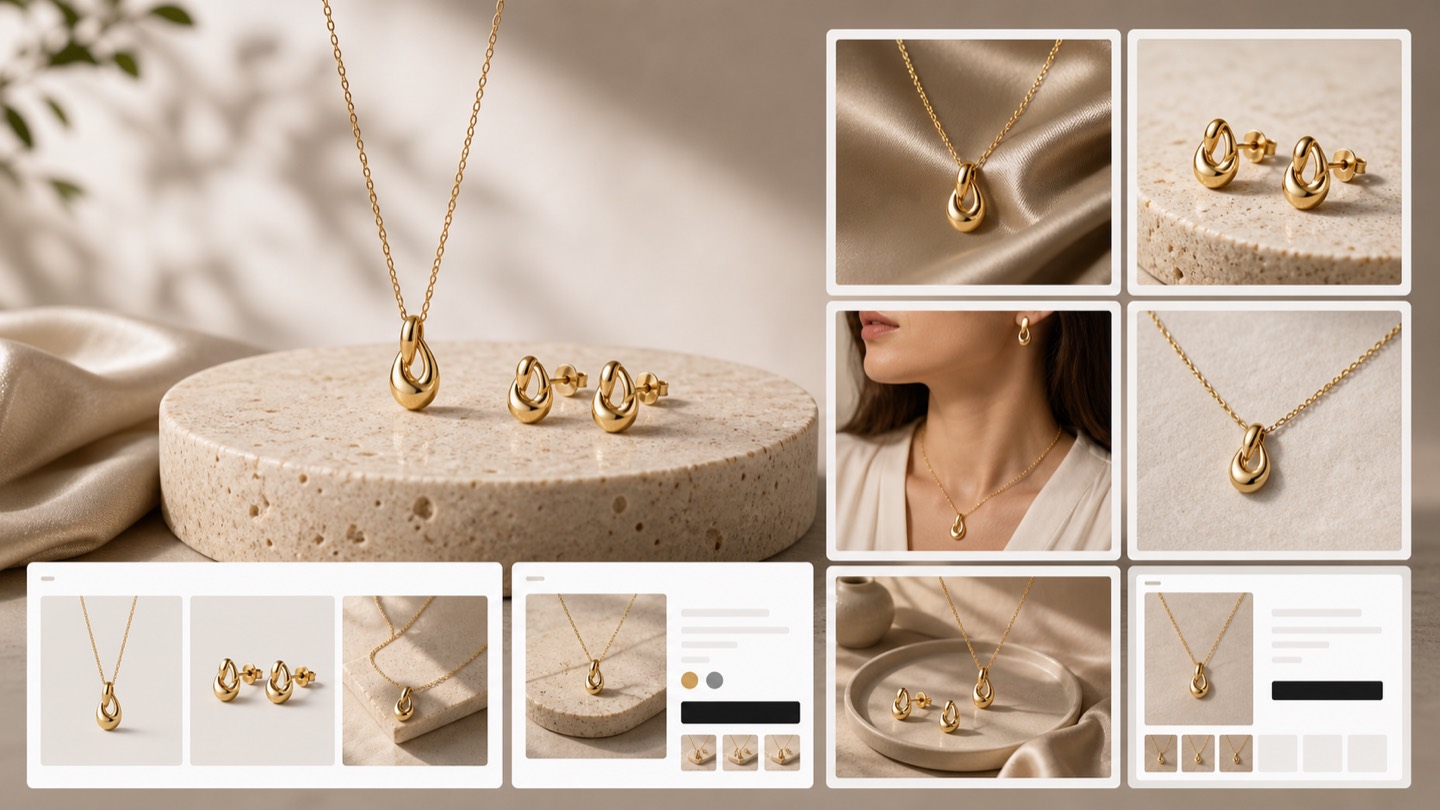
A product launch can stall when every SKU needs a new shoot, a retouching queue, a model booking, and a last-minute marketplace version. Rewarx is designed for sellers who need more usable visuals without rebuilding the whole photography operation. For multi-channel ecommerce, teams need image variety, quality control, and a repeatable process.
Product photography costs grow quickly when each launch needs studio time, model coordination, props, styling, and retouching.
Slow photoshoots make it harder to ship seasonal campaigns, new variants, bundles, and marketplace-specific assets.
Inconsistent product images can make a store feel less trustworthy, especially when collection pages mix many styles and backgrounds.
Marketplace requirements add pressure because sellers may need clean product shots, lifestyle images, and channel-specific crops.
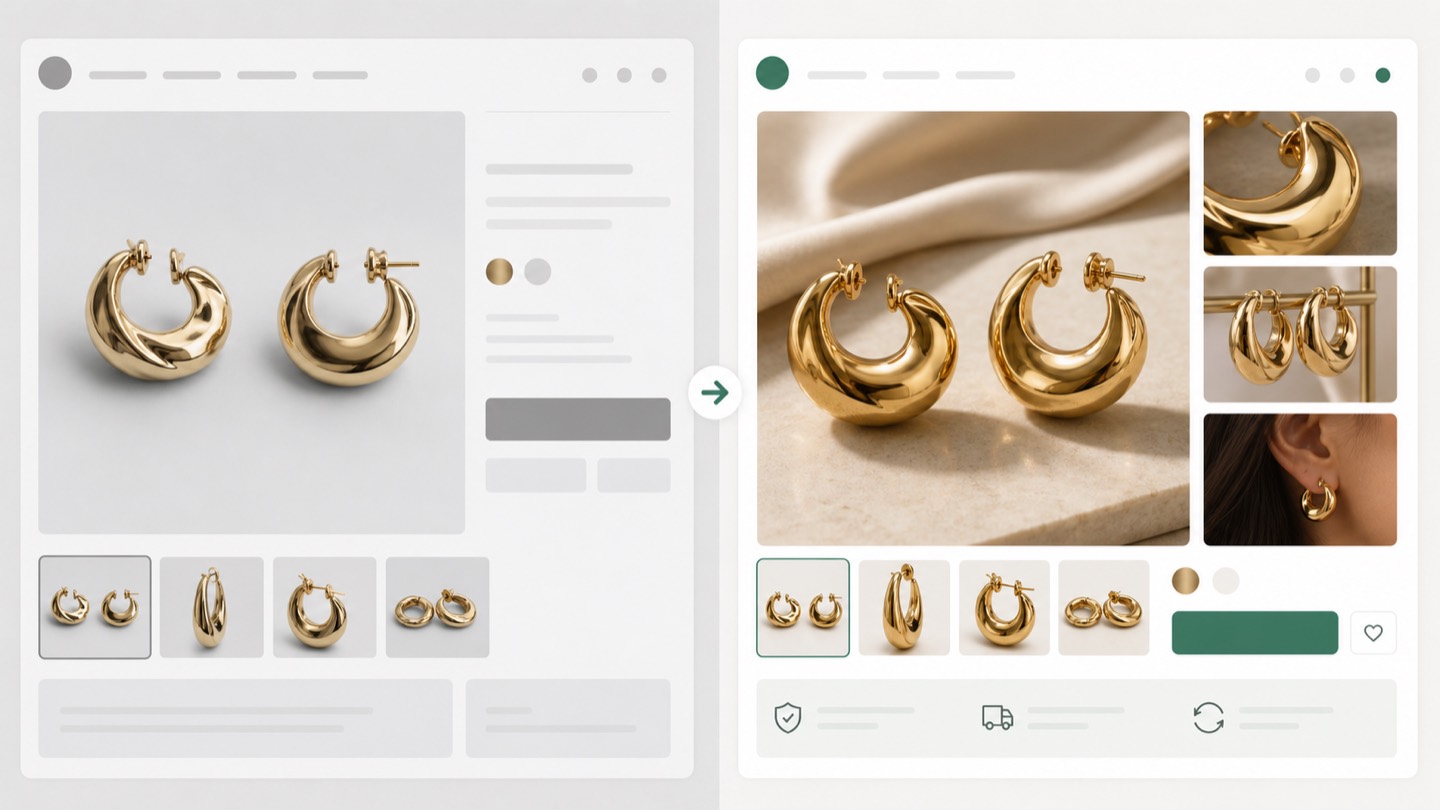
Product detail preservation matters when shoppers compare color, packaging, texture, size, and label information before buying.
Creative production bottlenecks limit testing for ads, campaign pages, emails, and product page experiments.
English-speaking sellers often test product pages, paid social, Amazon listings, and wholesale decks in parallel, so visual consistency needs to survive more than one channel. Use Rewarx when you need more than one clean product cutout: launch images, lifestyle scenes, AI model shots, marketplace visuals, ad creatives, and seasonal variants can all start from the same product reference.
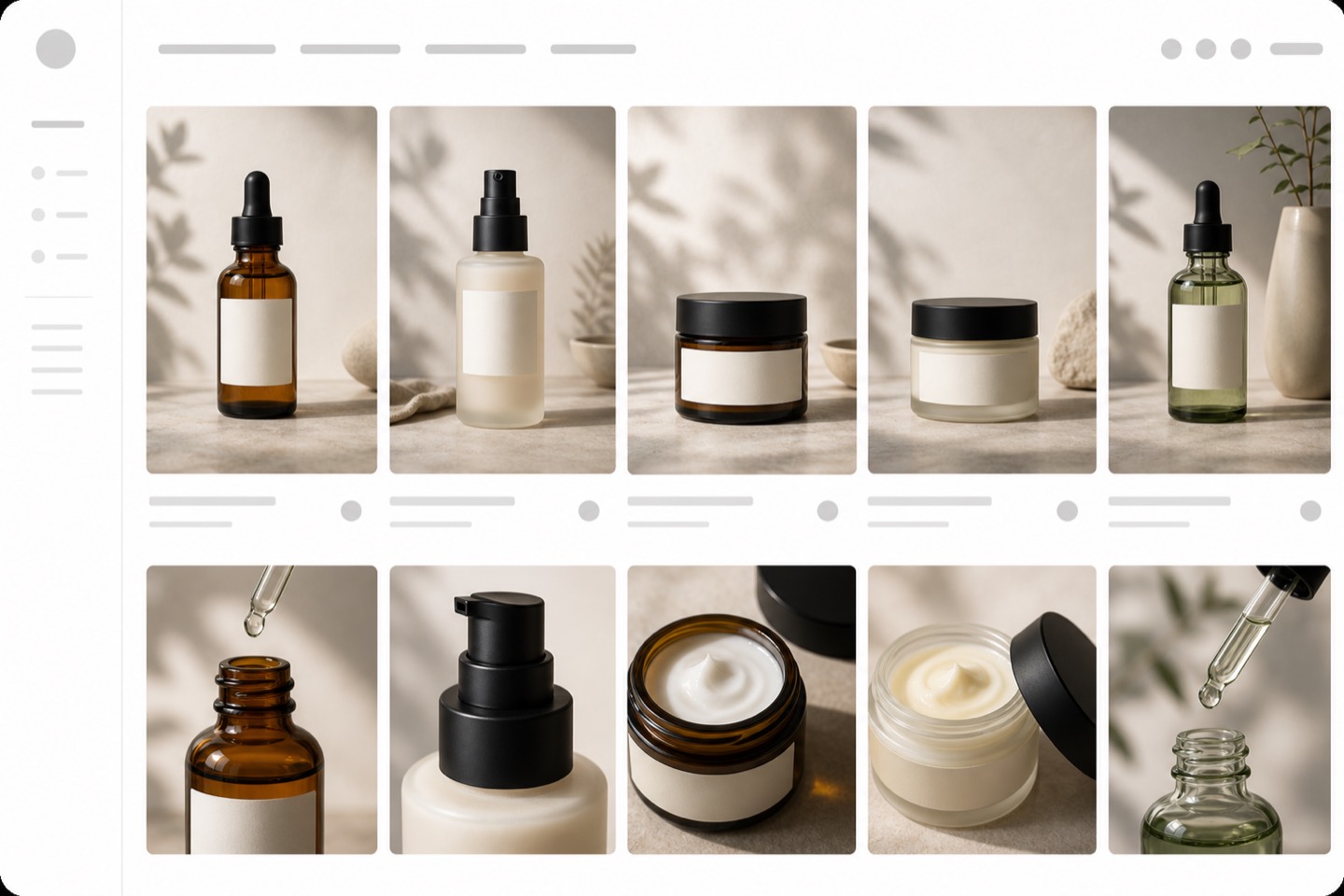
Decision context
For AI Product Photography for Amazon and Shopify Sellers, the install decision is not about adding another image toy. A Shopify team needs clearer product visuals, faster campaign production, and a review habit that protects what shoppers will actually receive.
The image must make the product easier to understand, not create doubt about color, shape, material, logo, label, or scale.
Stores need more image variations for launches, collections, ads, marketplaces, and seasonal campaigns without turning every update into a full shoot.
A hero image, product gallery, social ad, marketplace crop, and mobile collection tile each need a different visual job.
Amazon and Shopify review workflow
Start with the SKU as the source of truth, then create images for Amazon listing work, Shopify PDP galleries, mobile thumbnails, ads, and campaign pages without separating creative output from human accuracy review.
Use the real product photo to check shape, material, visible branding, package details, label text, and scale cues before approving any output.
Prepare clean product-forward options with white-background expectations in mind, then review crop, edges, shadows, and whether the item is represented accurately.
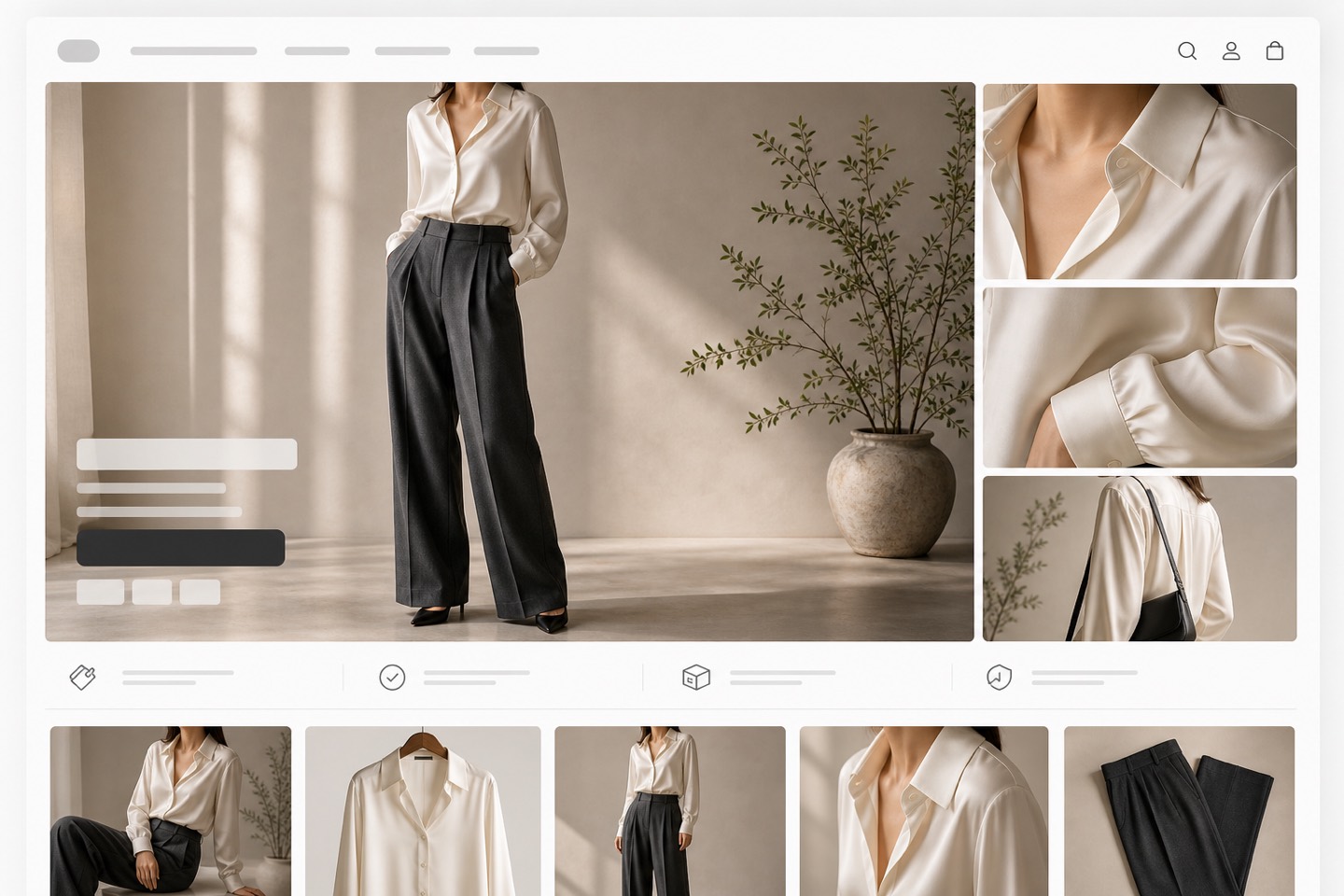
Create hero, lifestyle, detail, and collection-grid images that explain use, texture, size, and quality across desktop and mobile product pages.
Keep prompts, crops, filenames, alt text, and review notes so the same SKU can support marketplace listings, ads, emails, and launch pages.
Where it fits
The page should answer a multi-channel seller's real question: can one reviewed image workflow support Amazon listing prep and a Shopify storefront without losing product truth?
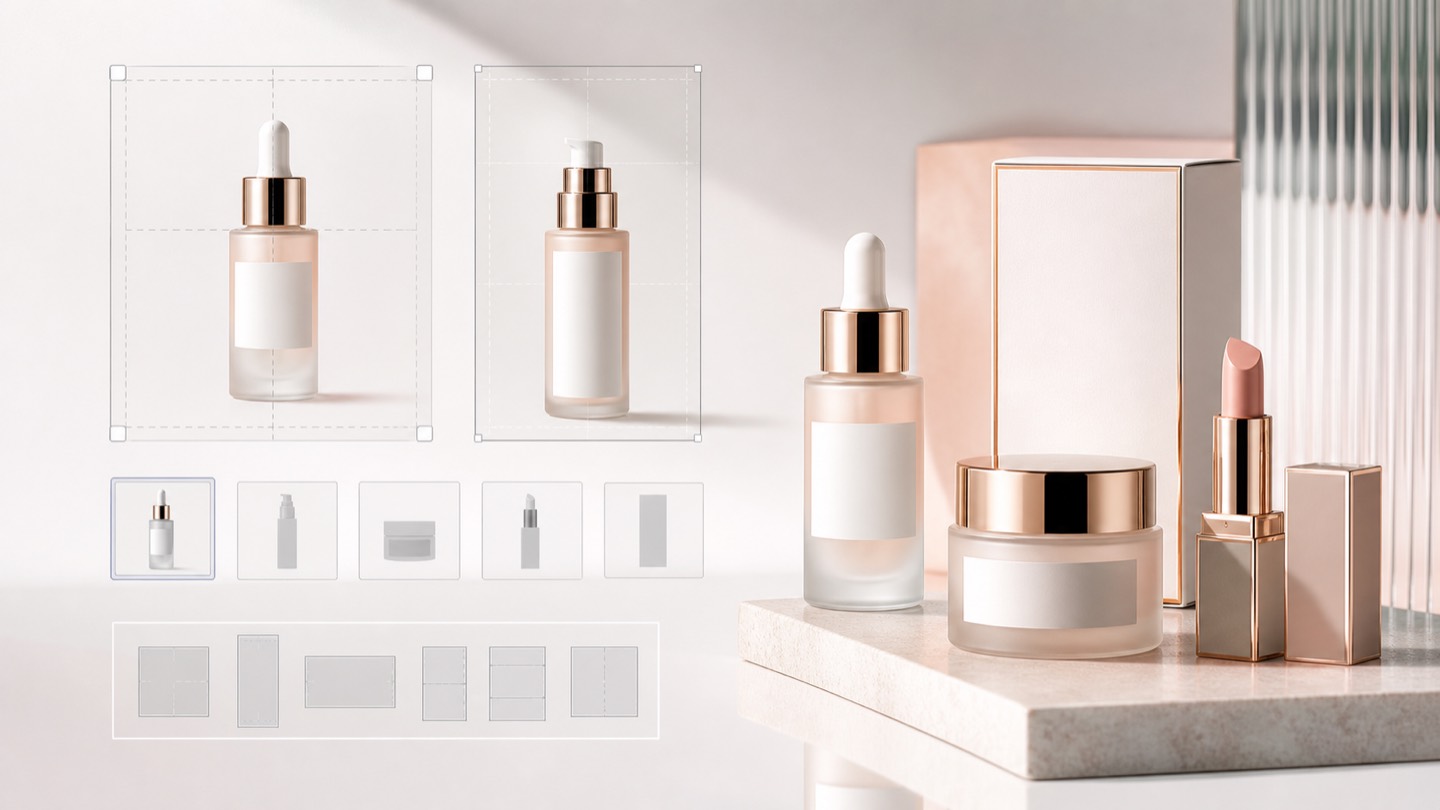
Create main-image candidates, detail crops, and supporting lifestyle visuals, then review them against product identity and channel expectations before upload.
Build a clearer product page sequence: hero image first, then details, lifestyle context, variant clarity, and mobile-readable thumbnails.
Reuse approved visuals for paid social, email, bundles, seasonal campaigns, and marketplace crops while keeping SKU recognition consistent.
The business value is not just prettier images. It is a faster content cycle, less production back-and-forth, more consistent merchandising, and a better way to test creative without waiting for every new shoot. Teams can move from one clean reference image to more launch options while reviewing product fit.
Faster content production for launches, campaigns, bundles, and collection refreshes.
Lower photography costs when every new visual does not require another full studio day.
More visual consistency across product pages, ads, emails, and marketplace images.
Better ecommerce presentation with cleaner hero images and more varied lifestyle visuals.
AI-generated marketing assets that help teams test creative angles without long handoffs.
Marketplace-ready product visuals for sellers who need multiple formats from one workflow.
The workflow stays intentionally simple for Shopify sellers. Upload a product photo, generate AI visuals, download the images you approve, and use them in your Shopify store. Rewarx should be positioned as a focused AI product photography workflow for visual production.
Start with a clear product reference for AI Product Photography for Amazon and Shopify Sellers, then use that image as the source of truth for multi-channel ecommerce.
Generate AI visuals for Amazon listing support, Shopify product pages, marketplace crops, lifestyle image variants, brand-consistent DTC assets while keeping accuracy review part of the workflow.
Download only the approved images after reviewing logo, color, shape, packaging, and SKU consistency.
Use the final images in Shopify product pages, collections, campaign pages, emails, ads, and marketplace preparation workflows.
These answers focus on Shopify installation intent, product accuracy, image production, AI model visuals, and the kinds of ecommerce teams that evaluate Rewarx before installing.
It gives Shopify sellers a focused workflow for multi-channel ecommerce: upload a product reference, generate visuals, review, and publish the strongest outputs.
No. Small stores, growing DTC brands, and larger teams all need more image variety without turning every update into a full shoot.
Review logo, color, shape, packaging, SKU consistency, and product fidelity before publishing.
Yes. Generate several directions, keep the most accurate outputs, and use them where they improve the Shopify shopping experience.
It keeps the decision close to your commerce workflow and gives your team a direct path to AI visual production.
Yes. Rewarx is available on the Shopify App Store for AI product photography workflows.
Not always. It can reduce extra shoots for variants, backgrounds, lifestyle concepts, and store updates.
Yes. Rewarx is designed to help preserve product details, and sellers should review outputs before publishing.
Yes. Rewarx supports model-style visuals for fashion, apparel, beauty, and lifestyle sellers.
Yes. Download approved images and use them on product pages, collections, emails, ads, or marketplace assets.
Generic image generators can be useful for inspiration, but ecommerce sellers need outputs that respect the product. Rewarx focuses on product photography tasks where the product, not the prompt, is the source of truth.
Install Rewarx from the Shopify App Store and start creating ecommerce-ready AI product photos with product fidelity in mind.