One SKU, too many surfaces
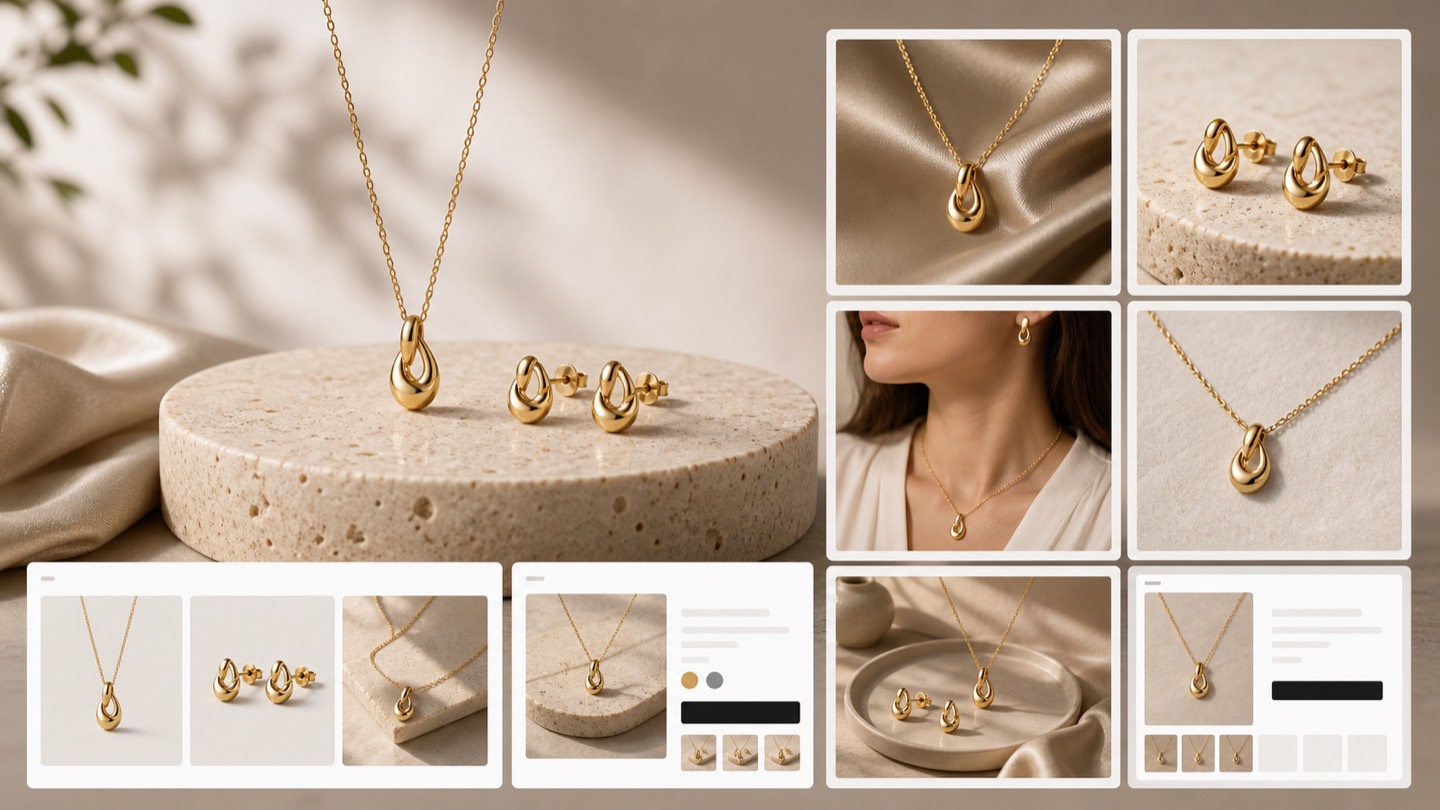
The same product may need a PDP hero, close-up, collection card, mobile thumbnail, social visual, and email image.
Shopify product image generator
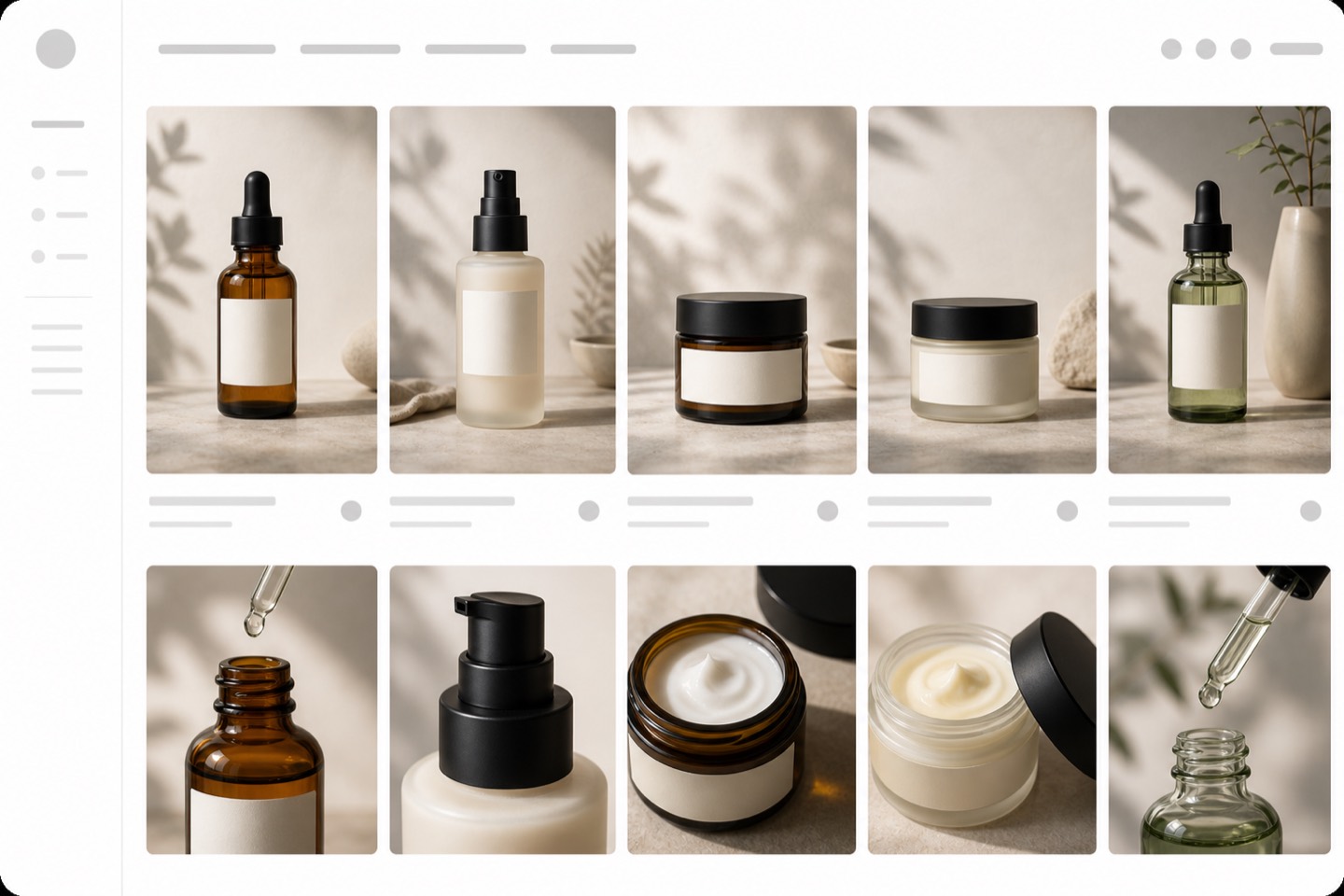
Rewarx helps Shopify merchants turn one product reference into reviewed ecommerce visuals for product pages, galleries, collection cards, mobile thumbnails, lifestyle scenes, and campaign assets while keeping the real item recognizable.
What is a Shopify product image generator?
A Shopify product image generator is a workflow for creating ecommerce visuals around a real product reference. The useful version is not just a prompt box. It helps merchants create the main product image, supporting gallery images, variant visuals, detail crops, lifestyle scenes, and reusable campaign assets while preserving product shape, color, packaging, labels, and scale.
Searchers for a Shopify product image generator usually want a practical tool, not a lecture. The page therefore keeps the install path visible while explaining the real evaluation question: can the tool create useful image variety without making the product feel like a different item?
Why Shopify image work breaks before launch
A product can be ready to sell while the visual set is still unfinished. The page needs a clear main image, gallery order, collection thumbnail, mobile crop, lifestyle context, and metadata plan. Rewarx turns that pressure into a repeatable image workflow.
The same product may need a PDP hero, close-up, collection card, mobile thumbnail, social visual, and email image.
Fast AI image creation can change color, shape, label placement, material cues, or package scale if the real item is not reviewed.
Sellers need more image variety without waiting for a full studio queue every time a variant, bundle, or campaign changes.
The Rewarx workflow for Shopify product images
Start with the SKU, build the image set, then review the output before it reaches a product page or campaign.
Use a clear product photo, packshot, or approved SKU image as the source of truth.
Create a hero image, white-background shot, lifestyle scene, detail crop, model-style visual, or campaign asset.
Explore scene, lighting, background, crop, and format while keeping the product recognizable.
Check color, logo, labels, materials, shape, included items, package scale, and mobile readability.
Download approved visuals, pair them with filenames and alt text, and place them where they fit the page experience.
Where Shopify teams can use the images
The strongest output is not one pretty image. It is a small product visual system that can support the store and the marketing calendar.
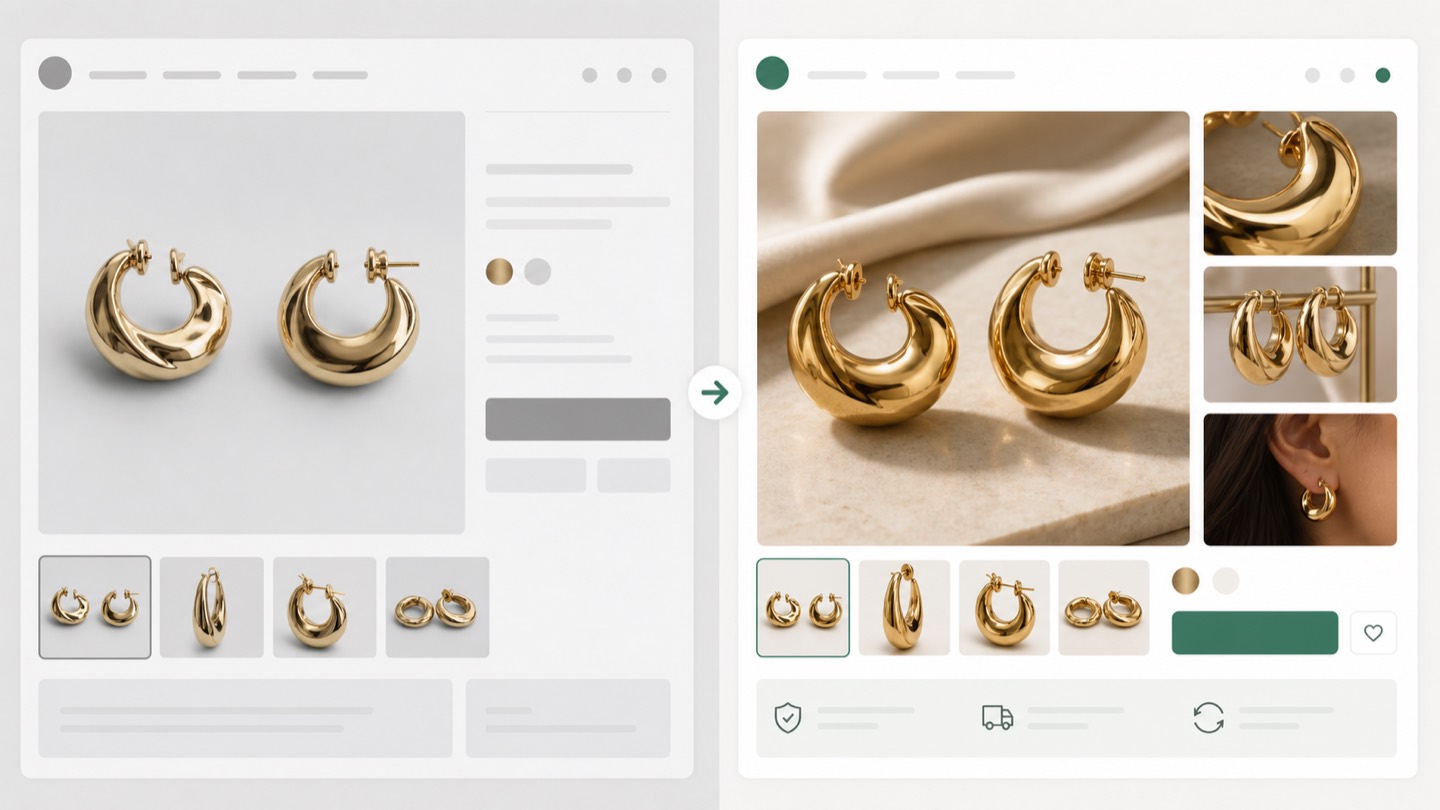
Create a clear main product image, supporting detail crops, lifestyle context, and variant-friendly visuals.
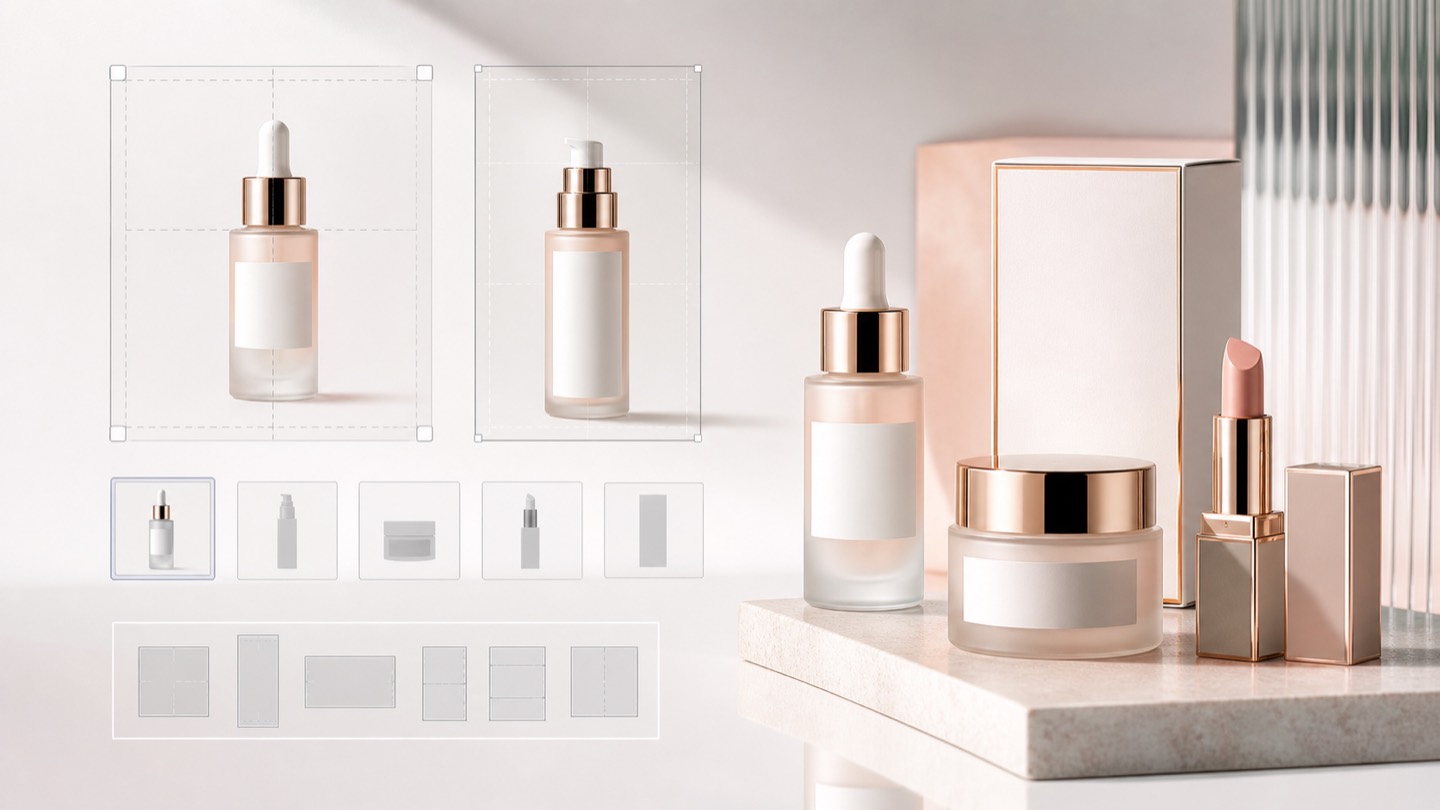
Keep the product readable in small grids with consistent crops, backgrounds, edges, and contrast.
Review the crop, scale, label visibility, and thumbnail clarity before the image becomes a mobile touchpoint.
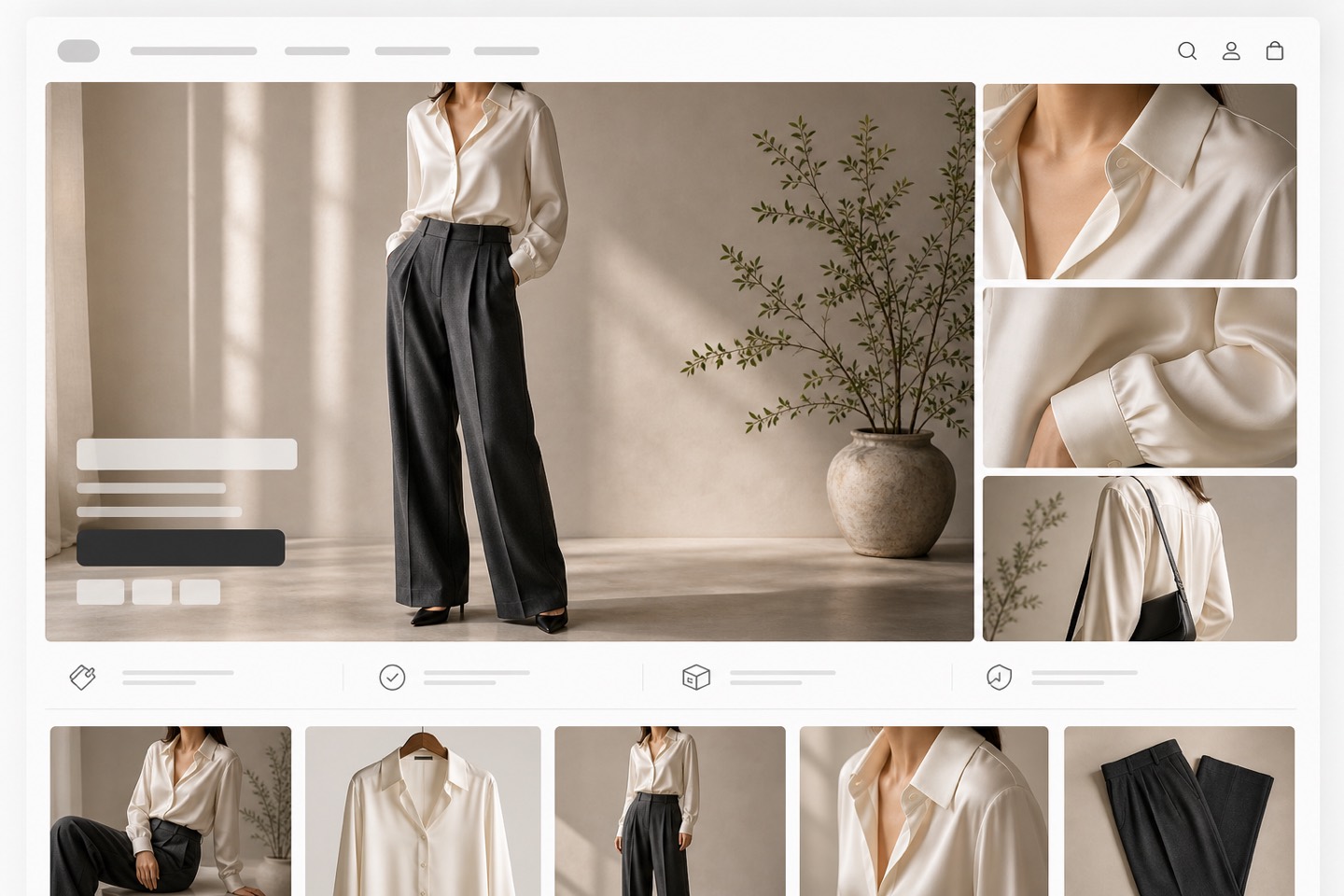
Give shoppers context for apparel, beauty, jewelry, home, food, and consumer products without losing the SKU.
Reuse reviewed visuals for product launches, seasonal refreshes, bundles, social posts, and email modules.
Plan descriptive filenames and alt text while the product details are still fresh in the review process.
Review checklist before publishing Shopify images
Rewarx is built for image creation, but the seller still owns the final publishing decision. A short review checklist protects buyer clarity.
The item should still match the reference in shape, color, material, label area, and package proportions.
The first image should identify the product quickly, while later images explain details, scale, context, and variants.
If a label, clasp, texture, shade, logo, or included accessory matters, check it at thumbnail size.
Write alt text and filenames that describe the product image, not a vague AI scene.
Build a Shopify product image set from the SKU you already have
Install Rewarx on Shopify and create reviewed AI product visuals for product pages, galleries, thumbnails, lifestyle scenes, and campaign assets.
Shopify product image generator FAQ
Yes. Rewarx is available on the Shopify App Store for AI product photography, model-style visuals, lifestyle scenes, backgrounds, mockups, and marketing images.
Start with a clear product reference that shows the shape, color, packaging, label, and key details you want to preserve.
Yes. After review, approved images can be used for Shopify product pages, galleries, collection tiles, email modules, and campaign assets.
This landing page focuses on AI product image creation and review. Sellers should place approved outputs in their Shopify workflow deliberately.
Common outputs include hero images, clean backgrounds, lifestyle scenes, detail crops, model-style images, mockups, and launch creatives.
Compare every output with the real SKU reference. Review color, material, logo, label, shape, included items, and package scale before use.
No. Fashion, beauty, jewelry, home, food, and consumer brands can all use a reference-first image workflow.
Shopify product media can include alt text, and planning it while reviewing images keeps product details clearer for users and search systems.
Related Rewarx pages
Available on the Shopify App Store