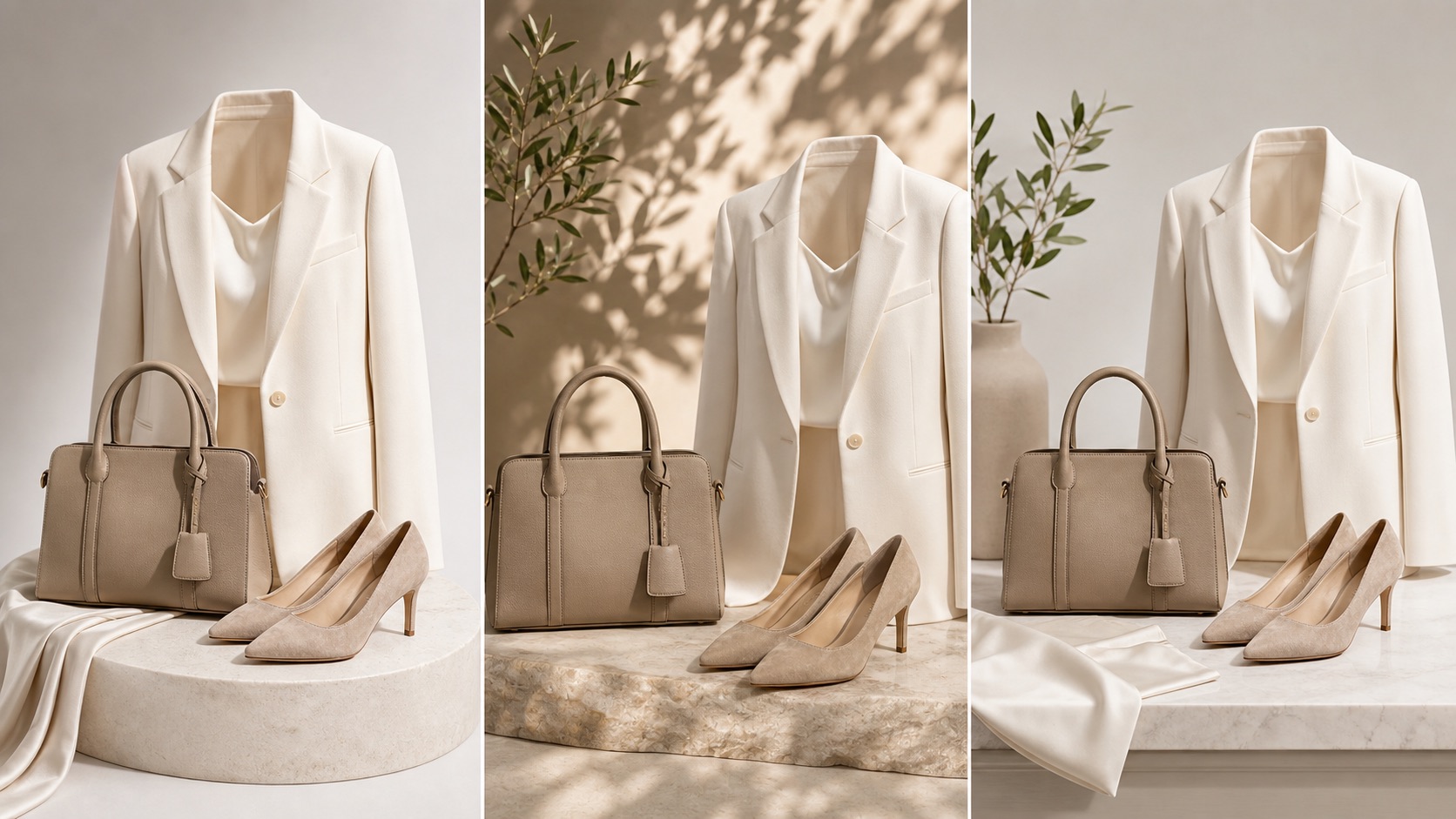
Shopify product media
Shopify frames product photos as a trust signal: shoppers need to understand what they will receive before they buy.
Build lifestyle scenes from real SKU references so shoppers can see use, scale, texture, packaging, and context while your team still reviews color, labels, material, crop, metadata, and channel fit before publishing.
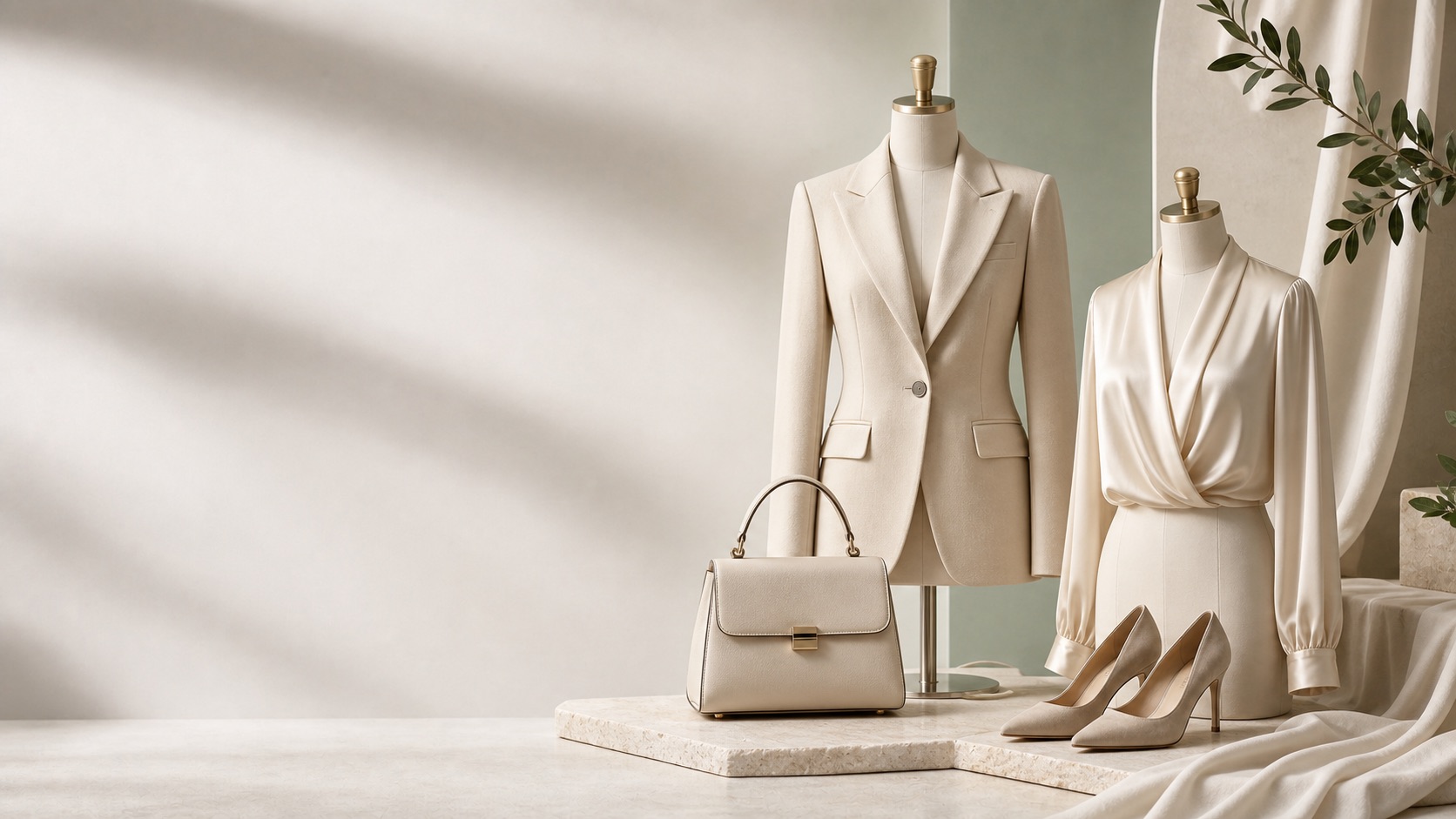
Context before decoration
Lifestyle product photography should not be a generic background swap. It should show the product in a real-world context, explain how it is used, and still preserve the product truth a buyer expects on the PDP, product feed, ad, or marketplace listing.
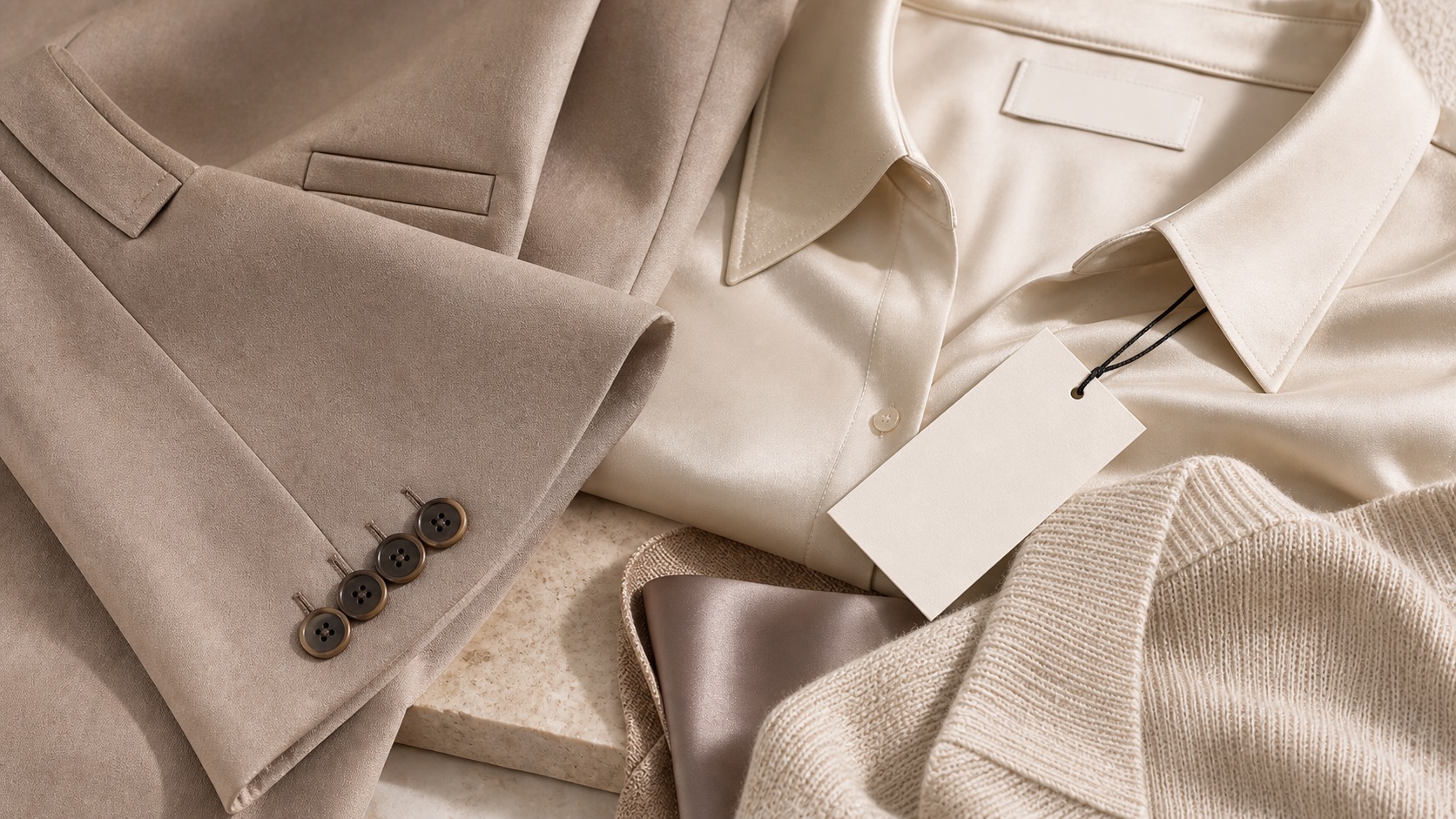
Market signal
Current ecommerce guidance points in the same direction: product visuals need to build trust, lifestyle scenes should show real use, and feed images need stable technical details before they can support discovery.
Shopify frames product photos as a trust signal: shoppers need to understand what they will receive before they buy.
Lifestyle images work because they show the product in use, not because they hide the product inside a decorative scene.
Google's lifestyle image attribute expects real-world context, stable image URLs, adequate resolution, no promotional overlays, and preserved AI metadata.
Accuracy workflow
Start with the product reference, create useful scenes around it, and keep review close to publication instead of treating AI output as finished creative.
Check shape, proportion, material, logo, label zones, packaging, quantity, and scale cues before choosing any lifestyle output.
Use room, model, outdoor, desk, shelf, or bundle context only when it helps the shopper understand use, quality, size, or occasion.
Inspect PDP hero, gallery, collection tile, ad crop, email image, and marketplace crop separately because each one has a different visual job.
Keep prompts, crops, filenames, alt text, review notes, and rejected examples so future SKUs can reuse the approved direction.
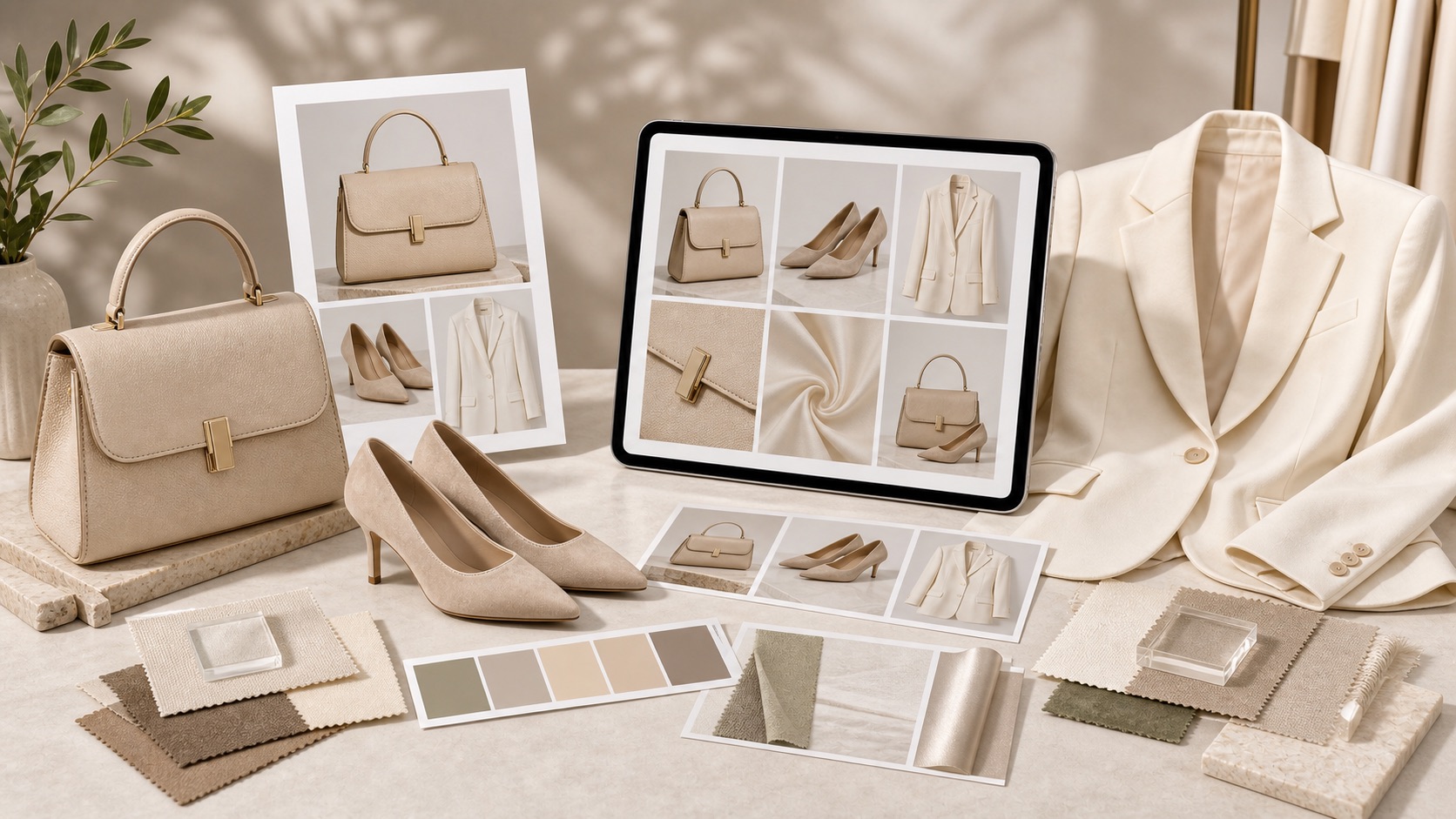
Where it fits
Use lifestyle images where context answers a buyer question. Keep clean product-forward images available when a channel or marketplace expects them.
Place lifestyle photos after the product-forward hero so shoppers can move from identification to use, scale, and detail.
Create controlled scene variations for creative testing while keeping the SKU recognizable and reviewed.
Prepare stable URLs, adequate resolution, no promotional overlays, and clear product focus before submitting or reusing assets.
Publishing checklist
Does the lifestyle scene show real use rather than just a pretty background?
Are color, material, label text, logo placement, package count, and scale still faithful to the reference?
Does the image avoid promotional overlays, borders, padding tricks, watermarks, price text, and unsupported claims?
Are PDP, gallery, social, email, and marketplace crops reviewed as separate outputs?
Are AI-source metadata, filenames, alt text, and review notes preserved where the workflow needs them?
Can the same approved style guide help the next SKU without removing human review?
Before vs after
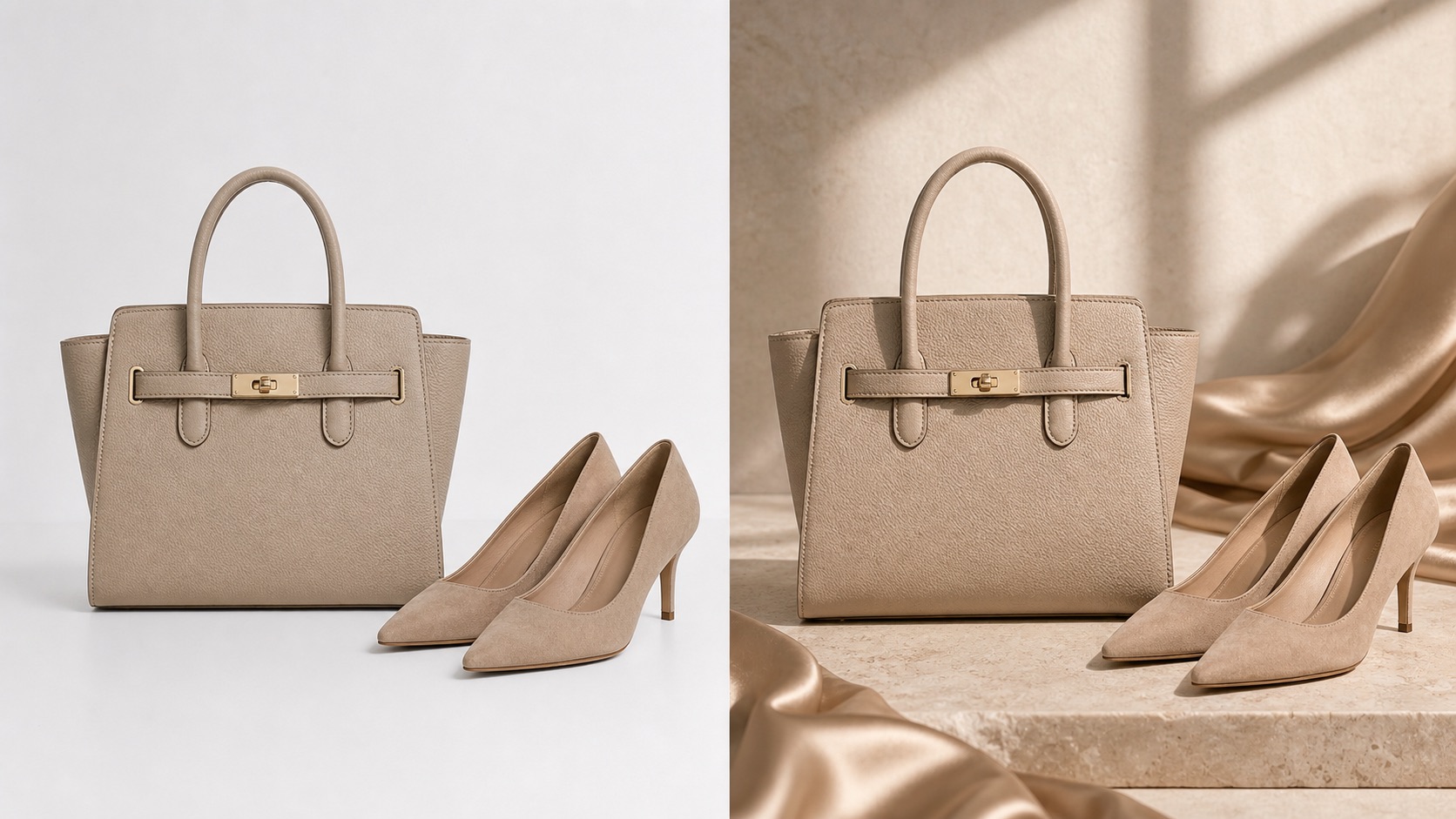
Generic AI scenes may look polished while changing product details, scale, packaging, or the crop a channel needs.
A Rewarx workflow keeps the SKU reference visible in the process, adds useful context, and turns the final set into a reviewed ecommerce image system.
AI Lifestyle Product Photography FAQ
It is an AI-assisted workflow for creating contextual product photos from real SKU references, with human review for product truth and channel fit before publication.
A background generator changes the scene. A lifestyle product workflow also checks product identity, scale, crop, image requirements, metadata, and reuse across the ecommerce journey.
They can be prepared with Merchant Center lifestyle-image constraints in mind, but sellers still need to review image quality, URLs, metadata, and account-specific requirements before submission.
No. Rewarx helps teams create and review product visuals more systematically; business outcomes must be measured after publishing.
Start with one real SKU, create a product-forward hero, a detail image, one or two lifestyle scenes, and channel crops, then review the set before scaling to similar products.
Use Rewarx to turn real product references into reviewed lifestyle scenes, gallery images, and channel crops that keep the SKU recognizable.