First image job
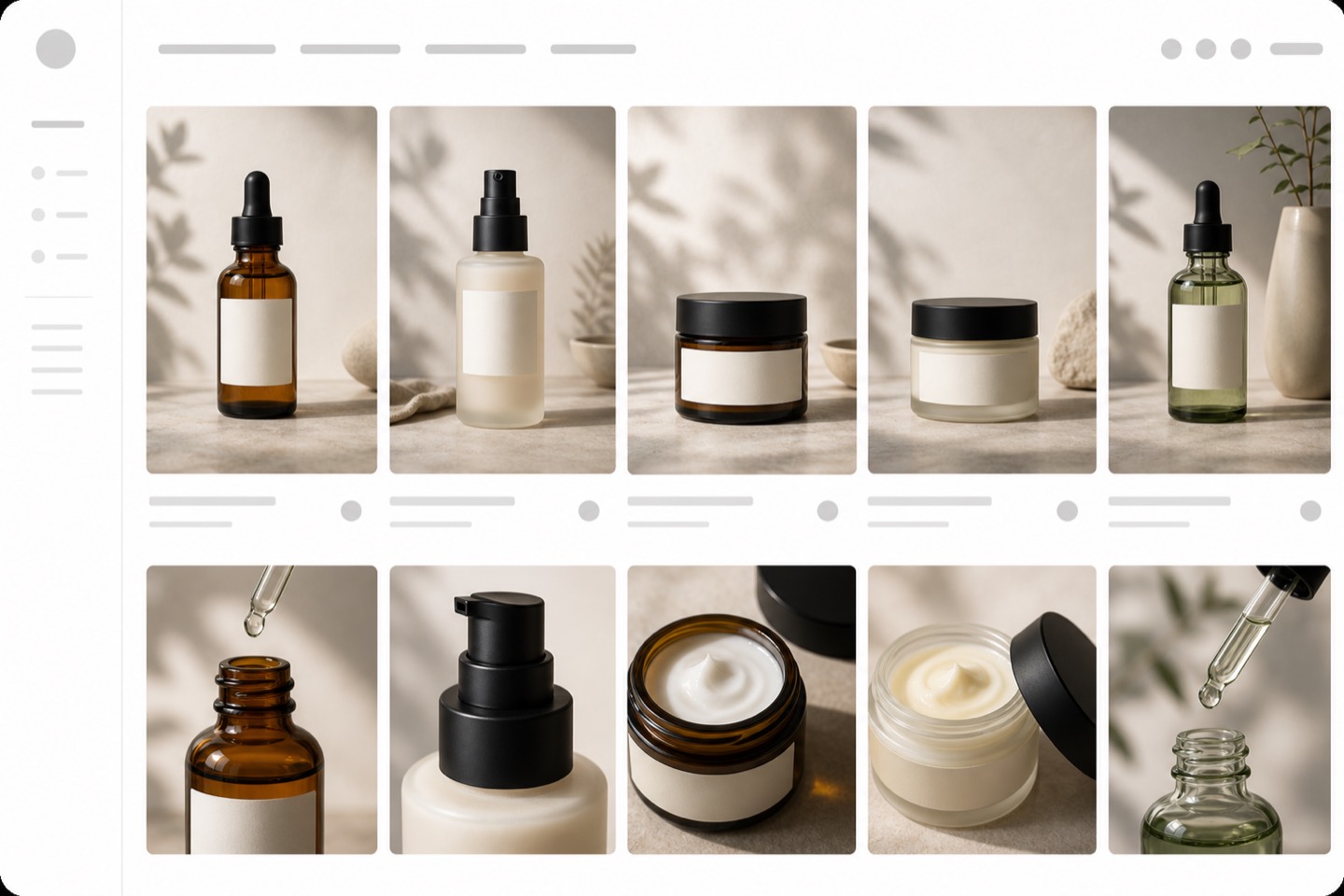
The hero image should identify the SKU fast, with shape, color, material, label, and packaging still believable.
Create and review product-gallery images for Shopify PDPs: hero shots, thumbnails, variant images, detail crops, lifestyle scenes, and mobile-first gallery order from the same real SKU reference.
Gallery intent
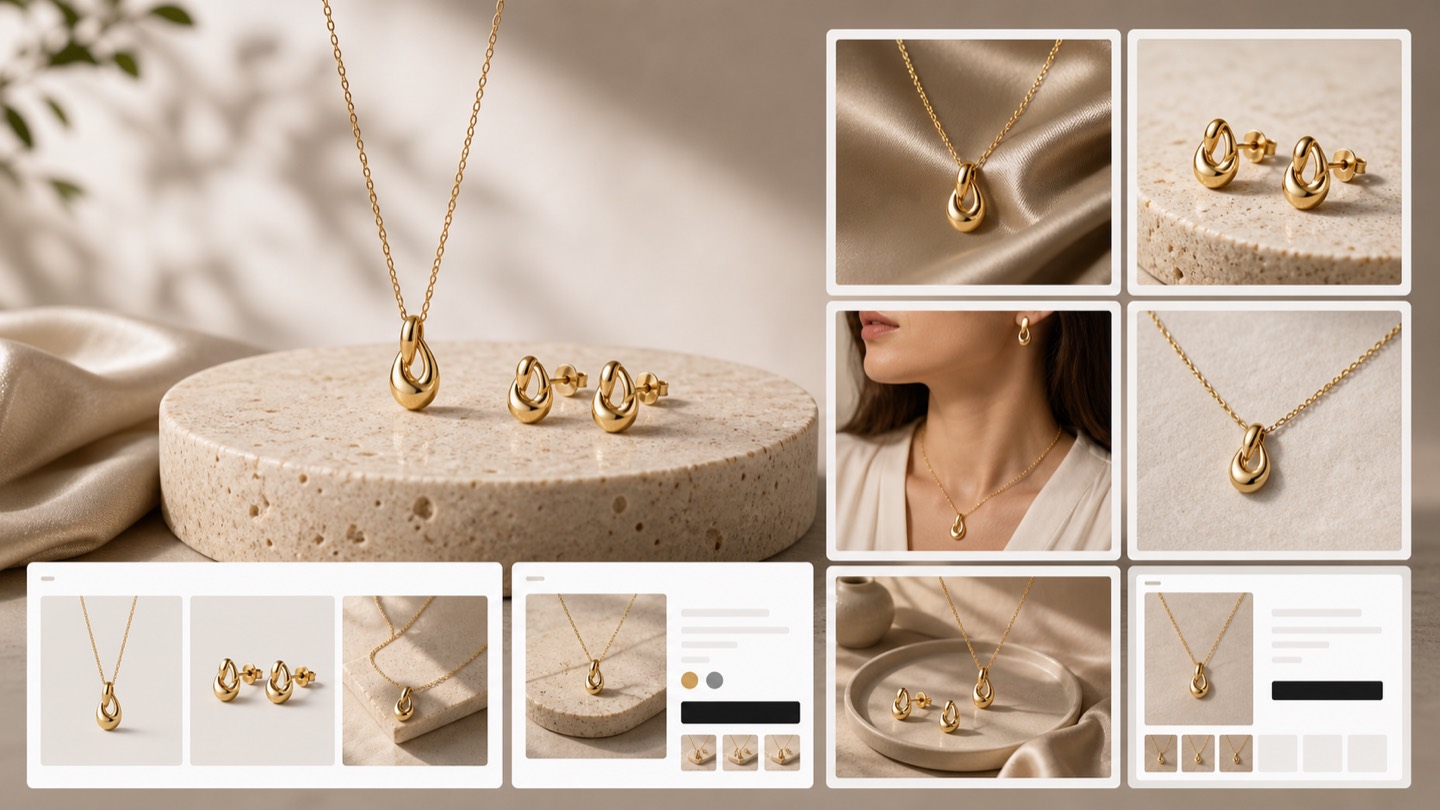
A strong ecommerce gallery is not a pile of pretty images. It introduces the product, proves details, shows scale and context, keeps variants recognizable, and stays readable on mobile before a shopper has to zoom.
Decision context
The page ranked, but the old copy sounded generic. A merchant searching for gallery optimization usually needs concrete help with image sequence, thumbnails, detail crops, variant clarity, and mobile PDP review.
The hero image should identify the SKU fast, with shape, color, material, label, and packaging still believable.
The next images should answer detail, scale, texture, use, bundle, and variant questions without repeating the same angle.
Small thumbnails and collection tiles need cleaner crops, stronger contrast, and fewer distracting backgrounds.
Gallery accuracy workflow
Start from the real product reference, create a complete gallery set, then review image order, crop, variant identity, mobile readability, and alt text before publishing.
Keep the source SKU recognizable across hero, detail, lifestyle, and campaign images.
Create each image for a job: hero, angle, texture, scale, packaging, variant, bundle, or use context.
Check thumbnails, PDP galleries, collection cards, and ad crops before the image set goes live.
Save winning image order, prompts, crops, filenames, alt text, and review notes for future SKUs.
Where it fits
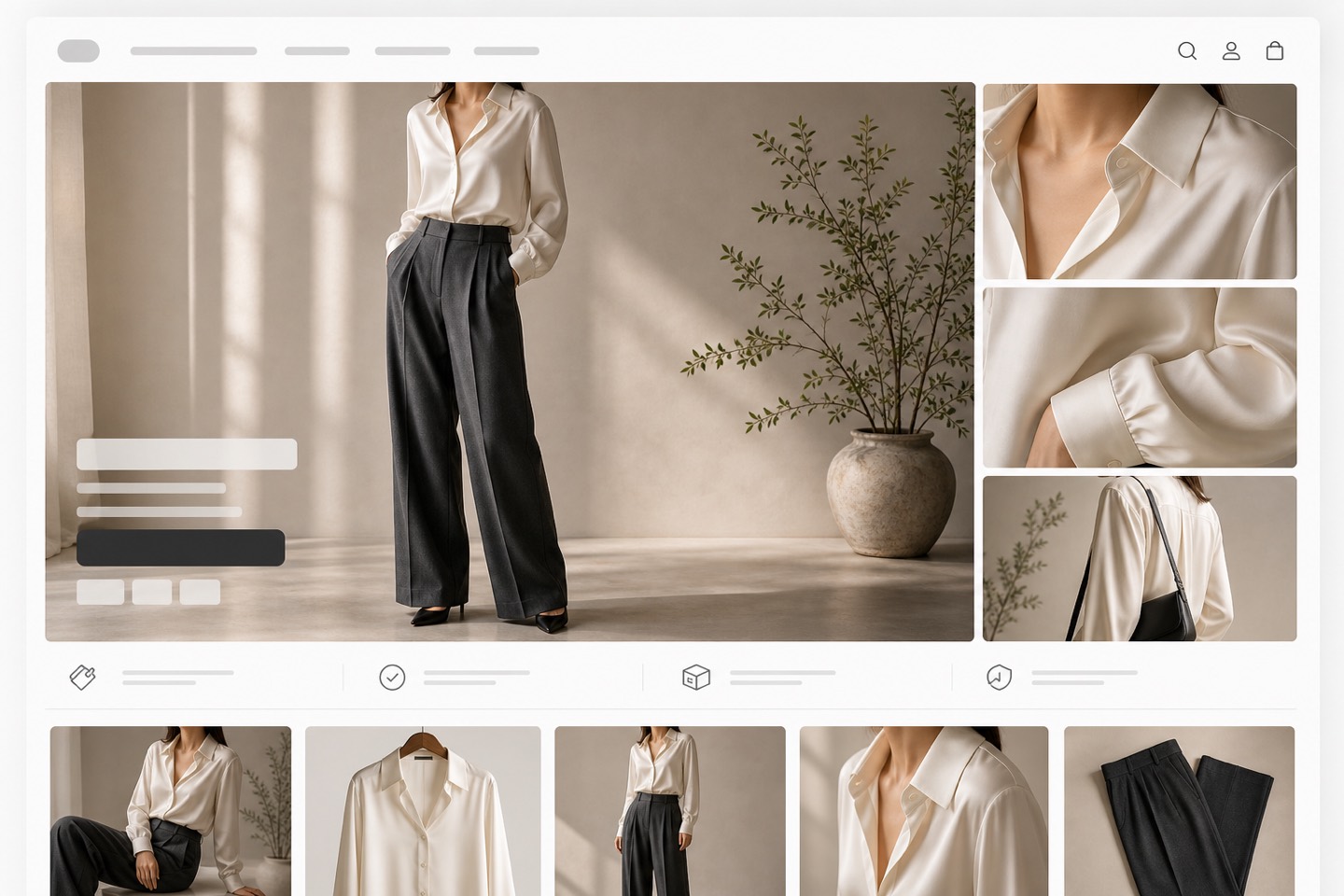
Use the refreshed images where they help a buyer inspect the product, compare variants, understand detail, and trust the page on mobile.
Hero, angle, detail, lifestyle, variant, and package images arranged for a clearer product-page scan.
Cleaner crops for small cards where shoppers decide whether to open the product page.
Reusable crops for paid creative and external listings while keeping the product recognizable.
Before vs after
Generic gallery images may look polished but repeat angles, hide details, or make variants hard to compare.
A reviewed Rewarx gallery gives each image a job and keeps the product clear across PDP, mobile, ads, and marketplace crops.
FAQ
It is a workflow for improving the order, crop, role, and clarity of product-page images so shoppers can understand the item faster.
Rewarx helps sellers create product images from real SKU references and review gallery roles such as hero, detail, lifestyle, variant, packaging, and mobile crops.
No. Rewarx creates and reviews image assets. Sellers choose which images to use in their ecommerce workflow.
A clear hero image, alternate angles, detail shots, texture or material views, packaging, scale or use context, and variant images when relevant.
The old page ranked but sounded generic. The refresh makes the promise more concrete for merchants who care about PDP order, thumbnails, and mobile gallery review.
Use Rewarx to create gallery images from the real product reference, then approve the set only after product identity, crop, thumbnail clarity, and mobile order have been checked.