Usage context
Show how the product appears in a believable routine, outfit, room, hand, shelf, or lifestyle moment.
Rewarx helps Shopify sellers turn product photos into realistic in-use visuals for beauty routines, jewelry styling, fashion accessories, bags, shoes, home goods, and DTC product pages while keeping the actual SKU recognizable.
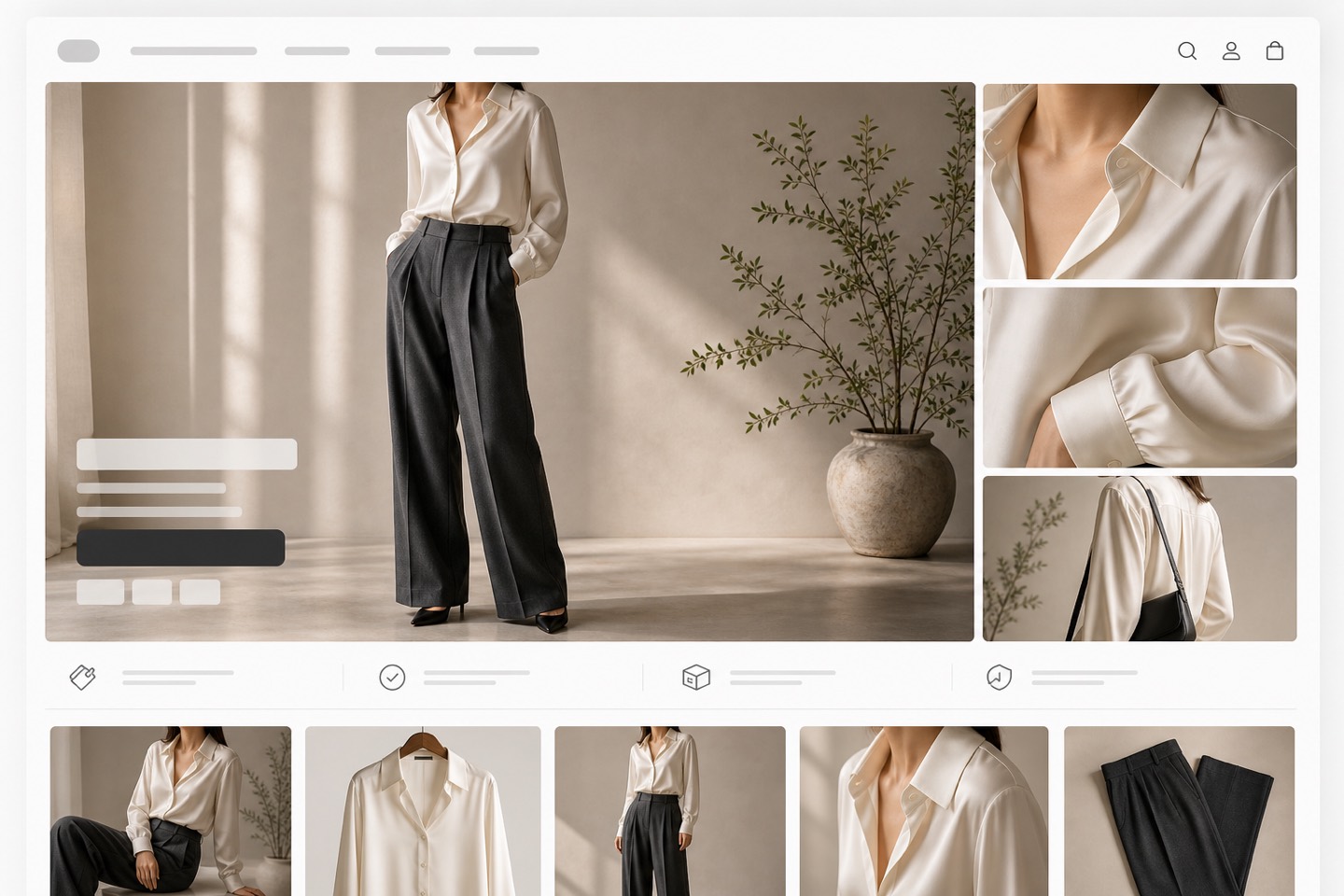
Shopify product in-use image generator
Shoppers often need to see scale, hand feel, styling context, room fit, routine use, or carrying moments before they understand why the product belongs in their life.
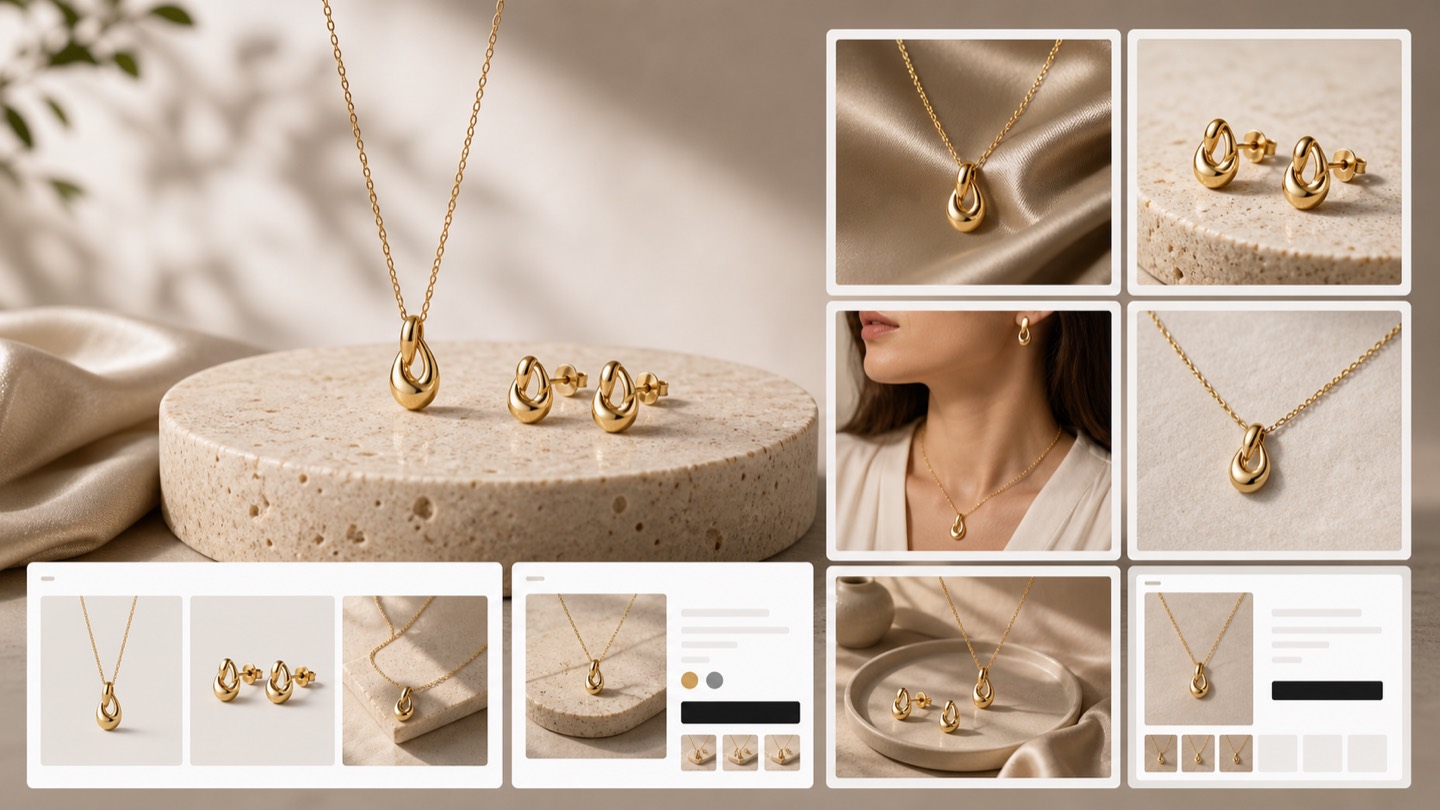
Use Rewarx to create polished in-use product visuals, then review product shape, color, label clarity, proportion, human or room context, and whether the scene supports the purchase decision.
Show how the product appears in a believable routine, outfit, room, hand, shelf, or lifestyle moment.
Keep the uploaded product recognizable across shape, color, logo, label, material, quantity, and key details.
Give shoppers useful scale cues without making the product larger, smaller, or more capable than it is.
Compose in-use visuals that still read clearly in Shopify product galleries and small mobile thumbnails.
Check whether the scene answers a real buying question instead of acting as generic decoration.
Review in-use workflow
Choose a routine or environment that answers where the product fits, not just a pretty backdrop.
Compare every generated image with the source SKU before it enters the Shopify gallery.
Use hands, rooms, props, or body context only when they help shoppers understand size.
Crop and review the image at thumbnail size so the product remains readable on mobile.
Keep scenes that clarify an objection, use case, bundle boundary, or styling decision.
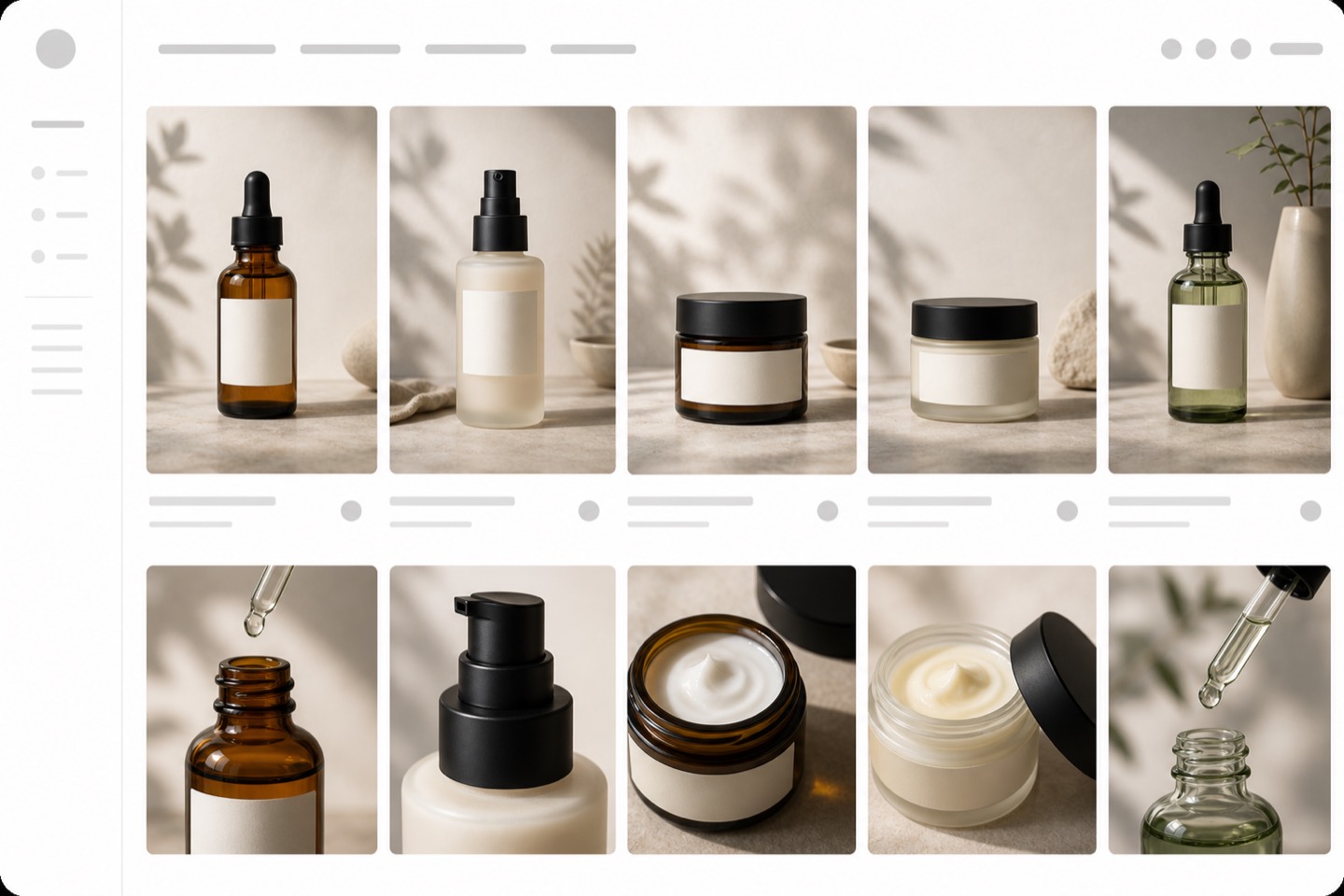
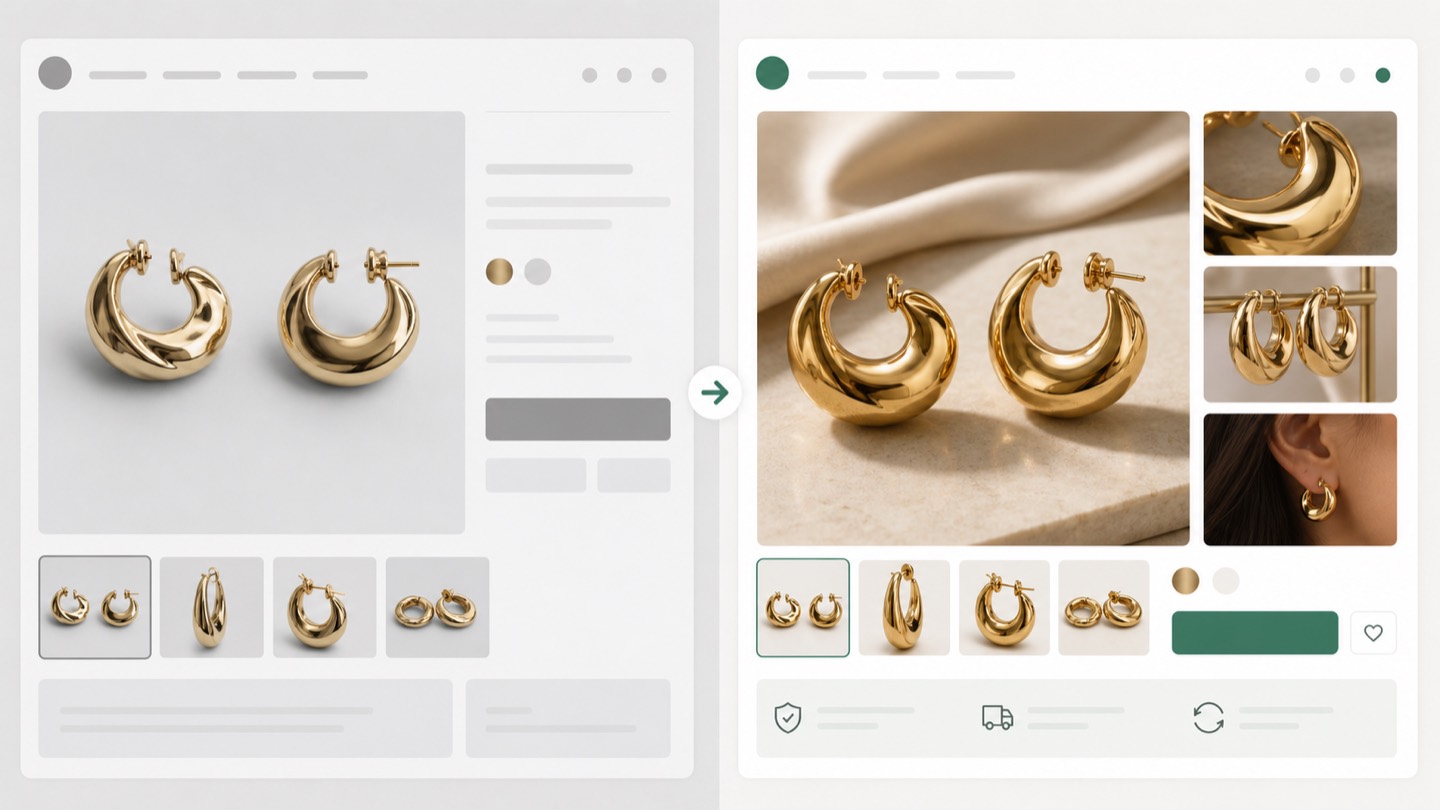
Start with a clear product reference, choose a believable usage scene, and keep only outputs that explain the buying context without changing the SKU.
It should place the real product in a useful shopping moment while preserving the SKU, material cues, labels, and expected contents.
Upload a clean product reference and reject outputs that alter logos, shape, color, material, quantity, or included accessories.
Yes, use them as supporting gallery or marketing visuals after checking scale, product truth, and mobile readability.
Beauty, jewelry, bags, shoes, home goods, accessories, and DTC products often gain clarity from a realistic usage scene.
Review product identity, scale cues, scene relevance, crop quality, and whether the image answers a real shopper question.
Build supporting Shopify gallery visuals that show how the product is worn, held, used, carried, styled, or placed in a real setting.