First image crop
Make the opening image clear enough for mobile cards and persuasive enough for the product page.
Rewarx helps Shopify sellers create crop-safe gallery sequences: a clear first image, zoom-ready detail crops, lifestyle context, variant views, and accuracy checks that protect the real product.
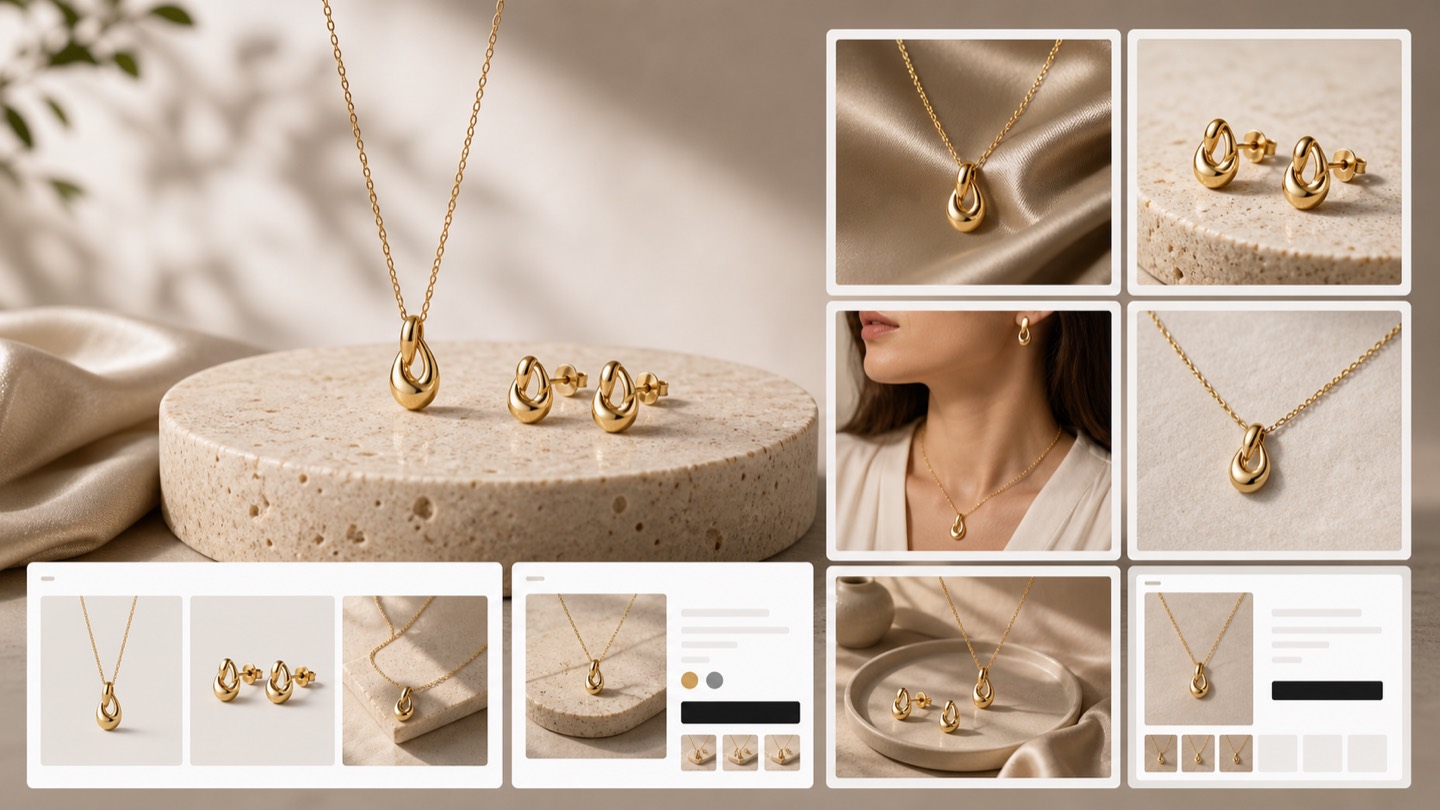
Shopify product gallery crop generator
The first gallery image should earn attention. Detail crops should prove texture, label, scale, and finish. Lifestyle images should explain use. When all crops look alike, shoppers still have unanswered questions.
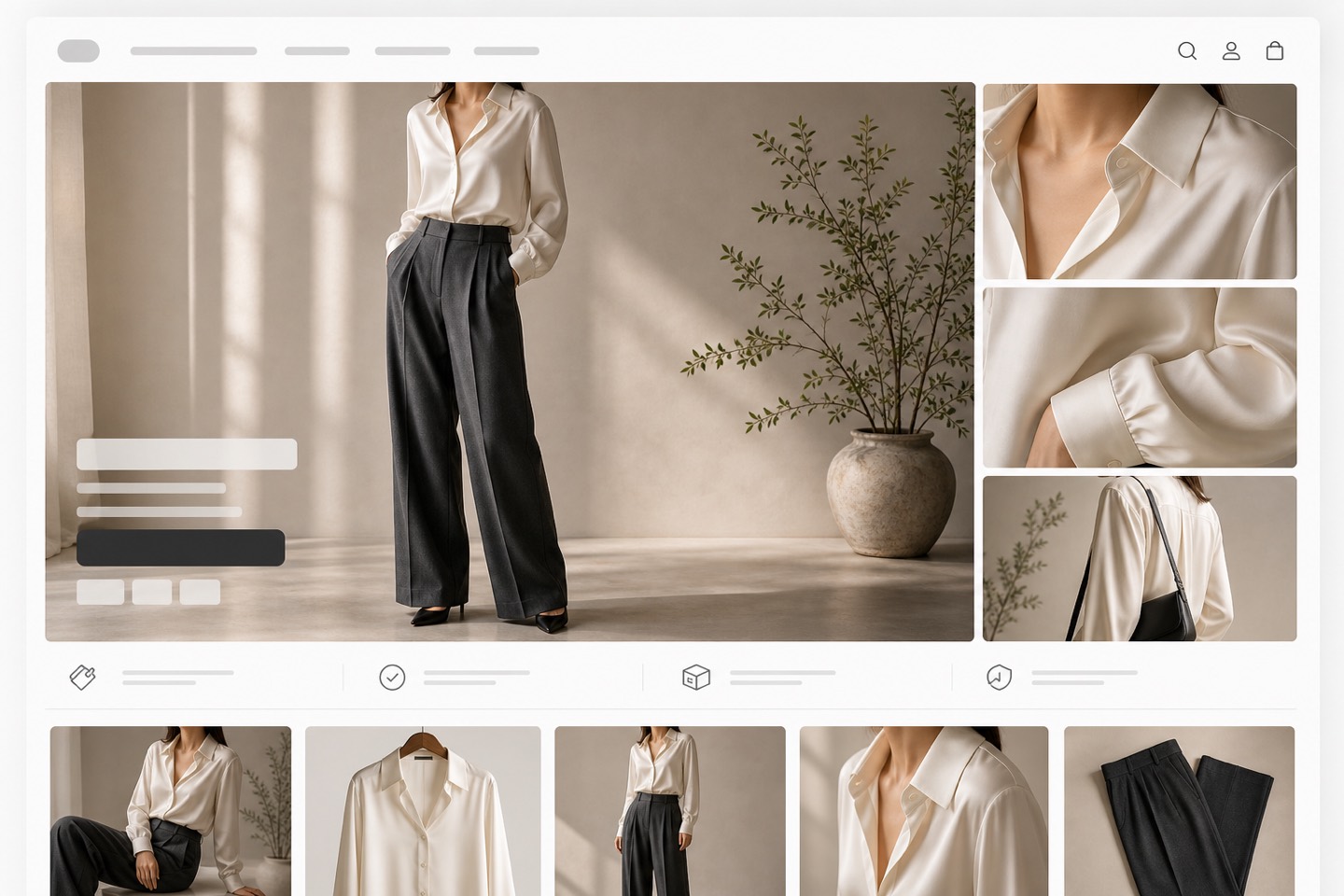
Use Rewarx to create product-faithful visuals and organize crops by decision logic: first impression, detail inspection, scale, variant clarity, mobile scan, and final trust review.
Make the opening image clear enough for mobile cards and persuasive enough for the product page.
Show labels, stitching, stones, texture, dosage facts, finish, or packaging details without losing context.
Explain size, use, audience, and brand feeling without inventing product features.
Keep color, material, label placement, and shape consistent across variant images.
Check that crops still work in mobile galleries, zoom views, and AI shopping previews.
Review gallery crop workflow
Make the opening image clear enough for mobile cards and persuasive enough for the product page.
Detail crop: Show labels, stitching, stones, texture, dosage facts, finish, or packaging details without losing context.
Explain size, use, audience, and brand feeling without inventing product features.
Keep color, material, label placement, and shape consistent across variant images.
Check that crops still work in mobile galleries, zoom views, and AI shopping previews.
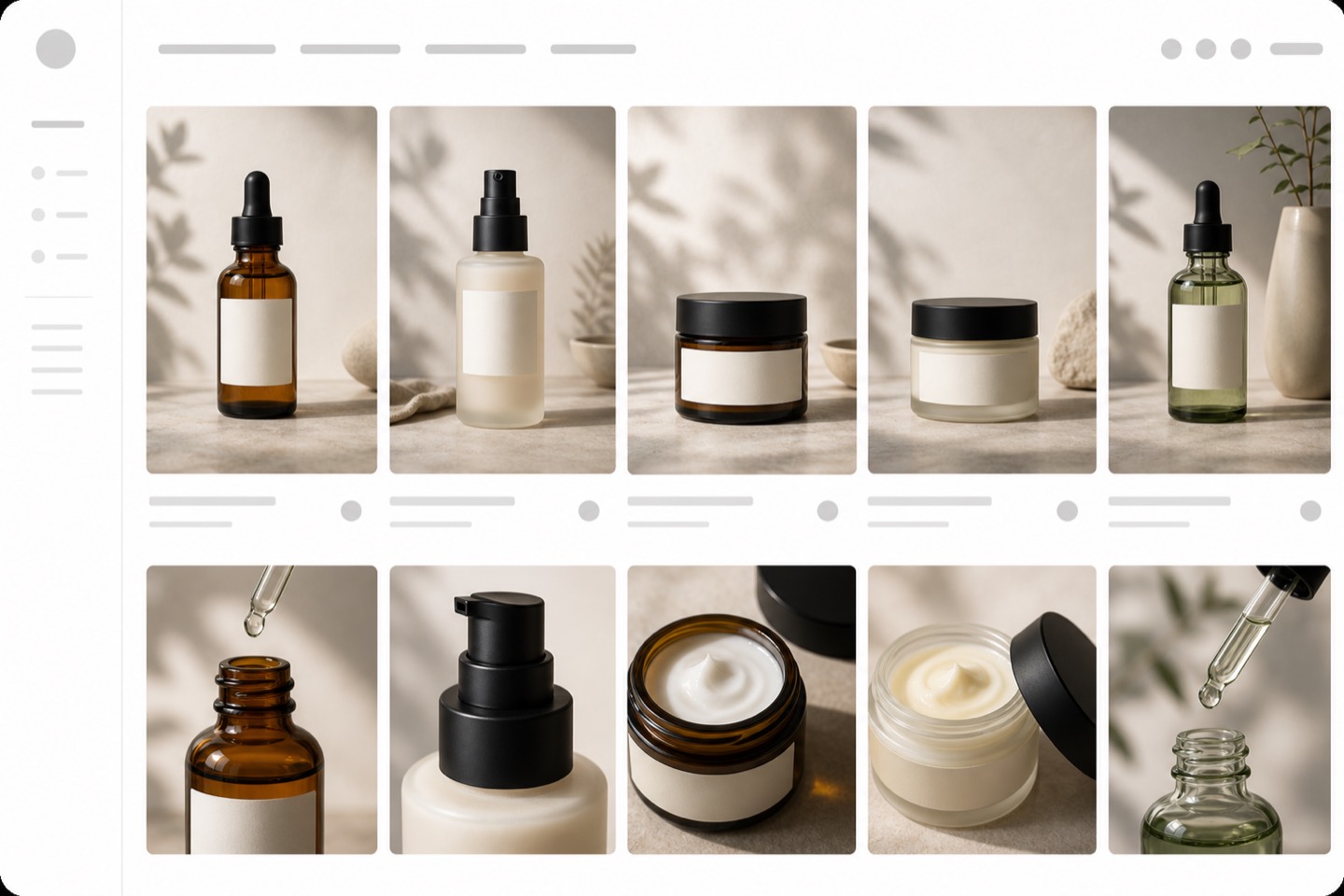
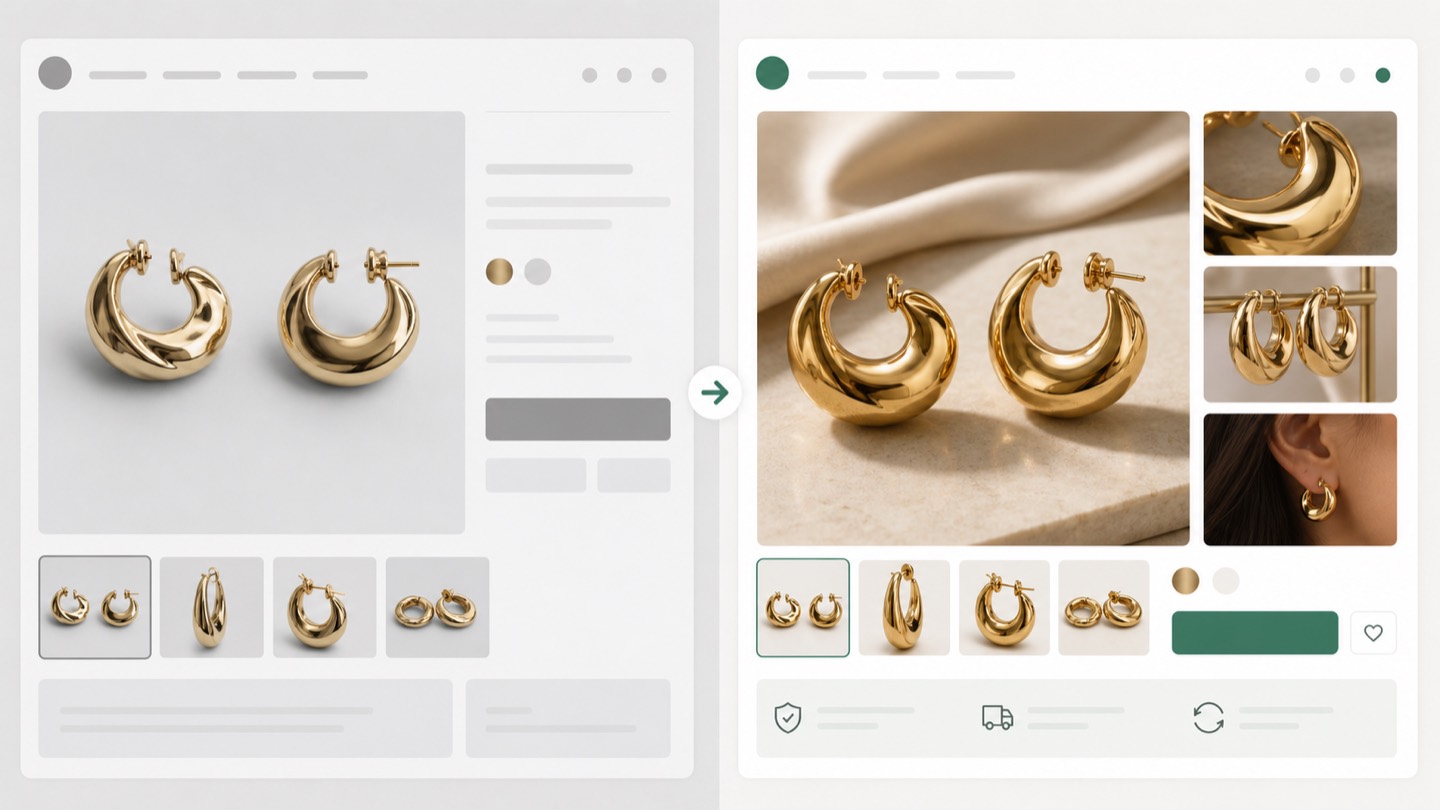
Shopify product gallery crop workflow: Use Rewarx to create product-faithful visuals and organize crops by decision logic: first impression, detail inspection, scale, variant clarity, mobile scan, and final trust review.
Make the opening image clear enough for mobile cards and persuasive enough for the product page.
Show labels, stitching, stones, texture, dosage facts, finish, or packaging details without losing context. (Detail crop)
Explain size, use, audience, and brand feeling without inventing product features.
Keep color, material, label placement, and shape consistent across variant images.
Check that crops still work in mobile galleries, zoom views, and AI shopping previews.
Create a Shopify gallery crop set before publishing: Rewarx helps Shopify sellers create crop-safe gallery sequences: a clear first image, zoom-ready detail crops, lifestyle context, variant views, and accuracy checks that protect the real product.