Start with the real SKU
Use approved reference photos, packaging, labels, variant details, color, material, and included items as the source of truth.
Shopify Meta Catalog product images
Rewarx helps Shopify merchants create and review product images before they are published, exported, or used in an external channel workflow for Meta Commerce Manager catalogs. The work is visual: make the real SKU clear, variant-accurate, crop-safe, label-readable, and consistent with the product page.

Shopify Meta Catalog product images
Meta Commerce Manager product data specifications define image_link as the main product image URL and additional_image_link for extra product images. Meta product image specifications emphasize accurate representation of the specific item.
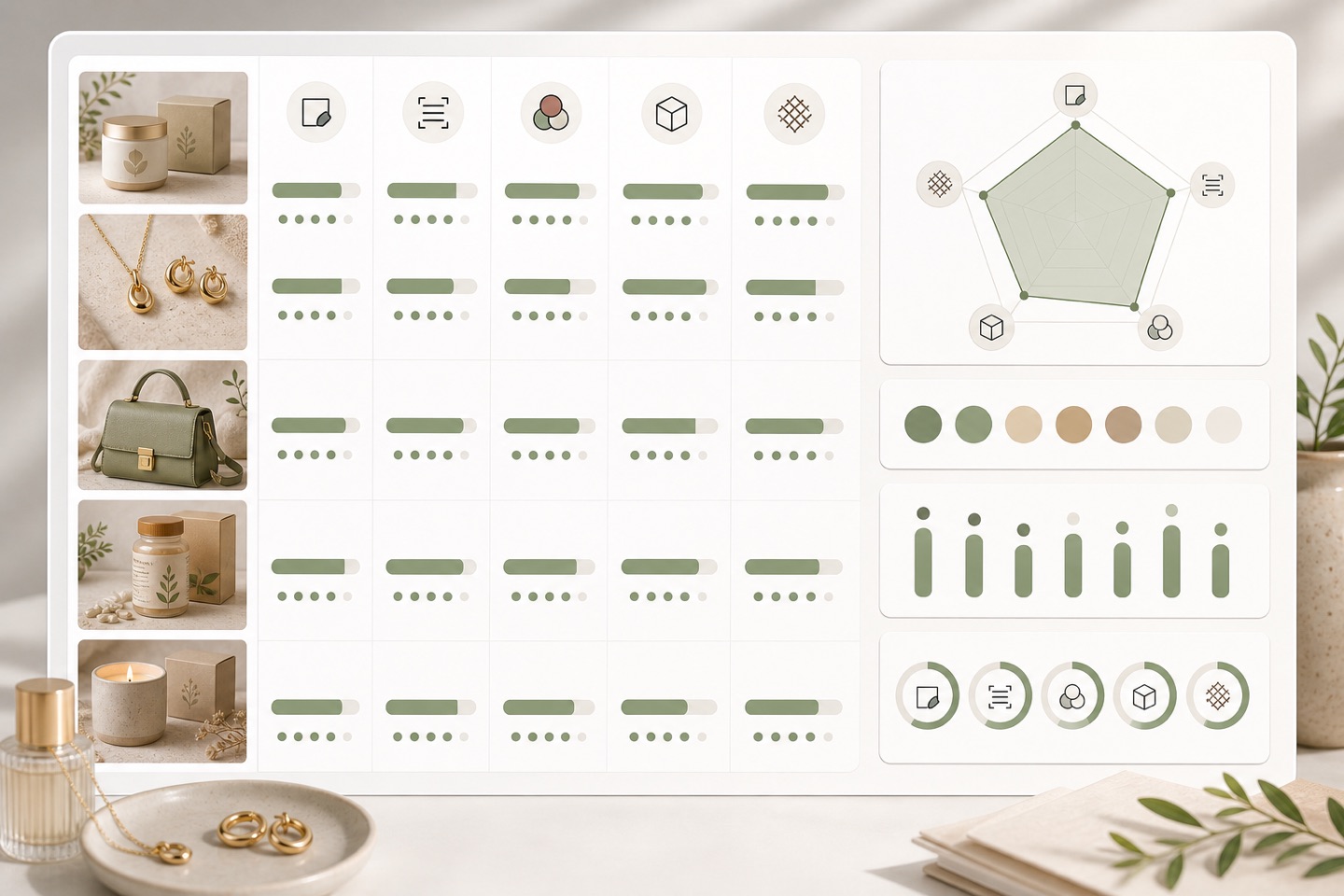
Why ordinary Shopify images can fail channel readiness
A polished PDP image can still be weak for Meta Catalog when the crop hides the product, the first image does not match the sold variant, accessories look included when they are not, the URL or file type is not channel-safe, or visual claims exceed what the product page says.
Accurate SKU: Treat every image as product evidence. It should match title, variant, pack size, material, label, included accessories, product-page copy, and the channel context where the shopper will see it.
Gallery consistency: This page focuses on merchant-controlled images. Rewarx does not connect channels, move product data, submit feeds, create listings, install pixels or tags, run ads, manage checkout, stock, orders, or fulfillment, control review, eligibility, ranking, matching, traffic, revenue, ROAS, or guarantee compliance.
Review the workflow
Use Rewarx to generate or improve the product image set, then review each output against the channel's visual expectations before the merchant publishes, exports, or uses the visuals in an external channel workflow.
Use approved reference photos, packaging, labels, variant details, color, material, and included items as the source of truth.
Create a main image, extra angles, close-ups, scale or lifestyle context, and mobile-safe crops without changing what the customer receives.
Check size, crop, background, file format expectations, product visibility, URL planning, and whether the image can work as a product card.
Confirm color, size, quantity, set contents, bundle items, and accessories match the Shopify page and merchant-prepared product data.
Preserve review notes and understand when AI-generated image provenance or metadata may need to travel with the final asset.
Where the image set helps
This page focuses on merchant-controlled images. Rewarx does not connect channels, move product data, submit feeds, create listings, install pixels or tags, run ads, manage checkout, stock, orders, or fulfillment, control review, eligibility, ranking, matching, traffic, revenue, ROAS, or guarantee compliance.
Main and gallery images that explain the product before shoppers open more detail.
Images prepared for product data fields, catalog cards, product tags, or shopping placements.
Visuals checked for product truth, crop clarity, actual included items, and channel-safe presentation.
Product-forward crops that can support discovery without inventing claims or showing unavailable items.
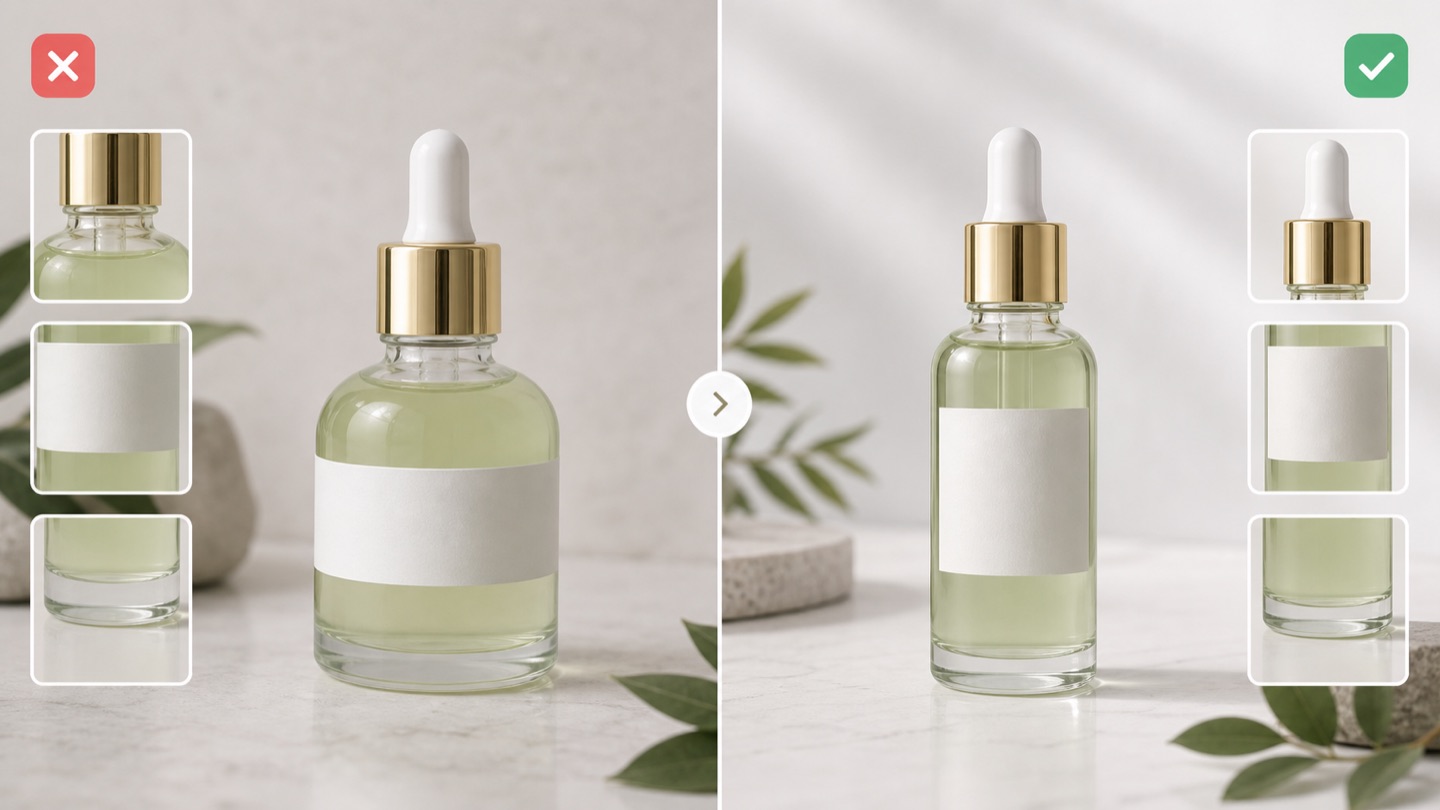
Meta Catalog readiness checks
Treat every image as product evidence. It should match title, variant, pack size, material, label, included accessories, product-page copy, and the channel context where the shopper will see it.
Accurate SKU: Use approved reference photos, packaging, labels, variant details, color, material, and included items as the source of truth.
Channel-safe crop: Create a main image, extra angles, close-ups, scale or lifestyle context, and mobile-safe crops without changing what the customer receives.
Readable label: Check size, crop, background, file format expectations, product visibility, URL planning, and whether the image can work as a product card.
No misleading overlays: Confirm color, size, quantity, set contents, bundle items, and accessories match the Shopify page and merchant-prepared product data.
Gallery consistency: Preserve review notes and understand when AI-generated image provenance or metadata may need to travel with the final asset.
FAQ
No. Rewarx helps create and review Shopify product images before channel workflows. Channel setup, feed operations, product submission, listings, pixels, ads, checkout, inventory, orders, and fulfillment are outside this visual workflow.
No. Rewarx helps improve visual evidence and product-truth review. Approval, eligibility, ranking, matching, visibility, sales, ROAS, revenue, and conversion depend on external systems.
Start with accurate product identity, safe crop, readable labels, correct variant, no misleading overlays, useful additional images, and consistency with the Shopify product page.
Use AI-generated or edited images only when they accurately represent the product and preserve the metadata or provenance your downstream workflow requires.
This page is narrower: it focuses on Shopify product images prepared for Meta Commerce Manager catalogs, not a full channel setup, feed management, ad strategy, or marketplace operations guide.
Generate product visuals, then check crop safety, product truth, gallery coverage, metadata awareness, and channel-readiness before publishing.
Related channel image pages