Start with the real SKU
Use the approved product reference, packaging, label, variant, color, material, and included items as the source of truth.
Shopify Google Lens product images
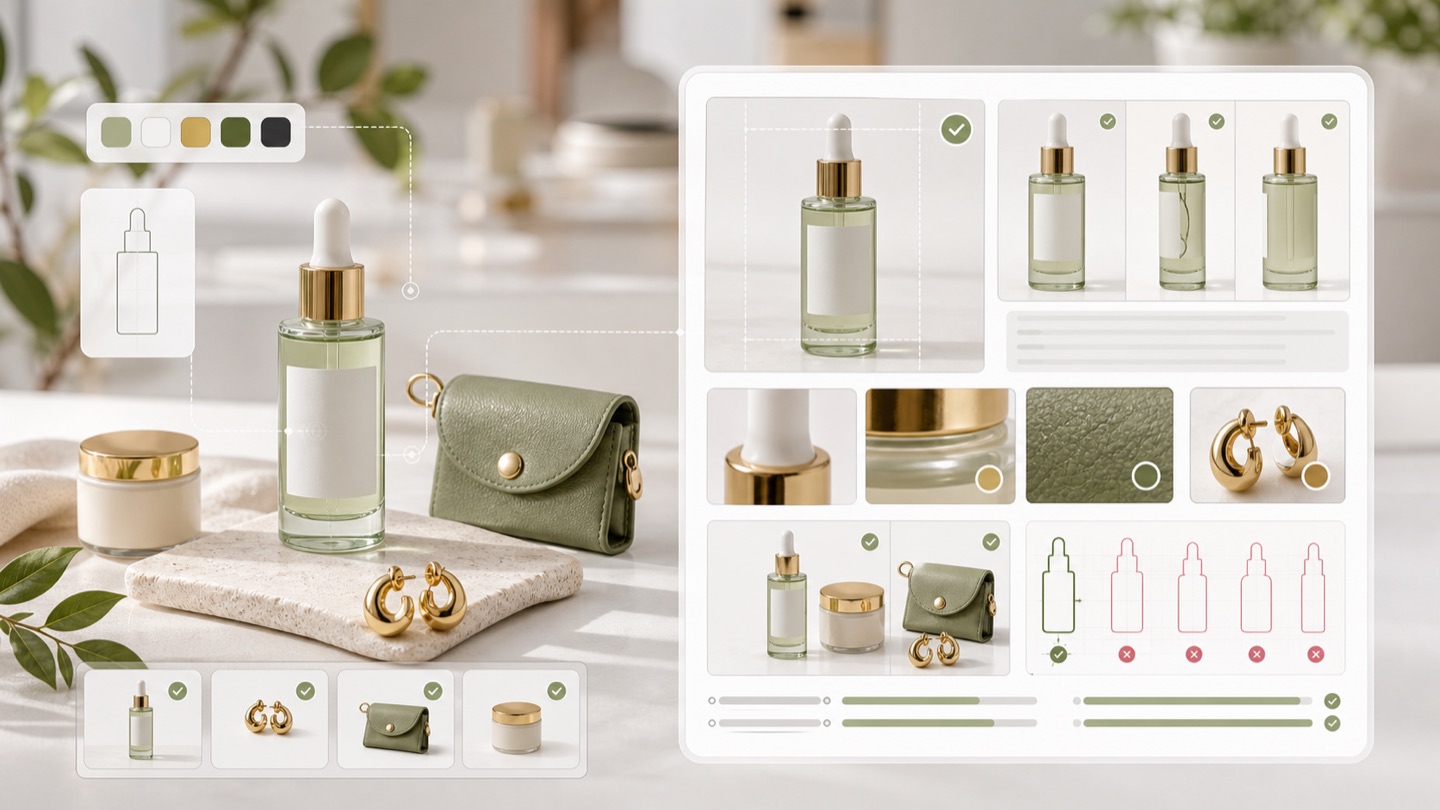
Rewarx helps Shopify merchants create and review product images before they publish, export, or reuse visuals in contexts that may feed Google Lens shopping visual search and visual shopping surfaces. The image should make the real SKU clear, variant-safe, label-readable, and useful even when the shopper starts from a photo instead of a keyword.
Shopify Google Lens product images
Google says Lens lets people shop what they see with a camera, image, or screenshot, and its Lens documentation explains that visual similarity, page words, language, metadata, and shopping signals can all help shape relevant results. For Shopify teams, the product image is no longer only creative. It is visual evidence that helps shoppers and systems understand what is being sold.
The problem: attractive images can still fail readiness
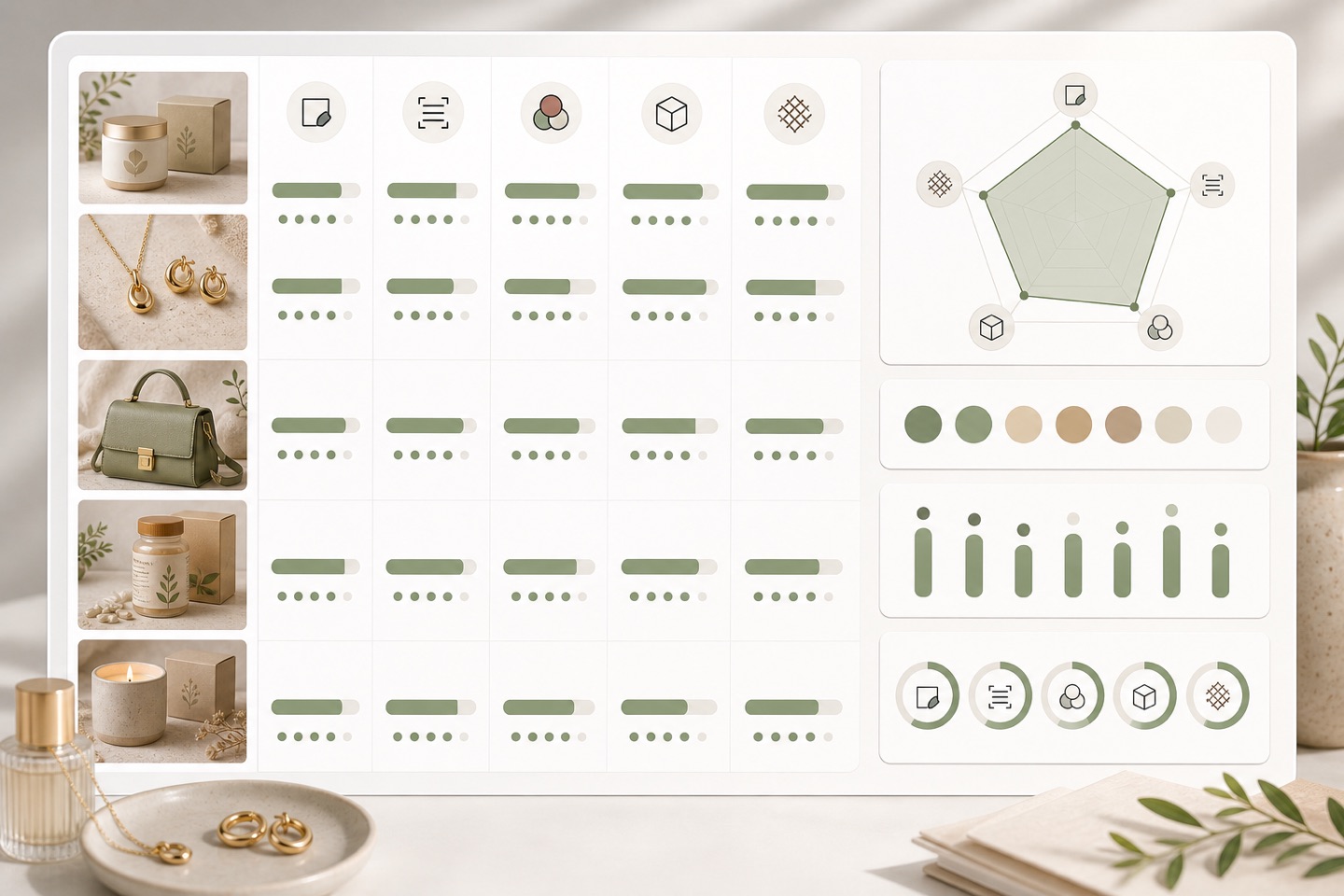
A Shopify image can look polished but still be weak for Google Lens-style visual shopping if the product is ambiguous, the crop hides the label, the variant is wrong, the pack contents are unclear, the image is too small, the additional images are repetitive, or AI-generated image metadata has been stripped during export.
Treat every image as product evidence. It should match the title, variant, pack size, material, label, and landing page shoppers will actually see.
This page focuses on the merchant-controlled image layer. Rewarx does not integrate with Google Lens, submit products to Merchant Center, create or sync feeds, influence AI ranking, control Google Lens or Shopping decisions, run checkout, manage stock, or handle delivery.
Review the workflow
Use Rewarx to build the product image set, then review each output against Google Lens and Merchant Center image-readiness checks before it is published to Shopify, exported, or reused in a campaign.
Use the approved product reference, packaging, label, variant, color, material, and included items as the source of truth.
Create the main image, additional angles, lifestyle context, mobile crops, and ad-ready variations without changing the sold product.
Check resolution, file type, crop safety, clean background, product framing, and whether the image represents exactly one offer.
Make sure color, size, quantity, pack contents, and bundle items match the Shopify page and any product data prepared by the merchant.
Keep review notes and understand when AI-generated image metadata needs to travel with the final file.
Where the image set can help
Where the image set can help: This page focuses on the merchant-controlled image layer. Rewarx does not integrate with Google Lens, submit products to Merchant Center, create or sync feeds, influence AI ranking, control Google Lens or Shopping decisions, run checkout, manage stock, or handle delivery.
Main and gallery images that explain the product before the shopper or assistant opens more detail.
Images reviewed for visual matchability, label readability, variant match, size, and product-only framing.
Angles, scale, packaging, and context that support the main image without inventing claims.
Visuals that stay consistent with the product data merchants prepare for downstream shopping surfaces.
Readiness checks for every Shopify image
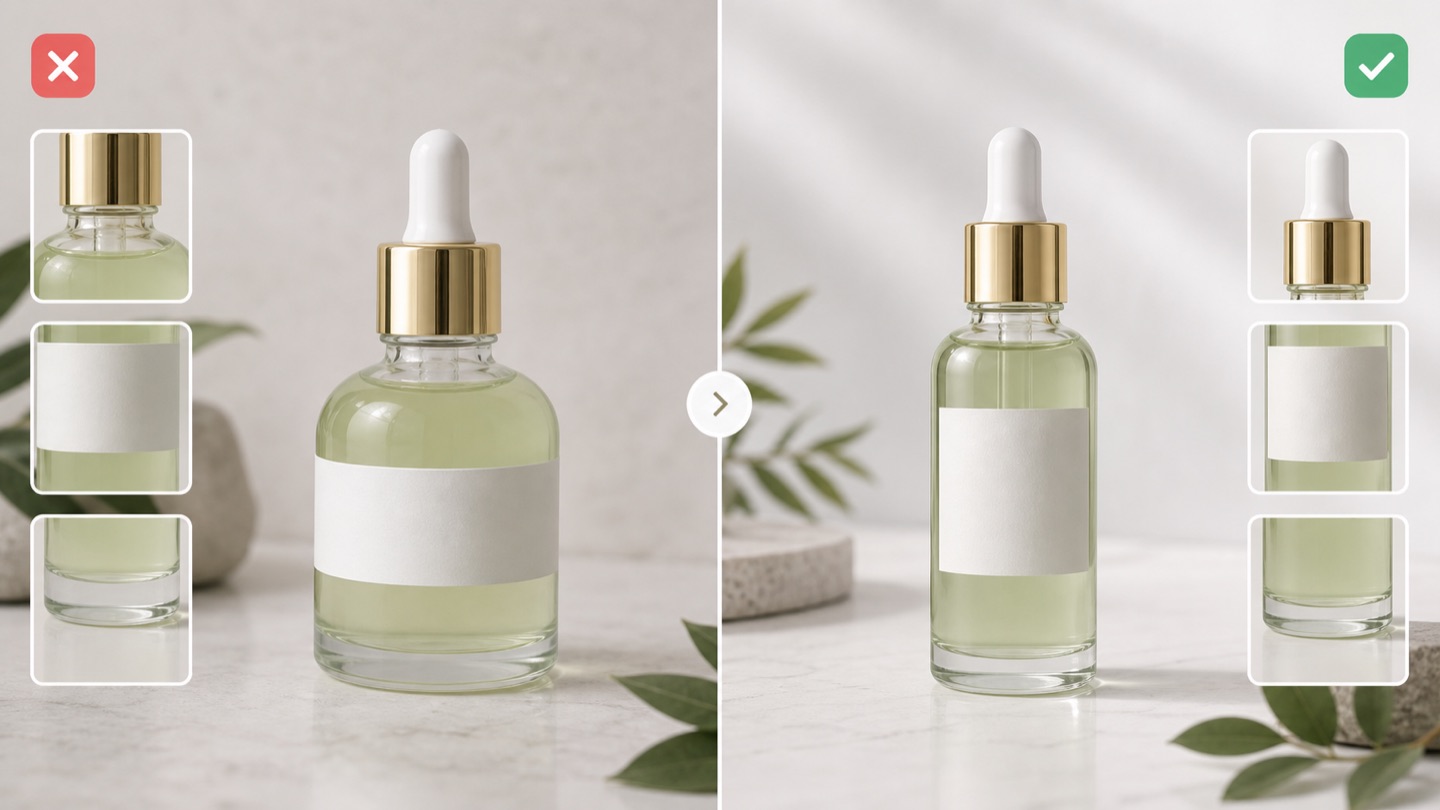
Readiness checks for every Shopify image: Treat every image as product evidence. It should match the title, variant, pack size, material, label, and landing page shoppers will actually see.
Visual-result crop: Use the approved product reference, packaging, label, variant, color, material, and included items as the source of truth.
Right variant: Create the main image, additional angles, lifestyle context, mobile crops, and ad-ready variations without changing the sold product.
Readable label: Check resolution, file type, crop safety, clean background, product framing, and whether the image represents exactly one offer.
No promo overlay: Make sure color, size, quantity, pack contents, and bundle items match the Shopify page and any product data prepared by the merchant.
Visual-match clarity: Keep review notes and understand when AI-generated image metadata needs to travel with the final file.
FAQ
No. Rewarx helps create and review Shopify product images before publishing or export. Google Lens, Merchant Center setup, feed submission, Shopping Graph inclusion, Google Ads, Product Studio, checkout, stock, and delivery remain outside this image workflow.
No. Rewarx prepares better visual evidence and product-truth review. Visibility, ranking, approval, traffic, revenue, and conversion outcomes depend on systems outside Rewarx.
Check high resolution, accurate product display, correct variant, no placeholder image, no promotional overlay, readable label zones, stable image URLs, useful additional images, and AI metadata awareness.
Rewarx keeps metadata awareness in the review workflow so teams can preserve provenance when downstream channel policies require it.
This page is narrower. It focuses on Shopify product-image preparation for visual shopping and visual search, not Merchant Center setup, feed operations, Google Ads, Product Studio, checkout, or analytics setup.
Generate product visuals, then check visual matchability, crop safety, variant truth, label clarity, additional image coverage, metadata awareness, and product identity before publishing.
Related AI shopping image pages