Buyer trust
The image must make the product easier to understand, not create doubt about color, shape, material, logo, label, or scale.
Use Rewarx Studio AI to create product visuals that feel like one coherent brand system across Shopify, marketplaces, ads, landing pages, and AI Search.
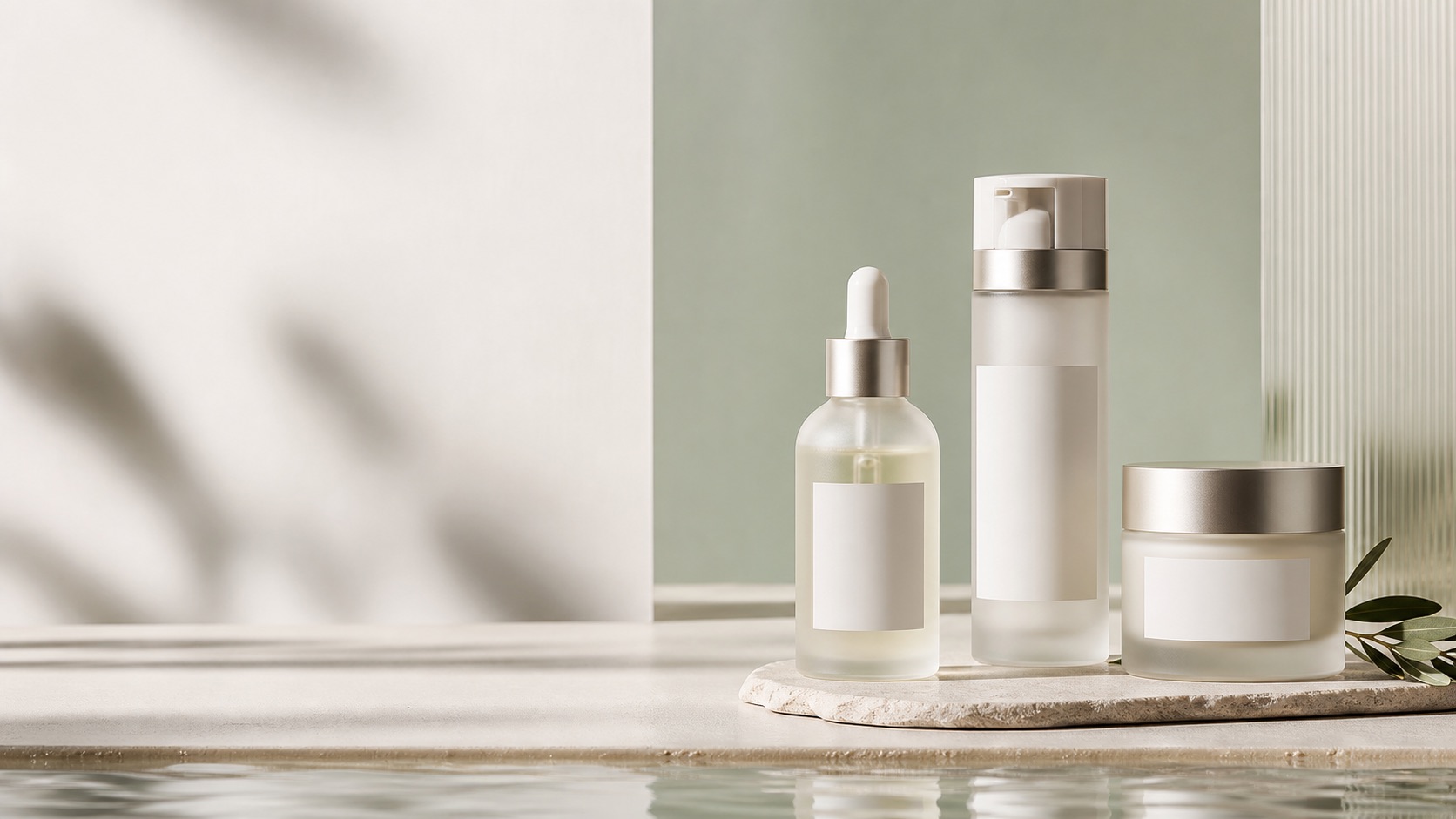
Brand system
On-brand AI product images are ecommerce visuals that match the real product and the brand system at the same time. They preserve SKU identity, brand colors, visual tone, lighting style, image composition, typography context, and channel requirements so a catalog feels intentional instead of randomly generated.
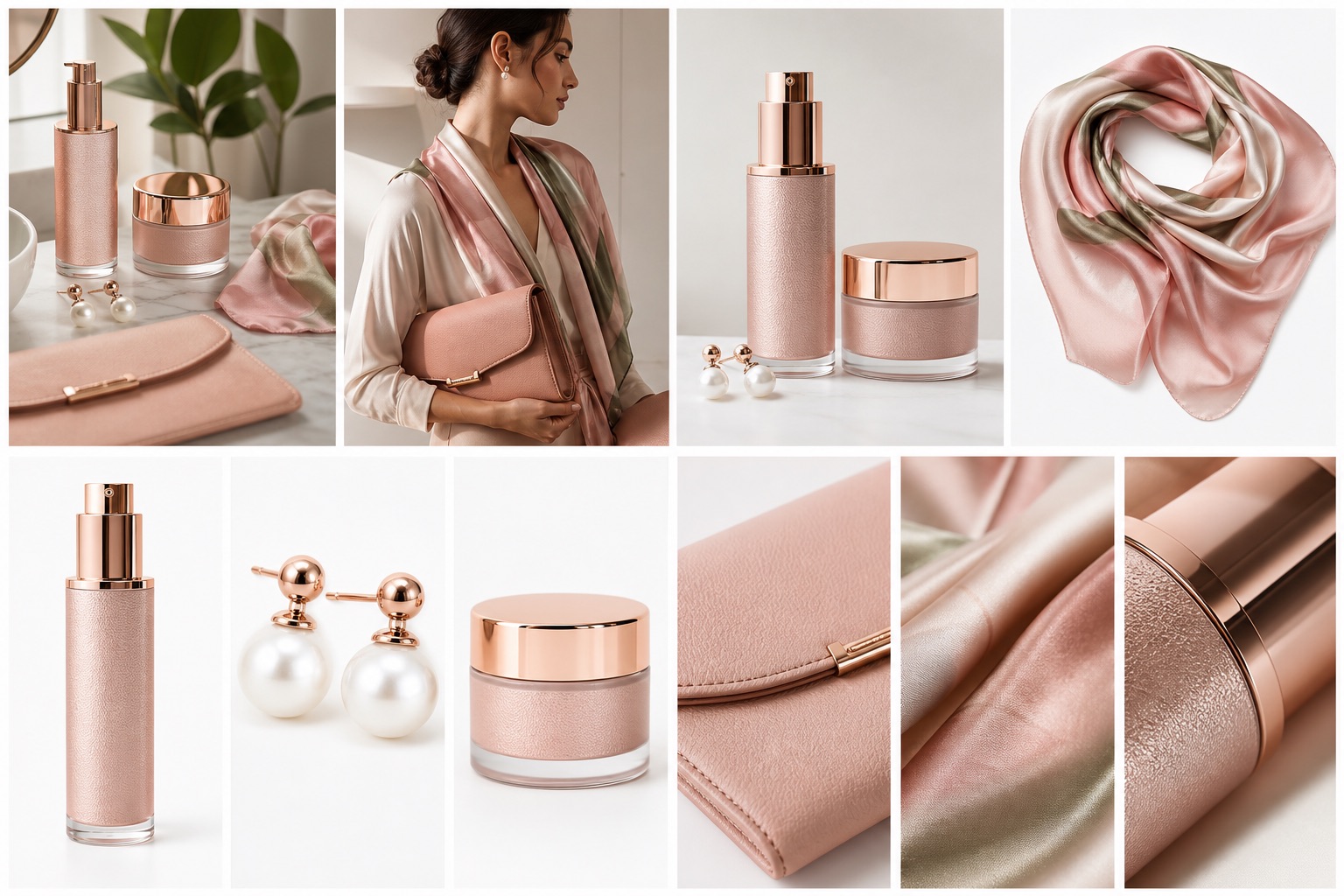
Decision context
For On-Brand AI Product Images for Ecommerce, the real challenge is not making one impressive image. Ecommerce teams need a repeatable way to create visuals that match the product, fit the channel, and help a buyer decide.
The image must make the product easier to understand, not create doubt about color, shape, material, logo, label, or scale.
Stores need more image variations for launches, collections, ads, marketplaces, and seasonal campaigns without turning every update into a full shoot.
A hero image, product gallery, social ad, marketplace crop, and mobile collection tile each need a different visual job.
Nauwkeurigheidsworkflow
A strong Rewarx Studio AI workflow starts from the product reference, builds useful commercial contexts around it, and keeps accuracy review close to publication.
Use the reference as the source of truth for shape, proportions, visible branding, packaging, material, and important label areas.
Generate backgrounds, model scenes, detail views, and campaign visuals that explain use, quality, size, and buying intent.
Choose the best image only after checking product fidelity, crop, contrast, mobile readability, and whether the image helps the page convert.
Keep winning styles, prompts, crops, filenames, alt text, and review notes so future SKUs can be produced with less guesswork.
Where it fits
Use the visual set where it answers a buyer question, reduces production delay, or gives the team a stronger creative test without sacrificing product accuracy.
Show the item clearly, then add lifestyle and detail images that make quality, texture, size, and use easier to judge.
Create controlled variations for creative testing while keeping the SKU recognizable across every campaign.
Prepare cleaner crops, consistent backgrounds, and scannable images for small screens and external channels.
Capabilities
Start from real product images so brand style does not drift away from the SKU.
Control palette, lighting, backdrop, surface, mood, and premium level before generating variations.
Reject images that change label text, packaging geometry, color, material, or included items.
Prepare visuals for Shopify product pages, collection cards, ads, email, marketplace listings, and landing sections.
Build product galleries that move from clear product view to detail, lifestyle, comparison, and CTA imagery.
Use descriptive filenames, alt text, captions, compression, and stable R2 URLs for search and AI understanding.
Process
Set the palette, lighting, surfaces, crop rhythm, mood, and product family rules.
Use clear images that show label, logo, shape, color, material, and scale.
Create product, detail, lifestyle, model, background, ad, and campaign visuals with one shared direction.
Check product accuracy, brand consistency, mobile clarity, metadata, compression, and channel fit before publishing.
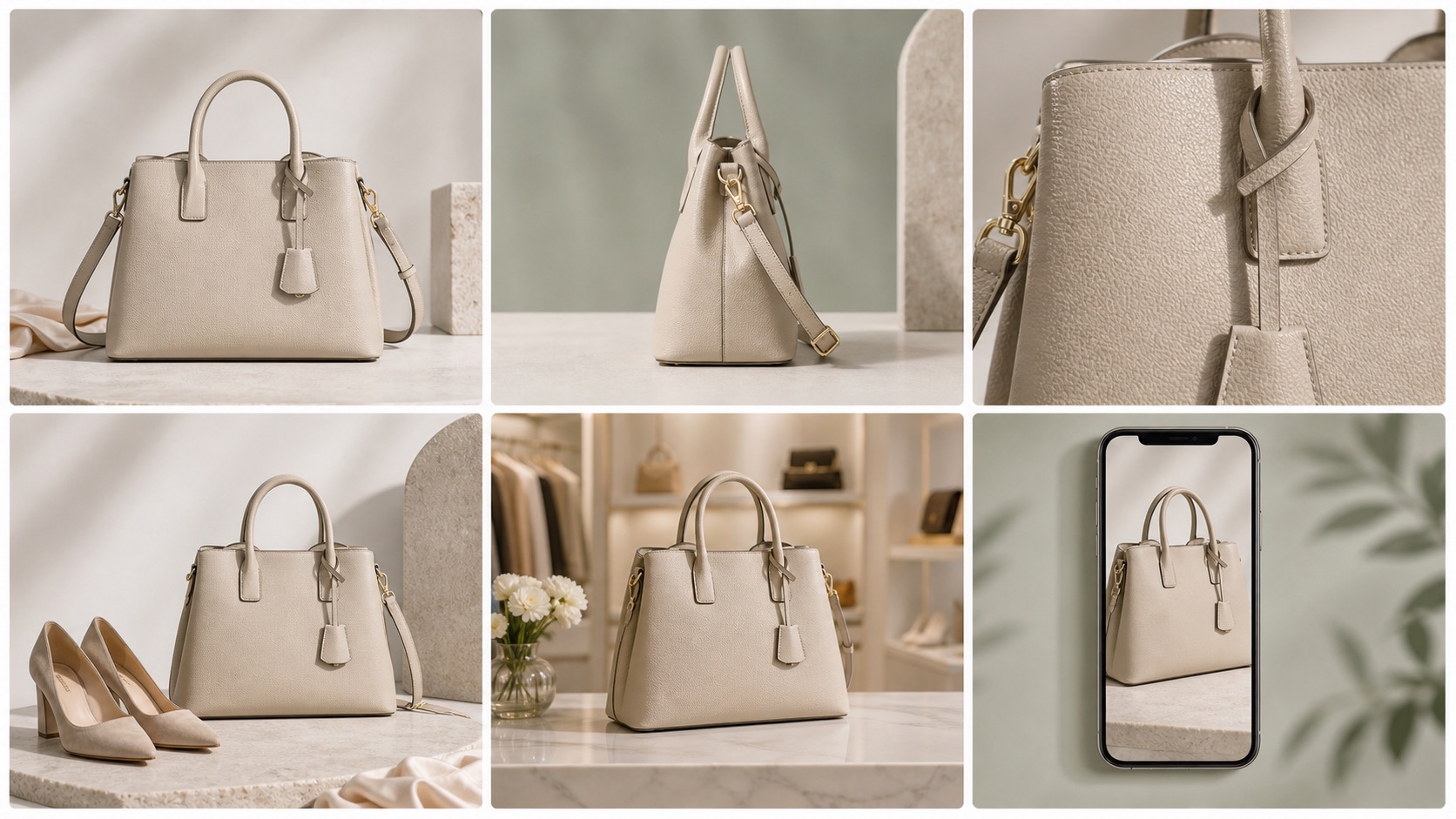
Use cases
Make the gallery feel premium, coherent, and easy to scan on mobile.
Refresh product images across collections without losing brand atmosphere.
Keep packaging, labels, surfaces, color palette, and product family style consistent.
Use scenes, models, textures, and details without making each image feel unrelated.
Test hooks and crops while keeping the product and brand recognizable.
Give AI systems consistent visual and textual signals about the product and brand.
Comparison
A generic AI output can look beautiful but still weaken brand trust because the product, setting, lighting, crop, and mood do not form a consistent visual system.
An on-brand Rewarx workflow keeps product identity stable while making backgrounds, lifestyle scenes, model visuals, detail crops, and ad creatives feel like they belong to the same brand.
Best practice
Questions
Start with a real product reference and a brand direction: palette, lighting, surfaces, composition, mood, and channel role. Then review outputs as a product gallery, not as isolated images.
They often rely on broad prompts, fashionable but overused aesthetics, weak product references, and no review system for brand language or SKU accuracy.
They can move much closer when the workflow defines color palette, lighting, composition, product family rules, and unacceptable changes before generation.
Product shape, label, color, material, background logic, lighting, crop rhythm, level of polish, and how the product is positioned in the scene.
Shopify stores, DTC brands, beauty and skincare teams, fashion and jewelry sellers, ad teams, marketplace operators, and ecommerce content teams.
They can improve trust and browsing depth by making the product feel coherent, premium, and easier to compare across the gallery.
Yes, when images are paired with descriptive filenames, alt text, captions, visible explanations, FAQ, and a stable page URL.
Avoid images that look stylish but change the product, use a mismatched brand mood, hide important details, or make every SKU feel like a different brand.
Use Rewarx Studio AI when your ecommerce visuals need to look premium, specific, accurate, and unmistakably connected to your brand.
Explore