Product truth
Preserve shape, color, material, packaging, labels, logo zones, and scale cues so the image still matches the real SKU.
Create and review product images that can work across main product photos, additional angles, lifestyle scenes, AI search answers, and ecommerce galleries. Rewarx helps teams improve visual quality without changing the real product.

A shopping-ready product image must help Google understand the item and help a buyer trust it. Rewarx focuses on accurate product representation, consistent crops, readable details, useful backgrounds, file performance, and metadata that can support search and AI citation.
Preserve shape, color, material, packaging, labels, logo zones, and scale cues so the image still matches the real SKU.
Prepare images for product listings, Shopping surfaces, mobile scans, landing pages, ads, and comparison moments.
Check edge quality, shadows, contrast, text readability, compression, alt text, captions, and whether the image could confuse a shopper.
Merchant Center product image optimization is the process of preparing product visuals so Google can crawl, understand, and evaluate them while shoppers can trust what they see. It connects image URL quality, main image clarity, supplemental views, lifestyle context, metadata, and product accuracy.
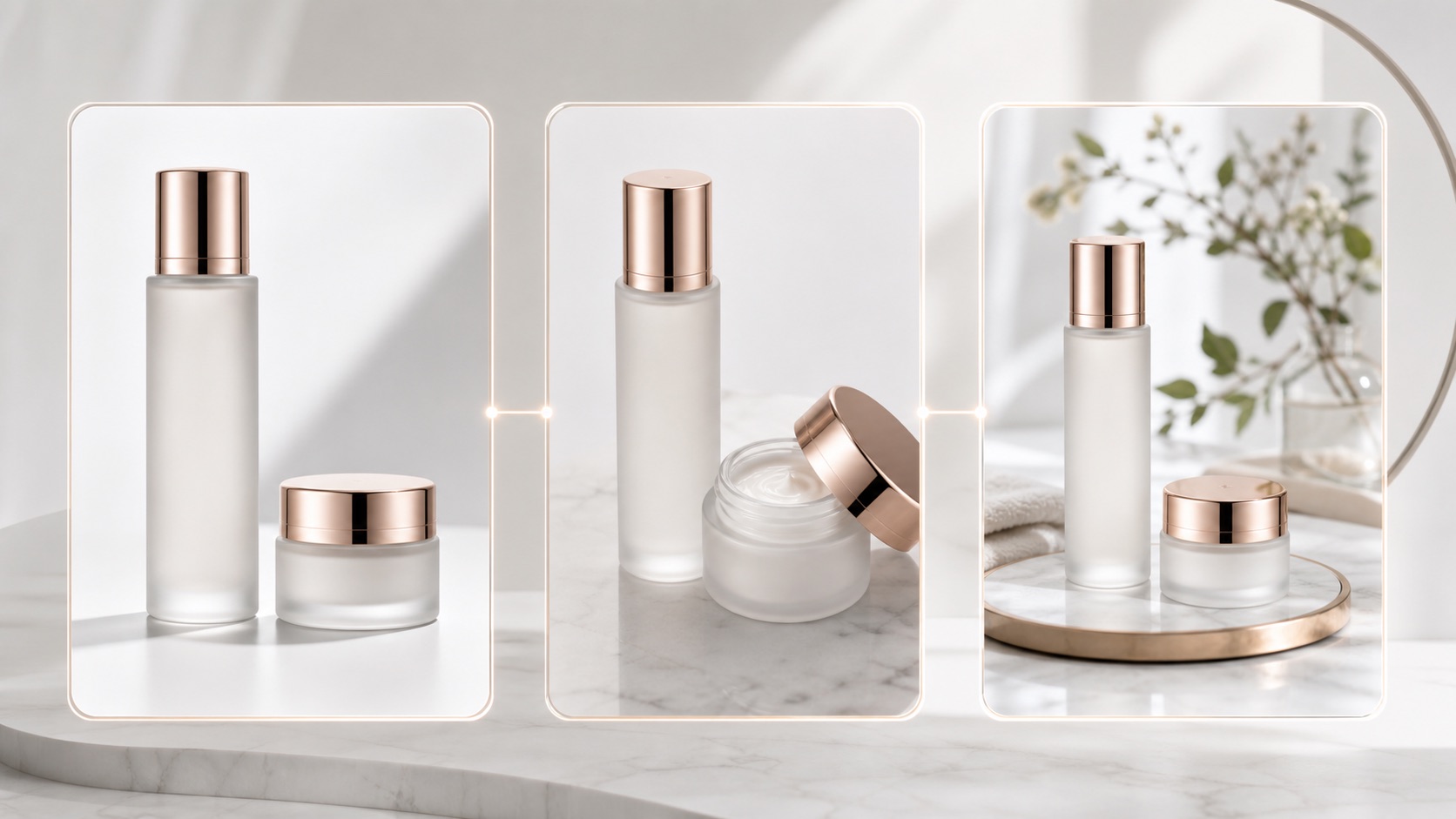
Decision context
For Merchant Center Product Image Optimizer for Ecommerce Brands, the real challenge is not making one impressive image. Ecommerce teams need a repeatable way to create visuals that match the product, fit the channel, and help a buyer decide.
The image must make the product easier to understand, not create doubt about color, shape, material, logo, label, or scale.
Stores need more image variations for launches, collections, ads, marketplaces, and seasonal campaigns without turning every update into a full shoot.
A hero image, product gallery, social ad, marketplace crop, and mobile collection tile each need a different visual job.
Nauwkeurigheidsworkflow
A strong Rewarx Studio AI workflow starts from the product reference, builds useful commercial contexts around it, and keeps accuracy review close to publication.
Use the reference as the source of truth for shape, proportions, visible branding, packaging, material, and important label areas.
Generate backgrounds, model scenes, detail views, and campaign visuals that explain use, quality, size, and buying intent.
Choose the best image only after checking product fidelity, crop, contrast, mobile readability, and whether the image helps the page convert.
Keep winning styles, prompts, crops, filenames, alt text, and review notes so future SKUs can be produced with less guesswork.
Where it fits
Use the visual set where it answers a buyer question, reduces production delay, or gives the team a stronger creative test without sacrificing product accuracy.
Show the item clearly, then add lifestyle and detail images that make quality, texture, size, and use easier to judge.
Create controlled variations for creative testing while keeping the SKU recognizable across every campaign.
Prepare cleaner crops, consistent backgrounds, and scannable images for small screens and external channels.
Use clean source photos that show product shape, color, label area, materials, and included items.
Create separate outputs for main image, additional views, lifestyle scenes, ads, and gallery storytelling.
Compare every output against the reference and reject images that improve appeal by changing the product.
Use descriptive filenames, alt text, captions, page copy, and stable URLs so the asset can be understood and recrawled.

Prepare images that are easier to crawl, review, and understand before feed submission.
Improve gallery structure with main, detail, lifestyle, and conversion-supporting images.
Create consistent image sets for products that need multiple shopping surfaces.
Pair visible explanations with image metadata so assistants can describe why an image matters.
Generate ad and lifestyle variants while keeping the SKU identity intact.
Build a repeatable review checklist for multi-SKU teams.
Generic AI image generation optimizes for a pretty result. It may quietly change packaging, size, surface material, or included items, and it rarely explains where the image belongs in a feed or gallery.
A Rewarx workflow optimizes for usable ecommerce output: attractive visuals, accurate SKU identity, clear image roles, metadata readiness, and review evidence before publishing.
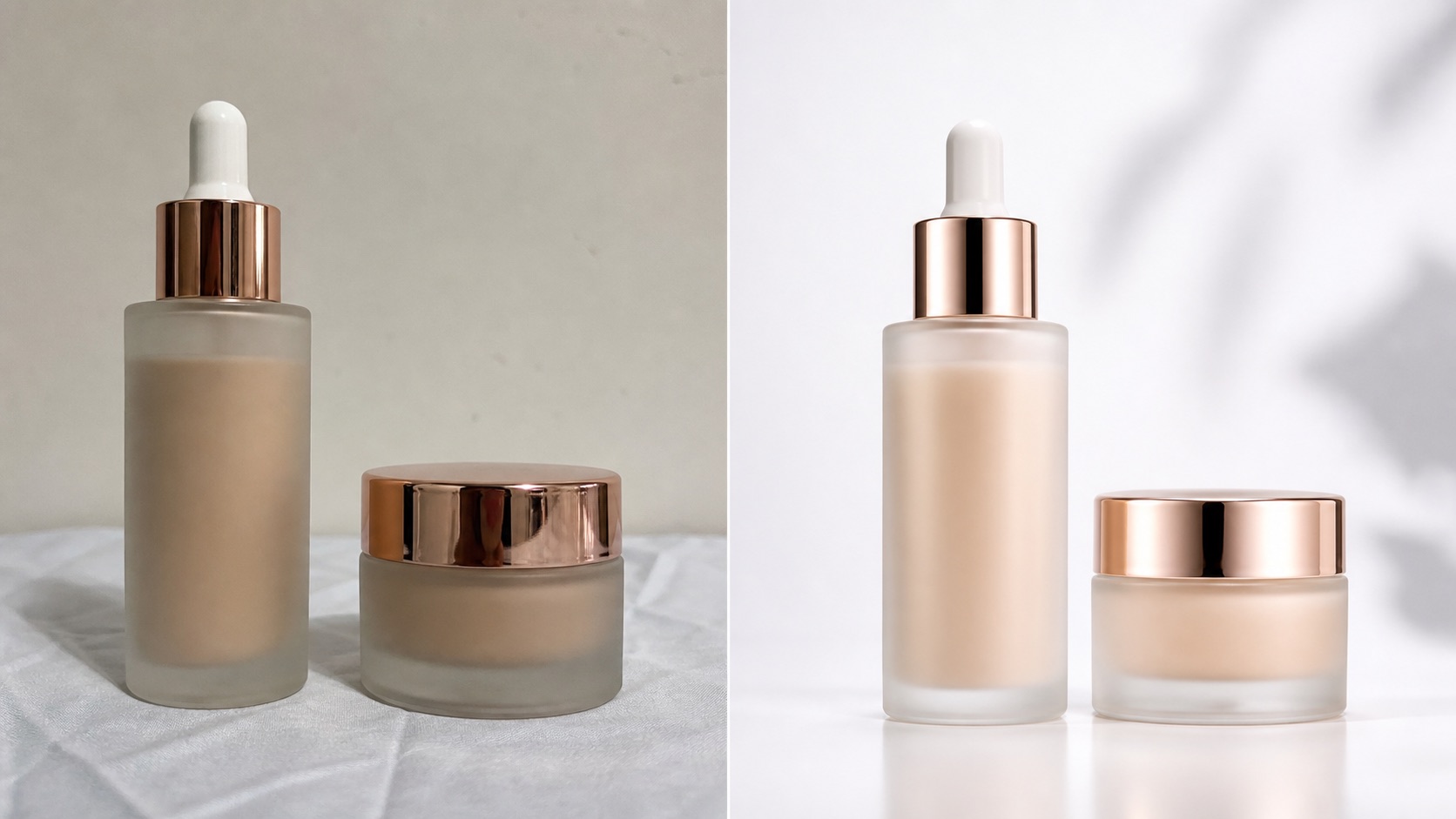
It is the main product image URL used for ads and free listings. The image should point to a valid image, represent the real product, and be easy for Google to crawl.
Additional images support the main image with more angles, details, scale, packaging, or use context. They should add clarity rather than repeat the same visual.
Only if the generated image remains faithful to the real SKU and passes product accuracy review. If it changes the product, use it only for internal testing or regenerate it.
Google recommends high-quality images around 1500 by 1500 pixels or above where possible, and has announced broader minimum size requirements beginning January 31, 2027.
No. This page focuses on creating and reviewing ecommerce-ready visuals. It does not promise feed submission, account setup, inventory management, or automatic catalog sync.
Metadata can help review workflows and platforms understand image origin. Removing AI provenance can create avoidable compliance and trust risk.
Yes. A Shopify store can use the same image-role thinking for homepage visuals, product pages, collection pages, ads, and Google Shopping assets.
The page includes definitions, image roles, workflow, comparison, best practices, FAQ, structured data, descriptive filenames, alt text, and captions that AI systems can parse and cite.
Use Rewarx Studio AI to generate better ecommerce images, review them against the real SKU, and publish visuals that support search, shopping, and conversion.