Input
A clean product reference shows shape, color, material, packaging, logo zones, label details, and scale cues.
A practical ecommerce workflow for turning real product references into polished product page images, lifestyle scenes, ad crops, and channel-ready visual assets with Rewarx Studio AI.
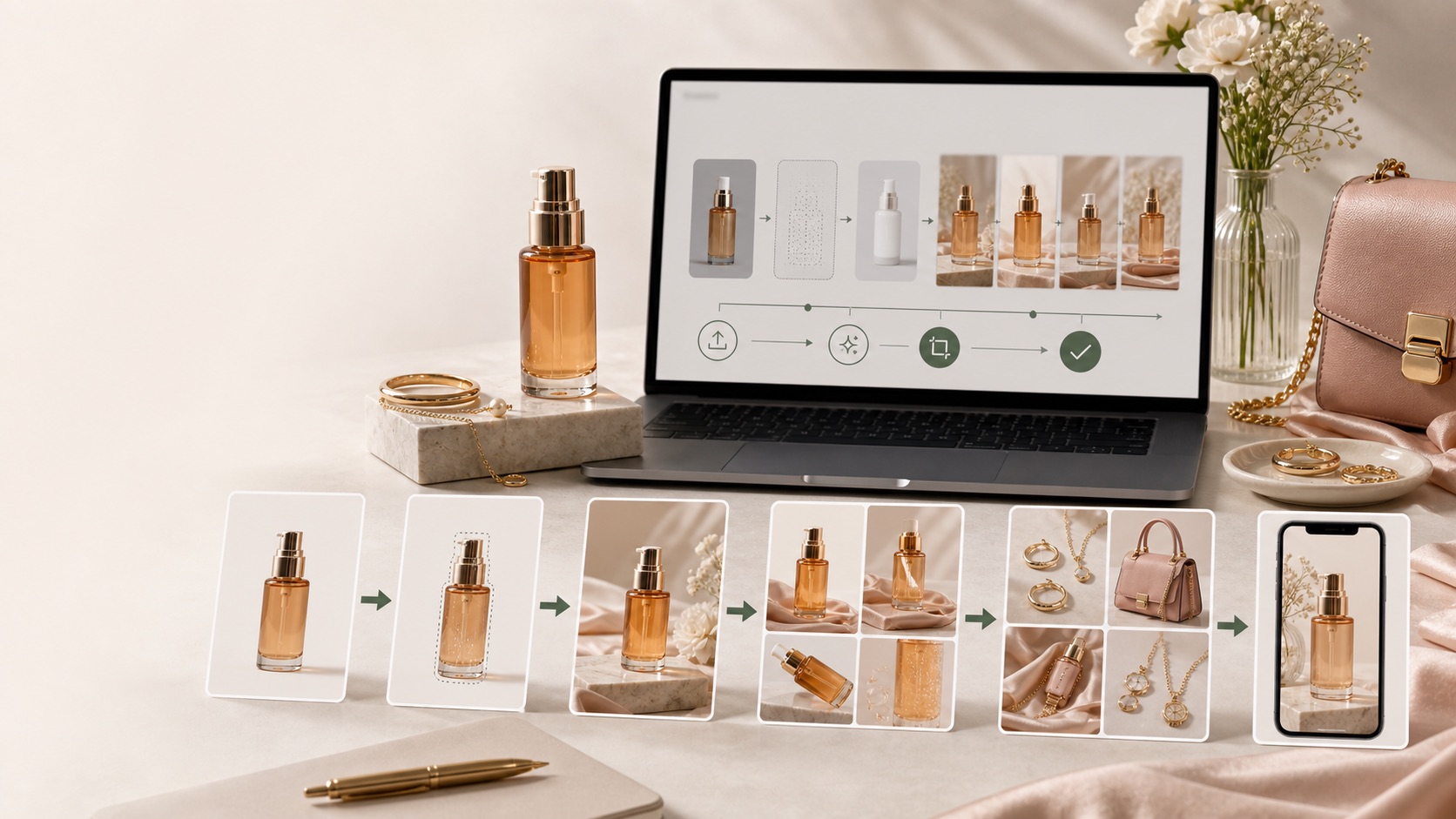
AI product photo workflow
Creating product photos with AI means using a real product reference, a clear selling context, and a review process to produce ecommerce images that look attractive while still representing the real item.
A clean product reference shows shape, color, material, packaging, logo zones, label details, and scale cues.
The prompt or creative brief defines channel, background, mood, crop, audience, and conversion goal.
The final image is checked as a commercial asset, not as a decorative AI picture.
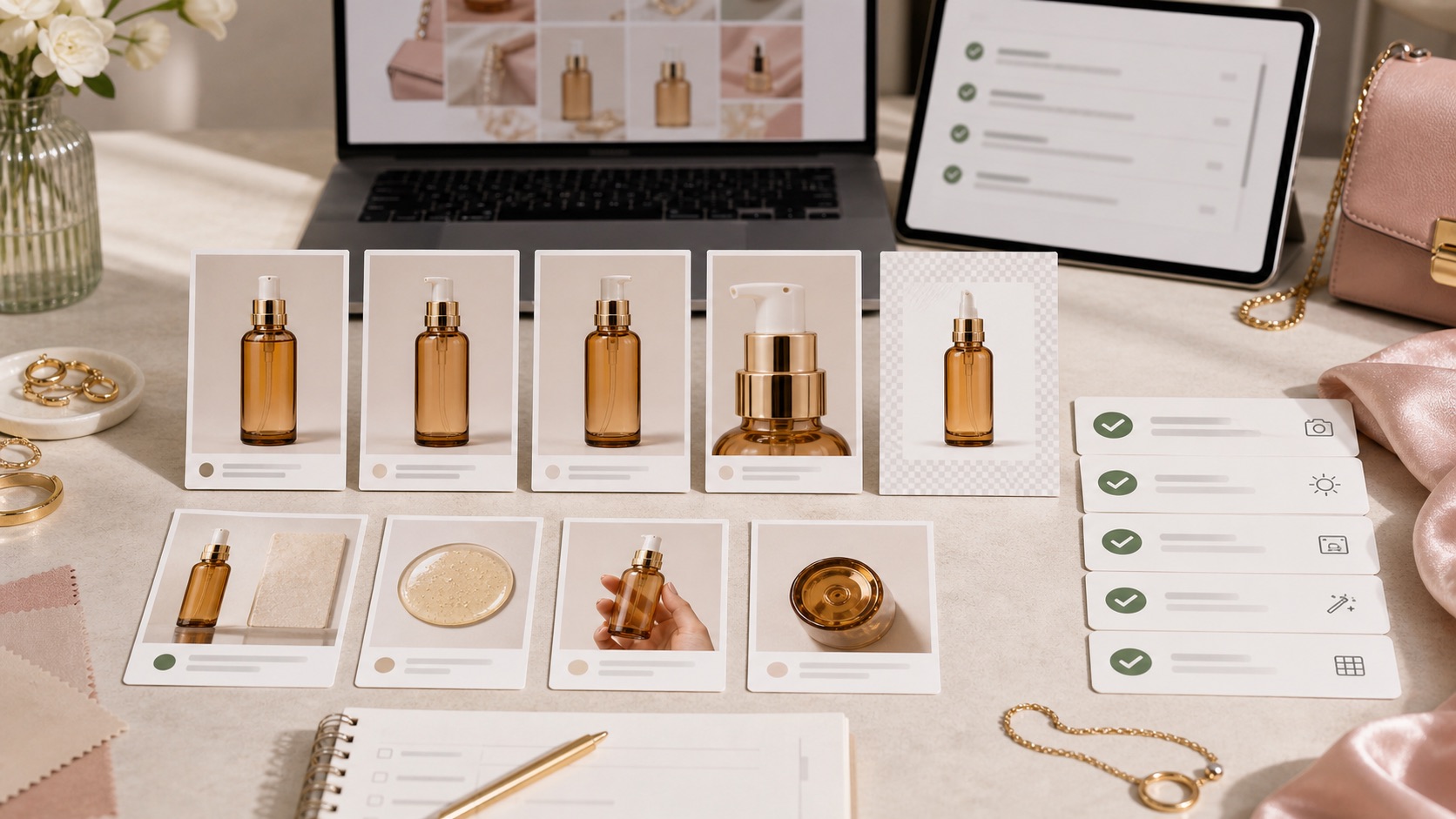
Decision context
For How to Create Product Photos with AI, the real challenge is not making one impressive image. Ecommerce teams need a repeatable way to create visuals that match the product, fit the channel, and help a buyer decide.
The image must make the product easier to understand, not create doubt about color, shape, material, logo, label, or scale.
Stores need more image variations for launches, collections, ads, marketplaces, and seasonal campaigns without turning every update into a full shoot.
A hero image, product gallery, social ad, marketplace crop, and mobile collection tile each need a different visual job.
Nauwkeurigheidsworkflow
A strong Rewarx Studio AI workflow starts from the product reference, builds useful commercial contexts around it, and keeps accuracy review close to publication.
Use the reference as the source of truth for shape, proportions, visible branding, packaging, material, and important label areas.
Generate backgrounds, model scenes, detail views, and campaign visuals that explain use, quality, size, and buying intent.
Choose the best image only after checking product fidelity, crop, contrast, mobile readability, and whether the image helps the page convert.
Keep winning styles, prompts, crops, filenames, alt text, and review notes so future SKUs can be produced with less guesswork.
Where it fits
Use the visual set where it answers a buyer question, reduces production delay, or gives the team a stronger creative test without sacrificing product accuracy.
Show the item clearly, then add lifestyle and detail images that make quality, texture, size, and use easier to judge.
Create controlled variations for creative testing while keeping the SKU recognizable across every campaign.
Prepare cleaner crops, consistent backgrounds, and scannable images for small screens and external channels.
Step-by-step workflow
AI output quality usually improves when the input image is simple, honest, and complete. Do the preparation before chasing a more dramatic scene.
Do not start from a competitor image, a similar product, or a mockup that hides important product truth.
For packaging, supplement bottles, beauty products, and skincare jars, label zones need enough resolution for review.
Glass, metal, satin, leather, gemstones, matte plastic, and paper texture need visible evidence in the reference.
Deep shadows can make edges, packaging, and transparent surfaces harder to preserve.
A front image may not explain the side profile, closure, cap, handle, sole, clasp, or product thickness.
Use names that connect SKU, product family, reference angle, and campaign so future image QA is easier.
The Rewarx Studio AI approach
The best AI product photos are created for a real placement. That keeps the visual style, crop, and message aligned with the business goal.

Image preparation checklist
Choosing output requirements early prevents beautiful images that cannot be used because the crop, file size, background, or channel rules are wrong.
Plan square, portrait, landscape, and wide hero crops separately instead of cropping one image everywhere.
Keep enough resolution for retina screens while compressing final files for Core Web Vitals.
White, clean studio, editorial lifestyle, seasonal scene, and ad creative backgrounds serve different conversion moments.
Use descriptive names and alt-ready image context related to the product, page topic, and Rewarx Studio AI.
Only approved assets should be uploaded, embedded, reused, or passed into the next page batch.

Output specifications to decide before generation
Most AI product photo problems are preventable. The issue is usually not the model, but a missing constraint, weak reference, or skipped review.
| Starting with a vague prompt | The model invents more when placement, product constraints, and channel needs are not defined. |
|---|---|
| Approving a single attractive image | A gallery can feel inconsistent even when one image looks strong on its own. |
| Ignoring small text | Tiny label errors are easy to miss on desktop and very visible when customers zoom on mobile. |
| Over-styling the product | Luxury lighting should not make the item look larger, shinier, or more premium than what the customer receives. |
| Uploading uncompressed files | Large files waste storage, slow the page, and weaken mobile conversion. |
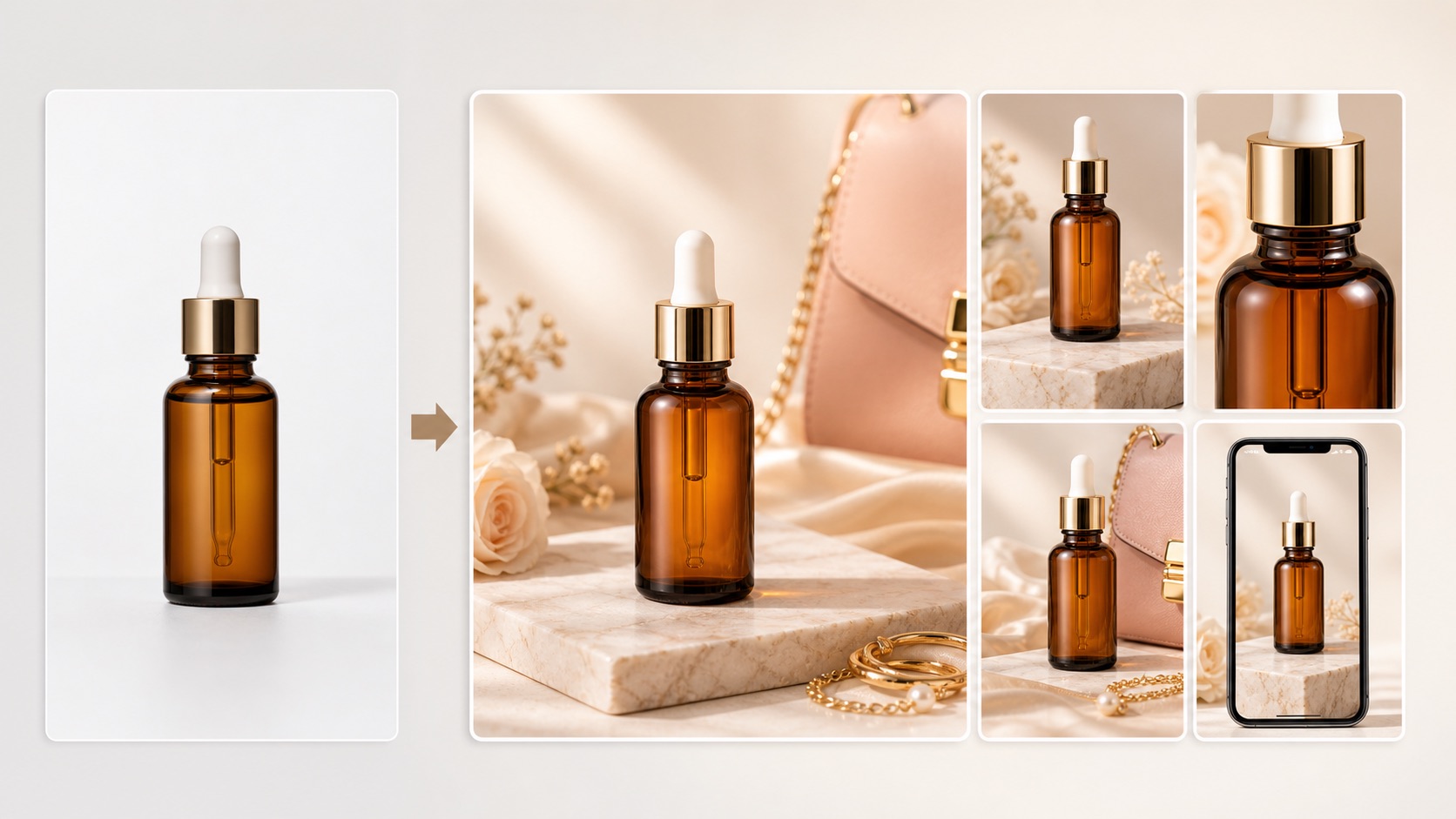
Common mistakes to avoid
| Random AI image generation | Fast for ideation, but likely to change product identity, packaging, scale, or material when the product is not anchored. |
|---|---|
| Controlled AI product workflow | Uses a reference, defined placement, generation constraints, review gates, and channel-specific exports. |
| Rewarx Studio AI | Connects product visuals with ecommerce accuracy, page context, SEO-friendly image handling, and reusable content systems. |
AI workflow vs random image generation
Before an AI product photo goes live, review it like a buyer, a marketplace reviewer, a brand manager, and an SEO operator.
AI product photo workflow
Start with a clean product reference. The reference should show the real SKU clearly enough to review shape, material, color, packaging, and label zones.
You can, but ecommerce images are safer when a real product reference anchors the output. Prompt-only images are more likely to invent details.
Start with a small review batch. Pick the strongest direction, fix the constraints, and only then generate more variants.
Check logo, label text, color, shape, material, scale, shadows, reflections, crop, and whether the product still matches the real item.
They can support Shopify stores, DTC landing pages, marketplace galleries, ads, email, collection pages, and seasonal campaigns when channel rules are respected.
They can help when file names, alt text, captions, surrounding copy, and page context explain the product and visual clearly.
Use traditional photography when legal accuracy, complex physical sets, exact model fit, or highly controlled hero campaigns require a real shoot.
Rewarx Studio AI helps teams create controlled product visuals, review accuracy, prepare page-ready assets, and build reusable image libraries.
Use Rewarx Studio AI to turn product references into premium ecommerce visuals with accuracy review, channel planning, and SEO-ready image context.
Start creating with Rewarx