Product accuracy
Keep the real product as the source of truth across shape, color, label, logo, material, scale, and included items.
Rewarx helps ecommerce teams use bulk AI tools without turning scale into visual chaos: batch backgrounds, lifestyle contexts, ad frames, mobile crops, metadata-ready files, and review-ready product-image outputs.

Why this matters
Bulk AI tools can save production time, but they can also multiply mistakes. One weak prompt or template can shift product color, crop labels, lose scale, create inconsistent galleries, or produce hundreds of assets nobody should publish.
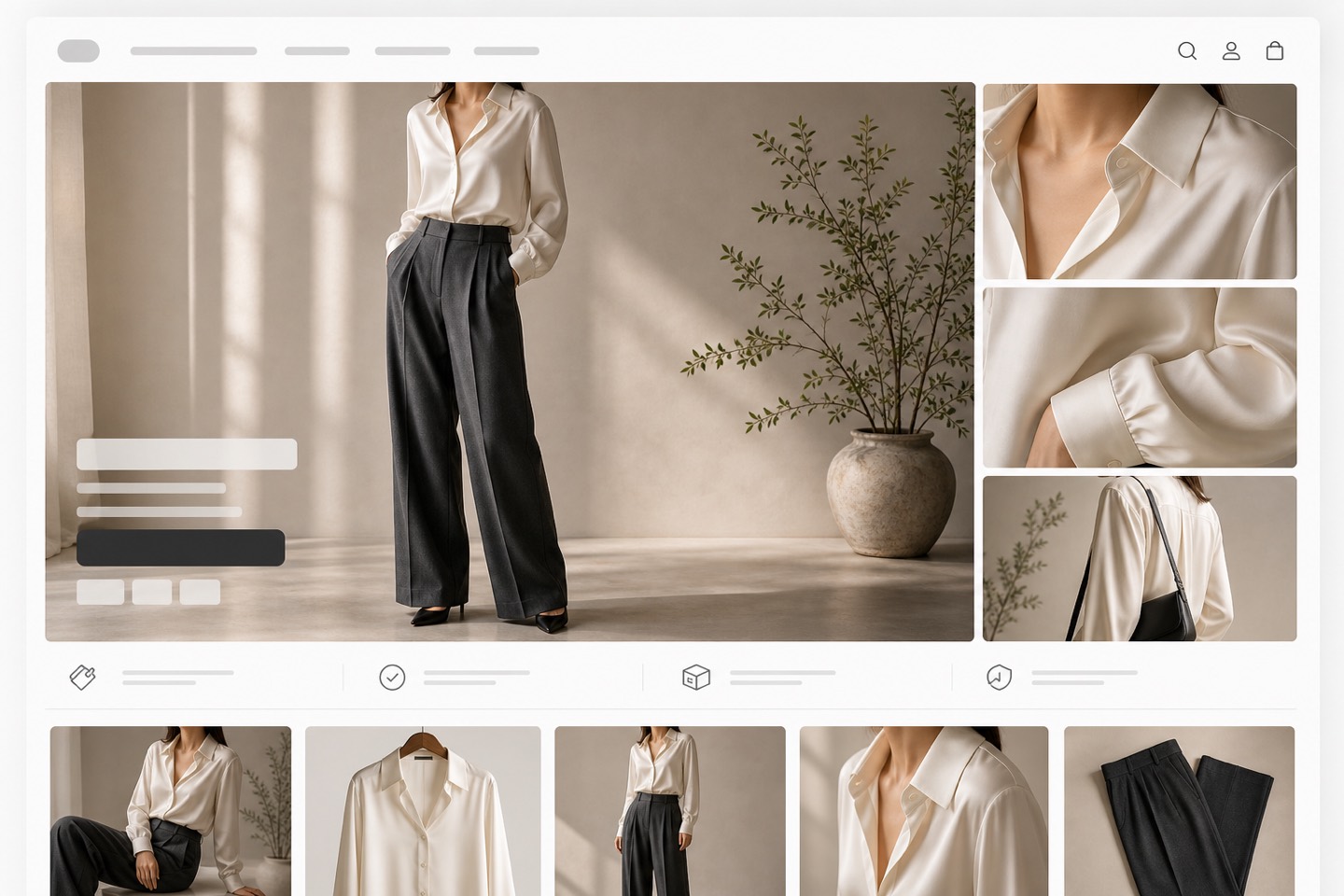
What a publish-ready image system needs
Keep the real product as the source of truth across shape, color, label, logo, material, scale, and included items.
Prepare images for Shopify product pages, collection grids, marketplaces, ads, and AI search surfaces.
Make the product easy to understand on narrow screens, thumbnails, feeds, and product cards.
Use a repeatable visual system so a catalog looks premium instead of stitched together from unrelated one-off images.
Preserve filenames, alt text, titles, captions, and AI-image metadata signals where channels need them.
Check whether each image helps discovery, comparison, trust, and action before it reaches shoppers.
Workflow
A Rewarx bulk workflow pairs generation with review. Teams define image roles, create controlled batches, compare every output against the real product, check consistency, prepare metadata, compress assets, and approve only images that are useful for ecommerce.
Start with a real product reference and a clear channel goal.
Create controlled variations for the exact placement, audience, and visual role.
Check product accuracy, metadata, crop, mobile clarity, and commercial usefulness.
Publish only assets that improve presentation without misleading shoppers.
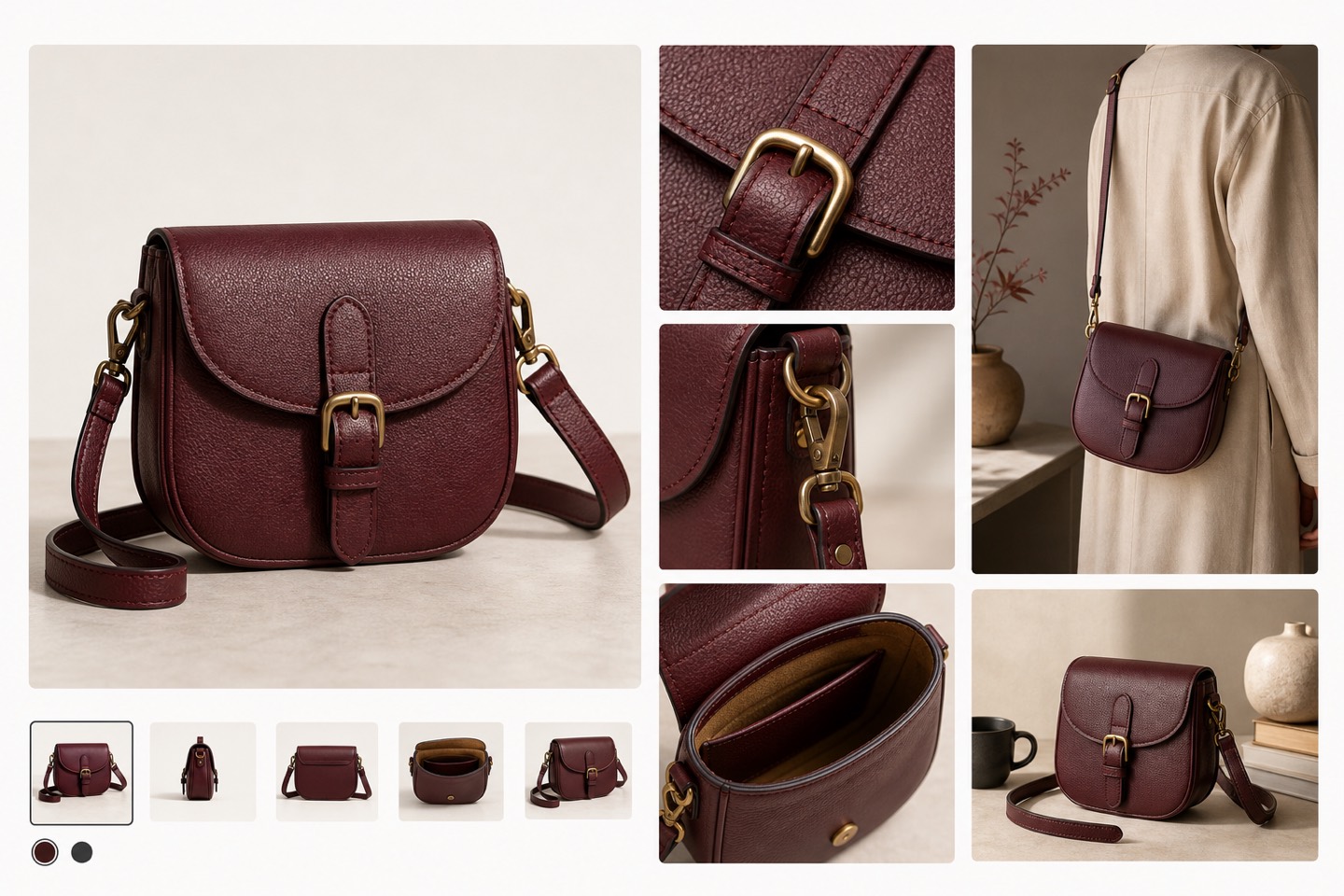
Where teams use it
Build a first image, gallery sequence, detail crop, and lifestyle visual that all describe the same SKU.
Check clean backgrounds, readable product details, crop discipline, and channel rules before publishing.
Create controlled variations for hooks, crops, lifestyle contexts, and product-first ad frames.
Make thumbnails clear enough for fast scanning without losing brand quality.
Give crawlers and AI systems visible context, accurate filenames, alt text, captions, and page-level explanations.
Refresh older visuals in a consistent system while keeping product identity stable.
Before vs after
Generic AI outputs may look polished but can change product shape, color, label detail, scale, or marketplace fit.
A controlled Rewarx workflow produces a cleaner gallery, stronger first impression, clearer mobile scan, and fewer risky AI artifacts.
FAQ
They are workflows for creating many product-image variants across SKUs, backgrounds, channels, and campaigns while keeping product accuracy and review controls in place.
Use it for catalog refreshes, seasonal campaigns, marketplace image sets, ad creative testing, collection imagery, and repeatable product-page galleries.
Errors scale quickly: wrong colors, altered labels, missing parts, fake shadows, inconsistent crops, heavy files, weak metadata, and images that do not match the real SKU.
Review by SKU, image role, channel, accuracy risk, mobile clarity, file performance, metadata, and whether each asset helps a buyer understand the product.
No. Rewarx focuses on AI product image creation and review workflows. Teams use approved assets in their existing ecommerce systems.
Start with a small high-value category, create a controlled set of hero, white-background, lifestyle, and ad images, review quality, then expand to more SKUs.
Create product visuals that look better without changing the product: A Rewarx bulk workflow pairs generation with review. Teams define image roles, create controlled batches, compare every output against the real product, check consistency, prepare metadata, compress assets, and approve only images that are useful for ecommerce.