Edge halos
Light or dark outlines around the product make a cutout look pasted and low quality.
Use Rewarx to review AI-edited product photos for halos, jagged cutouts, missing parts, color drift, label blur, weak shadows, and product accuracy before Shopify product pages, galleries, ads, and AI Search surfaces.

AI product image artifacts are visible mistakes created when software separates a product from its original scene. Common artifacts include edge halos, jagged contours, missing product parts, product drift, fake shadows, color spill, blurry labels, broken transparency, and reflections that no longer match the product surface.

In ecommerce, a cutout is not successful just because the background disappeared. If the product edge looks damaged, the shadow is gone, or a label becomes unreadable, shoppers may question the quality of the product and marketplaces may reject or flag the image.
Rewarx treats AI product image editing as a product-accuracy task. The workflow keeps the product reference visible, checks edges and shadows, preserves material cues, prepares white-background and replacement-background versions, and reviews images before they become publishable assets.
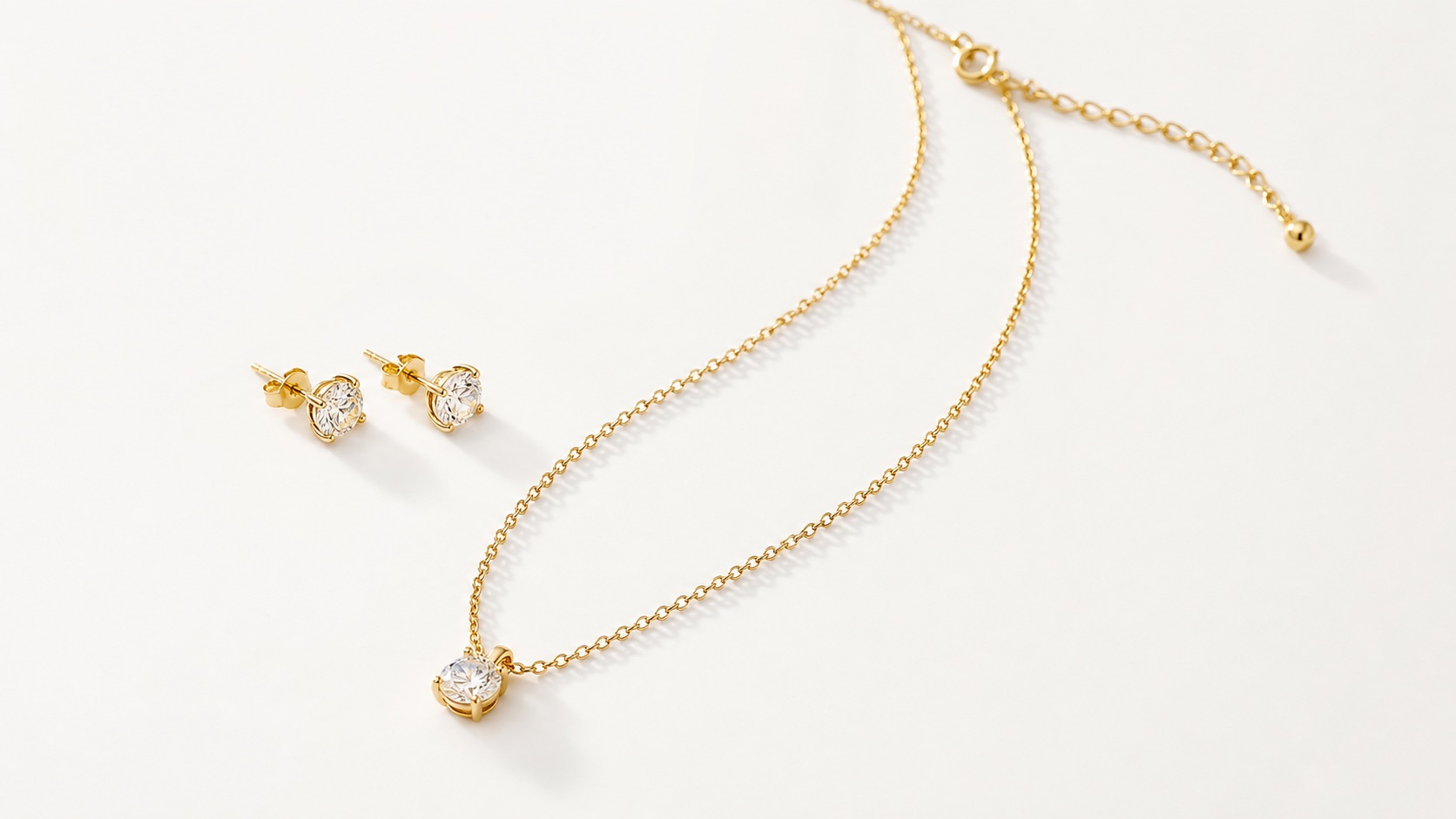
Light or dark outlines around the product make a cutout look pasted and low quality.
Handles, straps, jewelry chains, hair, transparent lids, and fine edges are often removed by mistake.
A product without grounding shadows can look flat, fake, or disconnected from its new background.
Glass, metal, glossy skincare packaging, fabric texture, and labels can change during aggressive AI product image editing.
Keep the real product as the source of truth across shape, color, label, logo, material, scale, and included items.
Prepare images for Shopify product pages, collection grids, marketplaces, ads, and AI search surfaces.
Make the product easy to understand on narrow screens, thumbnails, feeds, and product cards.
Use a repeatable visual system so a catalog looks premium instead of stitched together from unrelated one-off images.
Preserve filenames, alt text, titles, captions, and AI-image metadata signals where channels need them.
Check whether each image helps discovery, comparison, trust, and action before it reaches shoppers.
Start with a real product reference and a clear channel goal.
Create controlled variations for the exact placement, audience, and visual role.
Check product accuracy, metadata, crop, mobile clarity, and commercial usefulness.
Publish only assets that improve presentation without misleading shoppers.

Build a first image, gallery sequence, detail crop, and lifestyle visual that all describe the same SKU.
Check clean backgrounds, readable product details, crop discipline, and channel rules before publishing.
Create controlled variations for hooks, crops, lifestyle contexts, and product-first ad frames.
Make thumbnails clear enough for fast scanning without losing brand quality.
Give crawlers and AI systems visible context, accurate filenames, alt text, captions, and page-level explanations.
Refresh older visuals in a consistent system while keeping product identity stable.
A fast AI cutout may remove the background but leave a halo, crop a handle, erase jewelry chains, flatten a bottle, or turn transparent packaging into a gray blur.
An artifact-detection ecommerce workflow checks edge fidelity, shadow grounding, label readability, color accuracy, material truth, crop safety, and channel rules before publishing.
Artifacts usually happen when the product and background have similar colors, low contrast, complex edges, transparency, reflections, motion blur, compression, or shadows that the model cannot separate cleanly.
Accuracy depends on the source image and product type. Simple solid objects are easier; jewelry, glass, skincare packaging, fashion fabric, straps, reflective metal, and transparent packaging need stricter review.
Use a clear product reference, avoid busy backgrounds, keep full product edges visible, review at high zoom, and compare the output against the original before publishing.
They often lose grounding shadows, edge softness, reflections, or material cues. A clean white background still needs believable contact and product detail.
Jewelry, glass bottles, glossy cosmetics, transparent packaging, lace, hair, fur, straps, handles, white products on white scenes, and reflective metal surfaces are harder.
Yes. Artifacts make a product look cheap, damaged, or inaccurate, which can reduce trust before shoppers read the description.
Indirectly, yes. Better images with descriptive alt text, captions, and stable URLs give search engines and AI systems clearer product context.
Rewarx combines AI editing with product-accuracy review, channel-aware output, and metadata-ready image preparation instead of treating AI product image editing as a one-click cutout only.
Install Rewarx from the Shopify App Store when product image cleanup needs seller review, channel-ready crops, and metadata-aware image context.
Detect AI product image artifacts before Shopify use: edge halos, cut-off details, fake shadows, color drift, label blur, material changes, and image metadata gaps.