Pastel Clothes Look White in Photos? Separate Exposure from Color Cast
Updated November 6, 2026
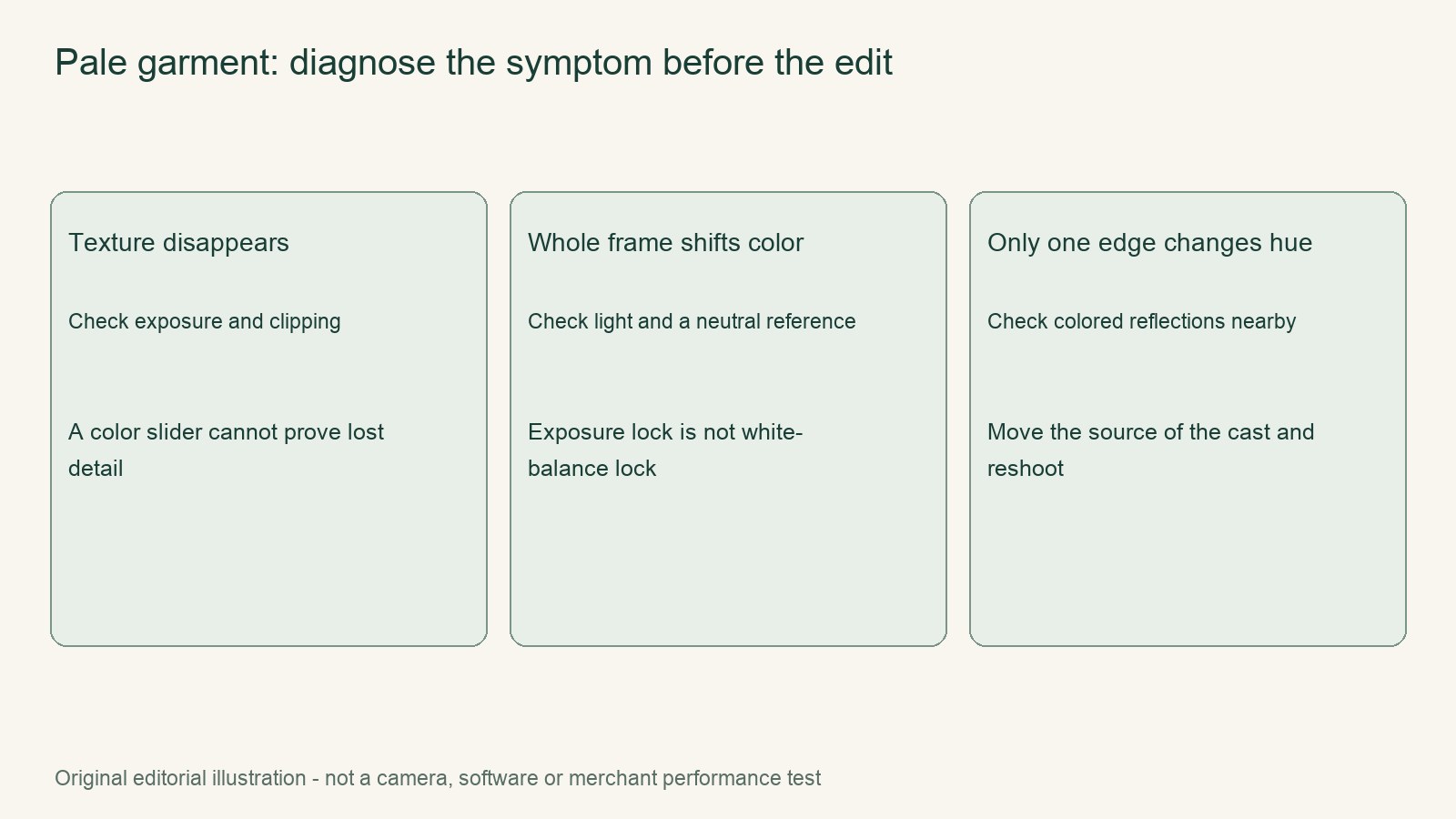
Start here: Treat a pale or oddly colored garment as two separate questions: exposure and color. Missing ribbing or seam detail suggests overexposure and possible highlight clipping. A cast visible throughout the frame suggests a white-balance or lighting color issue. A tint confined to the cardigan calls for a local-light comparison. A neutral reference can diagnose a color cast, but it cannot recreate garment detail that was clipped in the source.
Diagnose the symptom before changing settings
| What you see | Likely diagnosis | First move |
|---|---|---|
| Washed-out cardigan with disappearing texture | Excessive exposure or highlight clipping | Make a lower-exposure comparison |
| The whole frame shares the same cast | White balance or illumination color | Compare against a neutral reference |
| Only part of the cardigan looks tinted | A local reflected tint | Compare the garment under controlled light |
The practical rule is to preserve recoverable detail first and correct color second. Increasing saturation is not a substitute for unclipped exposure: it may make a garment pinker without restoring the neckline ribbing or pale seam detail that should be visible.
Washed-out texture: test exposure without inventing detail
Keep the same cardigan, framing, lighting, and camera setup, then make one lower-exposure comparison using the camera’s exposure control. There is no fixed EV prescription for this test. The point is simply to determine whether a lower exposure retains detail that the original frame lost.
Inspect the comparison at the neckline ribbing and along a pale seam. These small, low-contrast features provide a better check than judging the overall pink. Adobe Camera Raw documents histogram highlight-clipping warnings, so treat a warning as evidence that highlights have reached the limit rather than assuming a later edit will reconstruct what is missing.
Profoto’s guidance supports the same distinction: excessive exposure washes out garment details, while insufficient exposure makes garments dark. If the lower-exposure comparison restores separation in the ribbing and seams, keep it as the source candidate. If the garment merely becomes darker, underexposure is not solving the problem either. In either case, do not use stronger saturation to manufacture texture that is absent from the file.
Separate a whole-frame cast from a local tint
For a whole-frame cast, include a neutral reference and use it to diagnose the color shift. If the lower-exposure source preserves detail but the reference still looks off-color, make one white-balance edit based on the comparison. There is no universal Kelvin value or saturation preset that produces the cardigan’s true color.
Apple documents exposure adjustment and AE/AF Lock, but focus and exposure lock are not white-balance lock. Locking focus and exposure can help hold the setup steady during the comparison; it does not freeze or correct white balance. Judge the color edit from the reference and the garment together rather than assuming the lock controlled every visible color variable.
For a local reflected tint, compare the source with the actual cardigan under controlled light. Keep the setup fixed and test one capture variable, such as changing the cardigan’s position relative to the suspected reflection. If the tint affects only the garment while the rest of the frame remains neutral, avoid applying a broad color correction that changes the whole scene. Most importantly, do not recolor areas whose true product color was never visible. Mark that uncertainty as unresolved instead of replacing observation with assumption.
A controlled comparison sequence
- Place the baby-pink cardigan beside a neutral reference and photograph both together.
- Compare that source frame with the actual cardigan under controlled light, focusing on whether the pink matches and whether ribbing and seams remain distinguishable.
- Keep the garment and setup unchanged, then make one lower-exposure comparison.
- Inspect the neckline, pale seams, and any histogram highlight-clipping warning. Select the frame that preserves the most genuine detail.
- If a cast remains, make one edit only: white balance for a whole-frame cast, or no global recoloring for an unresolved local tint.
- Compare the edited candidate with the actual garment once more. Retain the edit only when the controlled comparison supports it.
Seller handoff
- Garment
- Baby-pink cardigan.
- Lighting
- Record the original setup and the controlled comparison conditions.
- Source
- Identify the original frame and note any highlight-clipping warning.
- Candidate
- Record the lower-exposure comparison and, if needed, the single color edit.
- Unresolved
- State any clipped detail, local tint, or garment color that could not be verified.
Continue with the next task
Sources and scope
- Official documentation: www.profoto.com
- Official documentation: helpx.adobe.com
- Official documentation: support.apple.com
Documentation checked November 6, 2026. Rewarx is the publisher. Covers are MiniMax-generated editorial concepts, not measured products or outputs of the tool discussed. Native diagrams and worked examples are labeled illustrations. No customer conversion result, physical product test, live marketplace transaction or hands-on provider benchmark is claimed.